
Orchestrator and automation
Sybra is a swarm manager. Left to its defaults, it will triage incoming work, plan complex tasks, dispatch agents, babysit them, and page you only when it’s stuck. This page explains the machinery.
The orchestrator brain
Section titled “The orchestrator brain”A long-running Claude Code session whose job is to manage the swarm — not do the work.
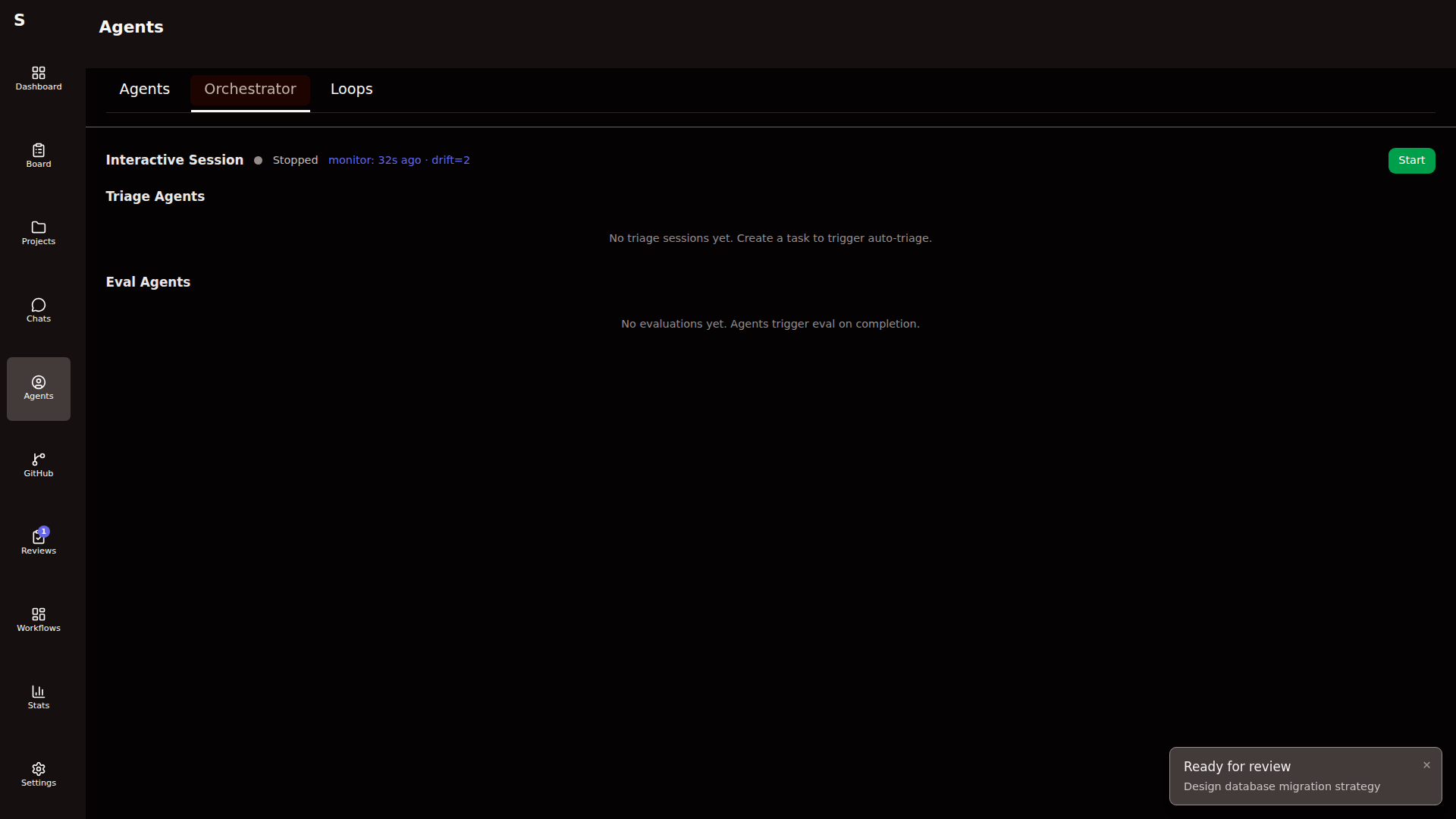
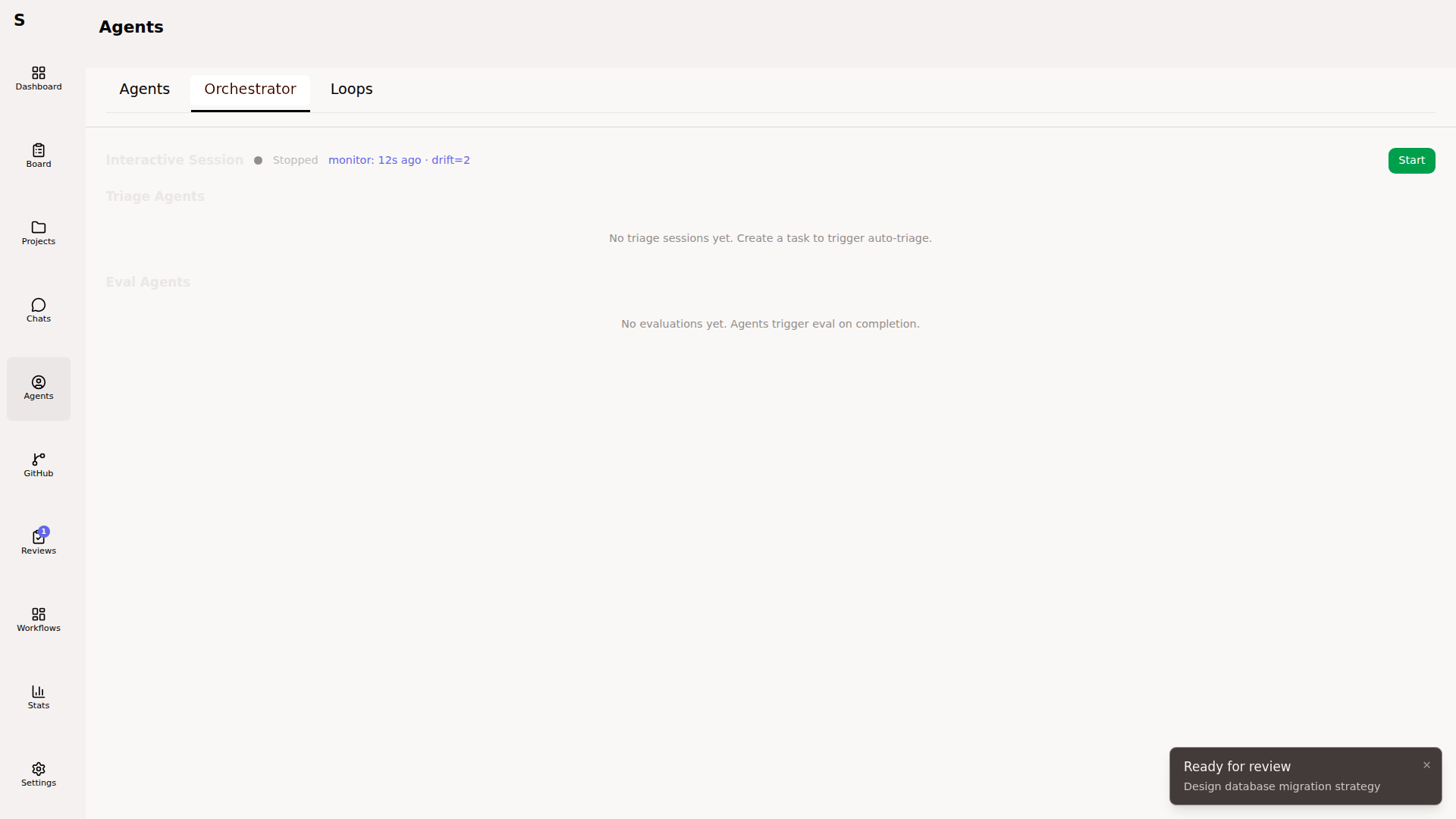
It reads ~/.sybra/CLAUDE.md (synced from the Sybra repo’s orchestrator/CLAUDE.md) at start. That file is the entire brain — system prompt, triage rules, dispatch logic, escalation criteria.
What it does
Section titled “What it does”- Triage cycle. Scans
newtasks, classifies them (type, tags, mode, project), moves them totodo. - Plan cycle. For
medium/largework tasks, dispatches a planning agent, then a plan-critic agent, then waits for your approval. - Dispatch cycle. Respects
agent.max_concurrent. Picks the next ready task and starts an agent. - Monitor cycle. Notices stalled runs, too-costly runs, repeated failures. Kills or escalates.
- Escalation. When unsure, posts a comment to a tracked GitHub issue or flips the task to
human-required.
The orchestrator is conversational. You can type into its console. It respects messages as signals without reinterpreting them as tasks.
When the orchestrator is off
Section titled “When the orchestrator is off”Triage, planning, and dispatch don’t happen automatically. You drive the board by hand: press S to move status, click Start agent to dispatch. Useful for focused sessions where you want deterministic behavior.
Automation knobs
Section titled “Automation knobs”Five independent workers. All live in the main Sybra process. Each has an enabled switch so a single machine can run only what it should.
| Worker | Config key | What it does |
|---|---|---|
| Orchestrator | — | The conversational brain above |
| Triage poller | triage.enabled | Auto-classifies new tasks without the orchestrator |
| Monitor | monitor.enabled | Anomaly detection + auto-remediation |
| SelfMonitor | self_monitor.enabled | Post-hoc judge of agent/workflow quality |
| Provider health | providers.health_check.enabled | Probes Claude/Codex status for auto-failover |
The monitor
Section titled “The monitor”A lightweight in-process loop that runs every monitor.interval_seconds. Detects:
- Lost agents (running longer than
lost_agent_minutes) - Stuck human-required tasks (older than
stuck_human_hours) - Bottleneck columns (tasks held in a status past
bottleneck_hours) - Repeated failure rate above
failure_rate_threshold
On detection, it posts a GitHub issue with the monitor.issue_label to monitor.issue_repo, or dispatches a remediation agent if the pattern is known.
The self-monitor
Section titled “The self-monitor”Runs on an hourly cadence. Its purpose is to learn from past runs, not to fix live ones. Uses a “judge → synthesizer” split:
- Judge (fast model, default Haiku) scores recent runs on a rubric.
- Synthesizer (strong model, default Sonnet) batches findings into a report.
- Ledger at
~/.sybra/selfmonitor/ledger.jsonlrecords every finding with suppression keys so the same issue isn’t reported twice insuppression_days.
Auto-actions (when dry_run: false) can re-triage, kill runaway loops, flag cost outliers.
Loop agents
Section titled “Loop agents”Recurring headless jobs. Persisted per-machine in ~/.sybra/loop-agents/<id>.yaml.
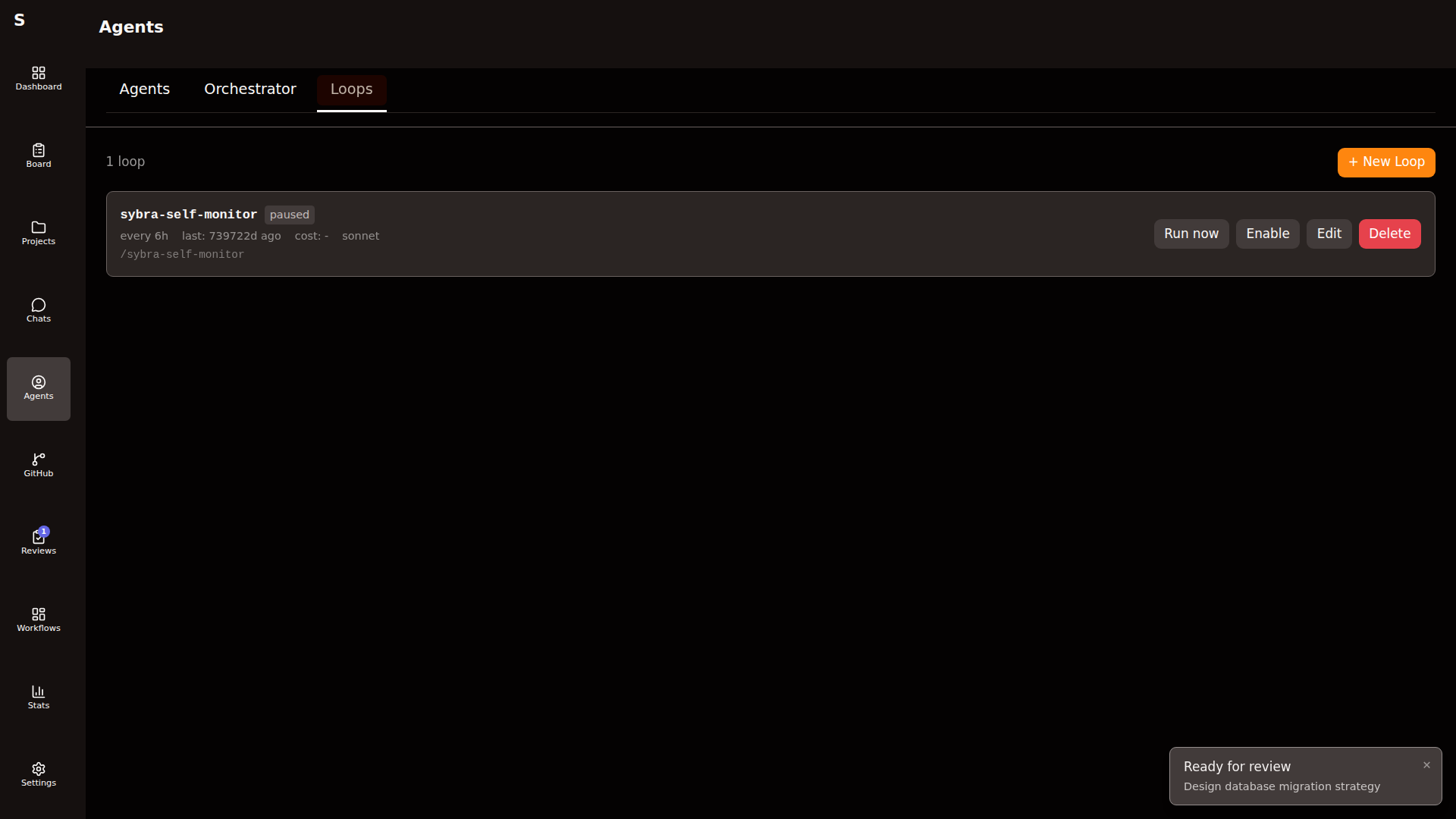
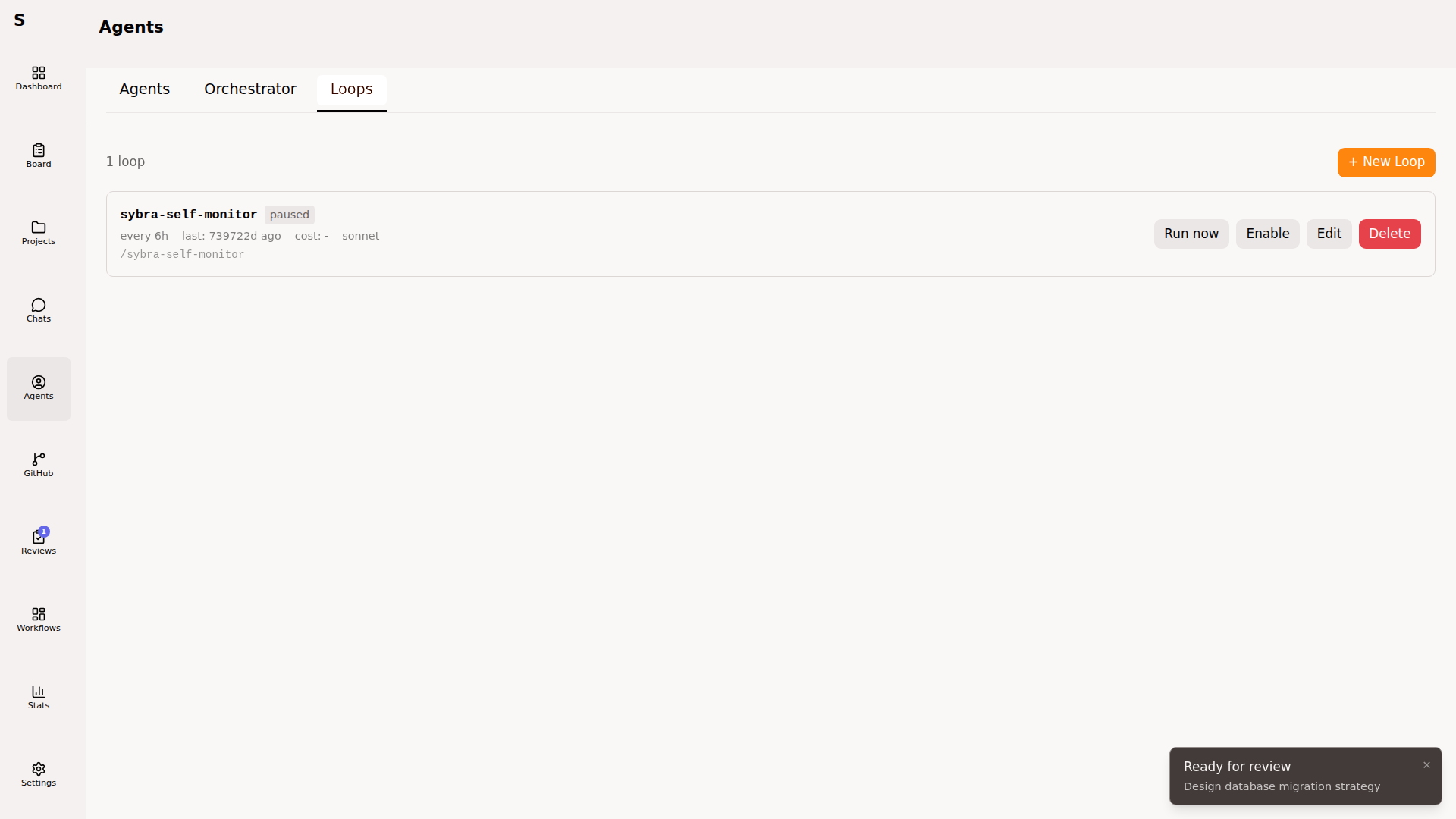
Each loop agent has its own schedule, prompt, allowed tools, model, and enabled flag.
id: loop-babysit-prsname: Babysit PRsprompt: | Review PRs with failing CI. Merge green ones. Flag conflicts.interval_sec: 1800allowed_tools: [Bash, Read, Grep, WebFetch]provider: claudemodel: sonnetenabled: truelast_run_at: 2026-04-16T09:30:00Zlast_run_cost: 0.14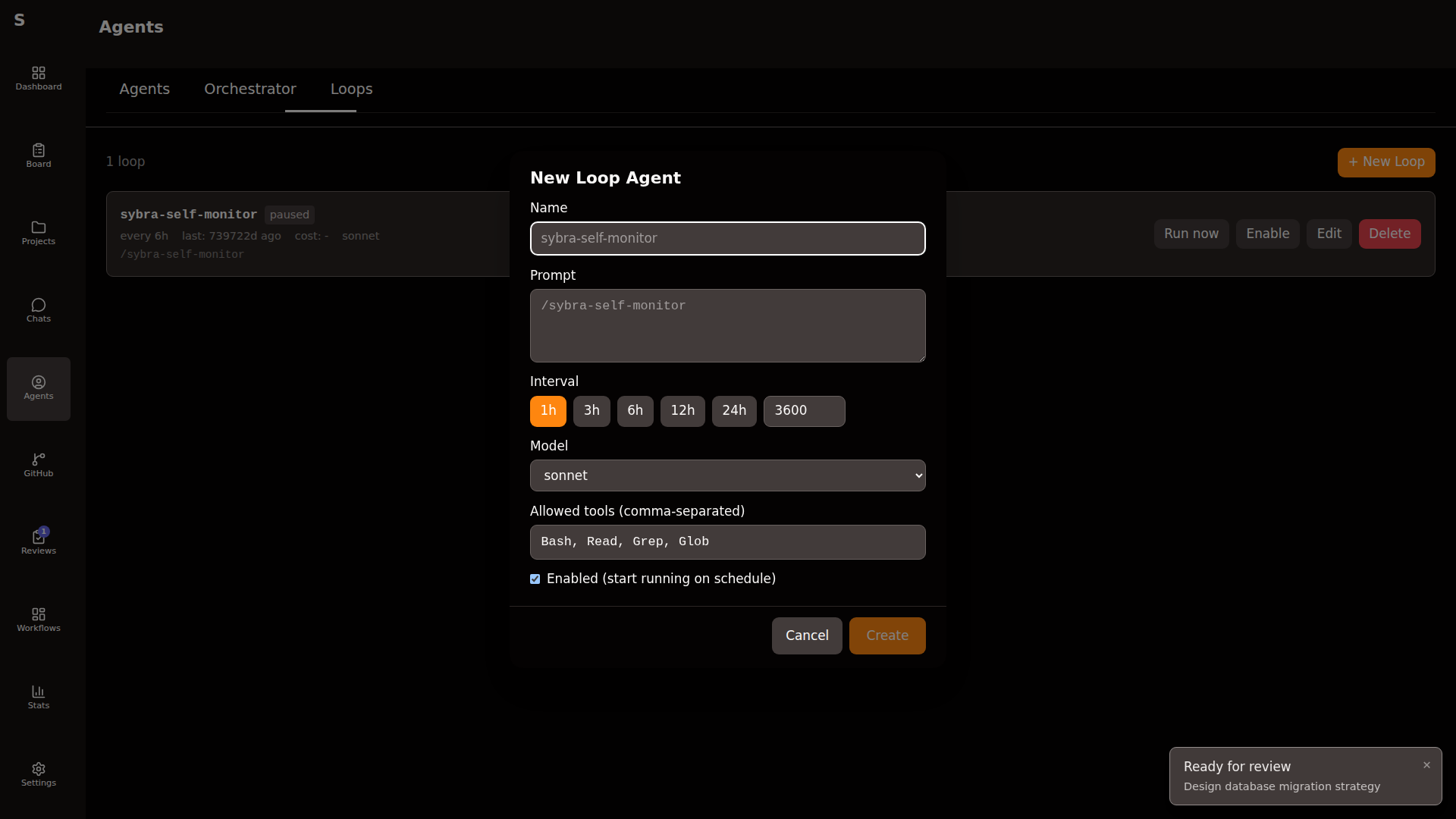
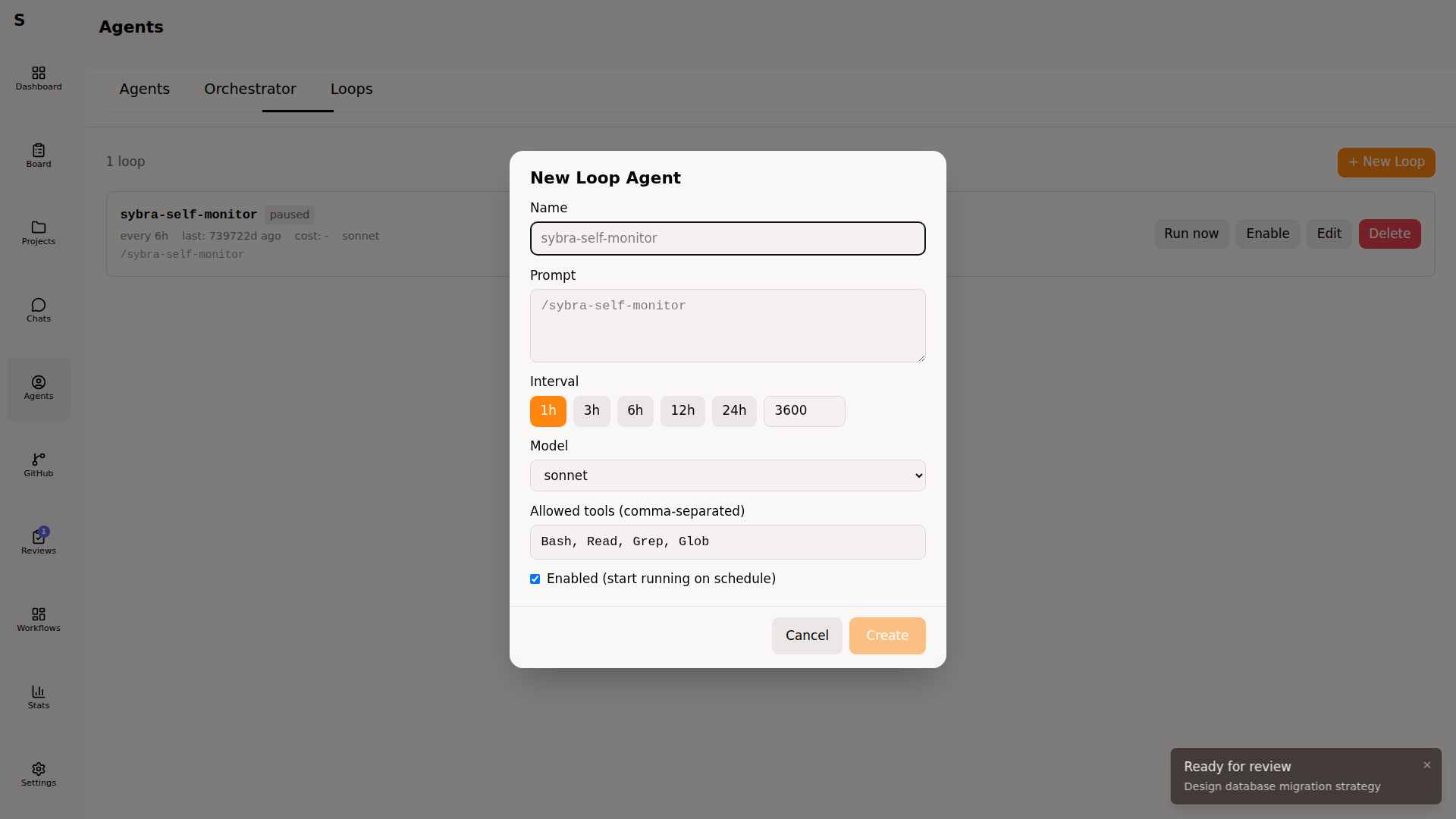
interval_sec has a floor of 60. The loop scheduler is a single ticker — loops don’t run concurrently with each other on the same machine, but they run concurrently with normal agents.
Per-machine routing
Section titled “Per-machine routing”Sybra runs on laptops and servers. Two axes prevent duplicate work when two machines watch the same task directory (via a shared NFS or a remote Sybra server).
Axis 1 — feature kill switches
Section titled “Axis 1 — feature kill switches”Every auto-task source has an enabled flag. A laptop that doesn’t want to handle Renovate sets renovate.enabled: false. A server with no Todoist credentials sets todoist.enabled: false.
Axis 2 — project type allowlist
Section titled “Axis 2 — project type allowlist”The top-level project_types: list declares what project types this machine handles. Empty = all.
# server configproject_types: [pet]todoist: { enabled: true, api_token: "..." }github: { enabled: true }renovate: { enabled: true }# laptop configproject_types: [work]todoist: { enabled: false }github: { enabled: true }renovate: { enabled: true }All project-scoped automations (triage, dispatch, monitor, workflows) filter through the cfg.AllowsProjectType(...) helper. A task tied to a work-type project on the server above will never dispatch there — only on the laptop.
On startup Sybra logs an app.automations summary so you can eyeball the role of each instance.
The Claude Code orchestrator cron (external)
Section titled “The Claude Code orchestrator cron (external)”The orchestrator brain lives inside Sybra. There’s also an external orchestrator: a /sybra-monitor Claude Code cron you schedule via the schedule skill. It’s optional, runs outside Sybra, and reads the state over the HTTP API (if sybra-server is exposed).
Manage it independently per machine. Sybra does not own its lifecycle.
Summary
Section titled “Summary”Sybra’s automation is layered. Pick what fits your day:
| Layer | When to use |
|---|---|
| Hand-driven board | Focused deep work, one task at a time |
| Triage poller | Incoming work through Todoist / GitHub issues |
| Orchestrator brain | You want decisions explained and logged conversationally |
| Loop agents | Known recurring chores |
| Monitor | Small op-team of one that needs watchdogs |
| SelfMonitor | You care about continuous improvement, not just uptime |