
Build workflows
The workflow editor is where you describe “what happens when a task is created” without writing code. Open Workflows in the sidebar.
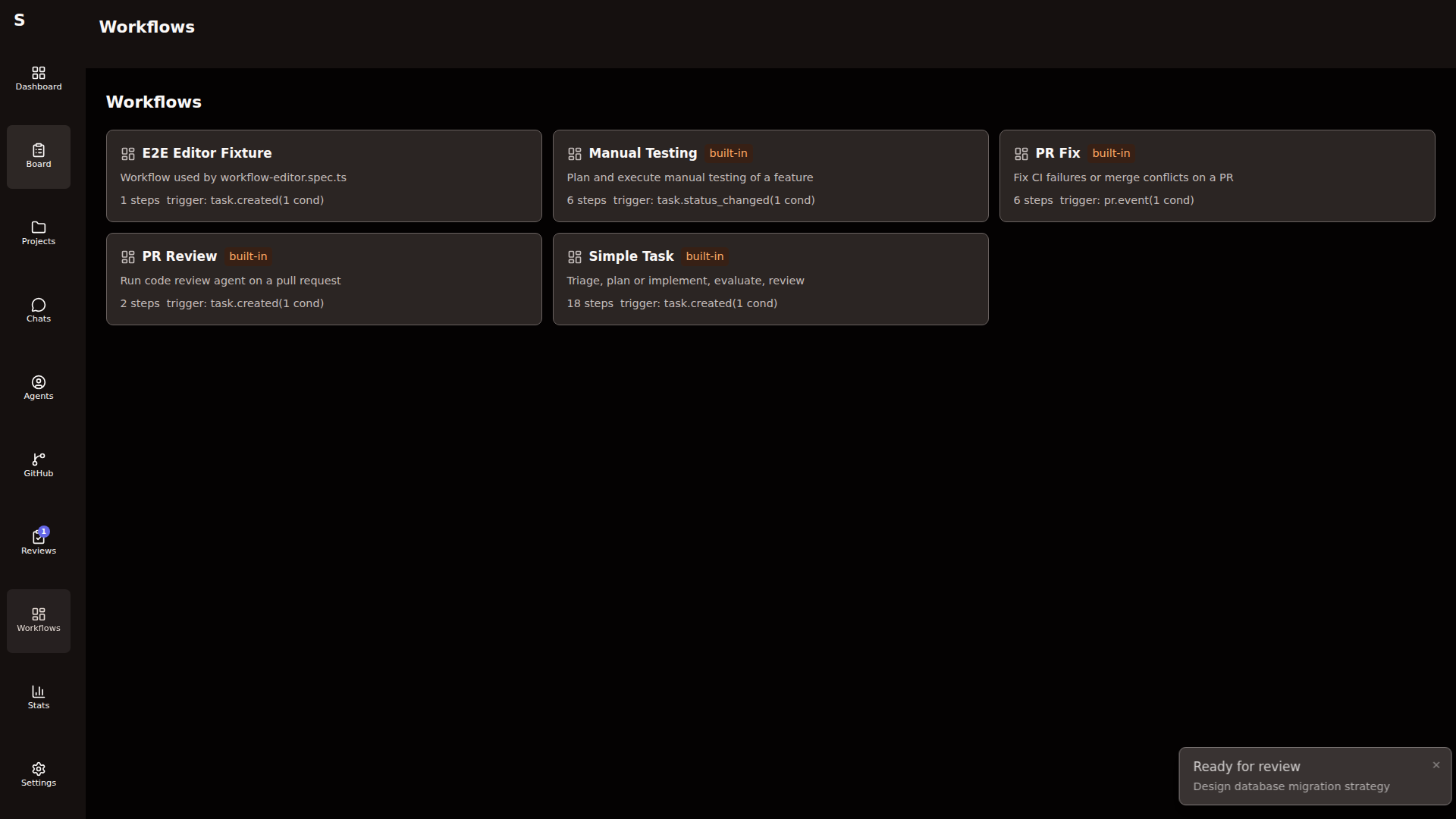
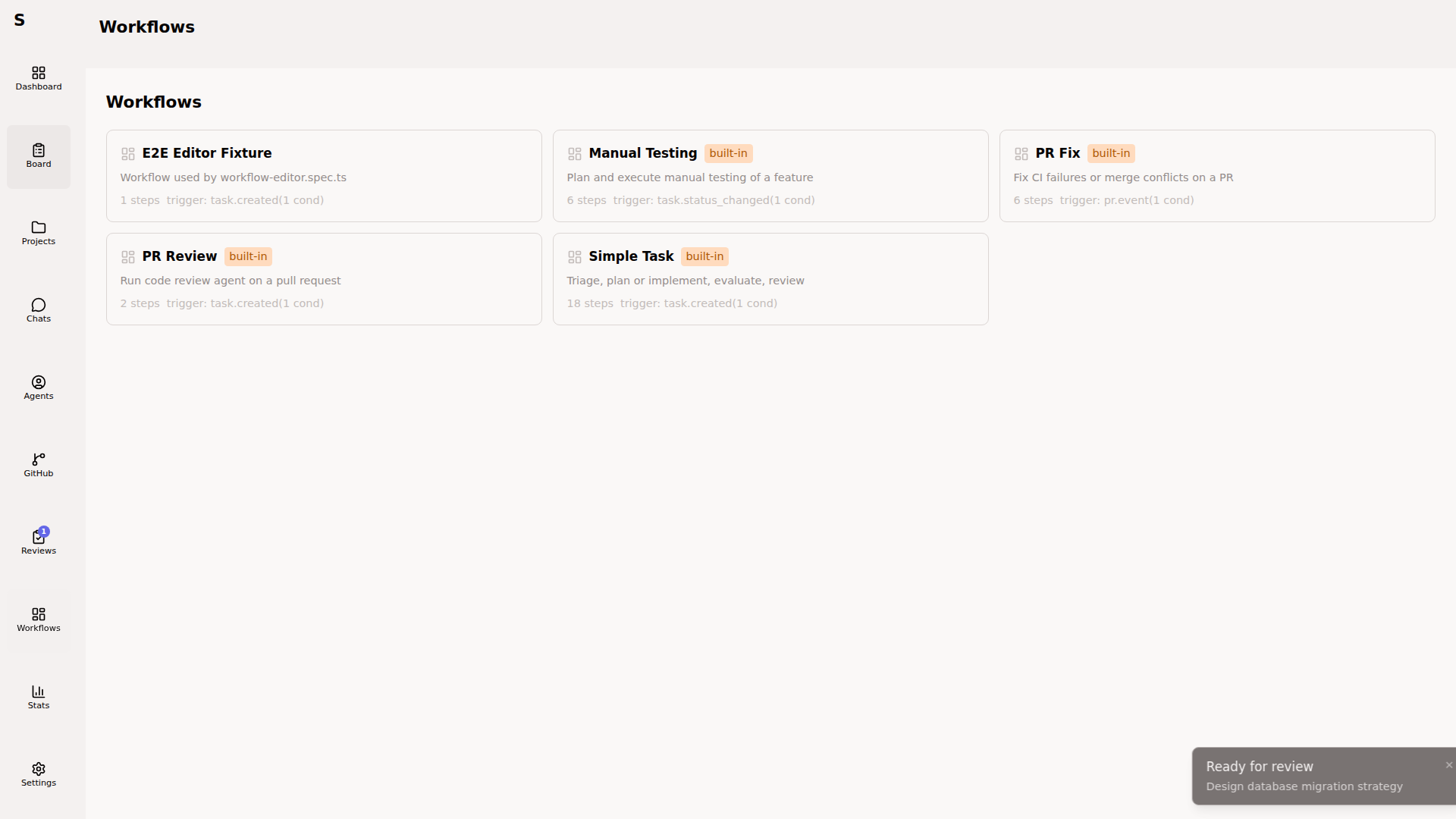
Built-in workflows ship with Sybra. Fork them to customize. Reset them anytime from the list view.
Edit a workflow
Section titled “Edit a workflow”Click any workflow for the editor.
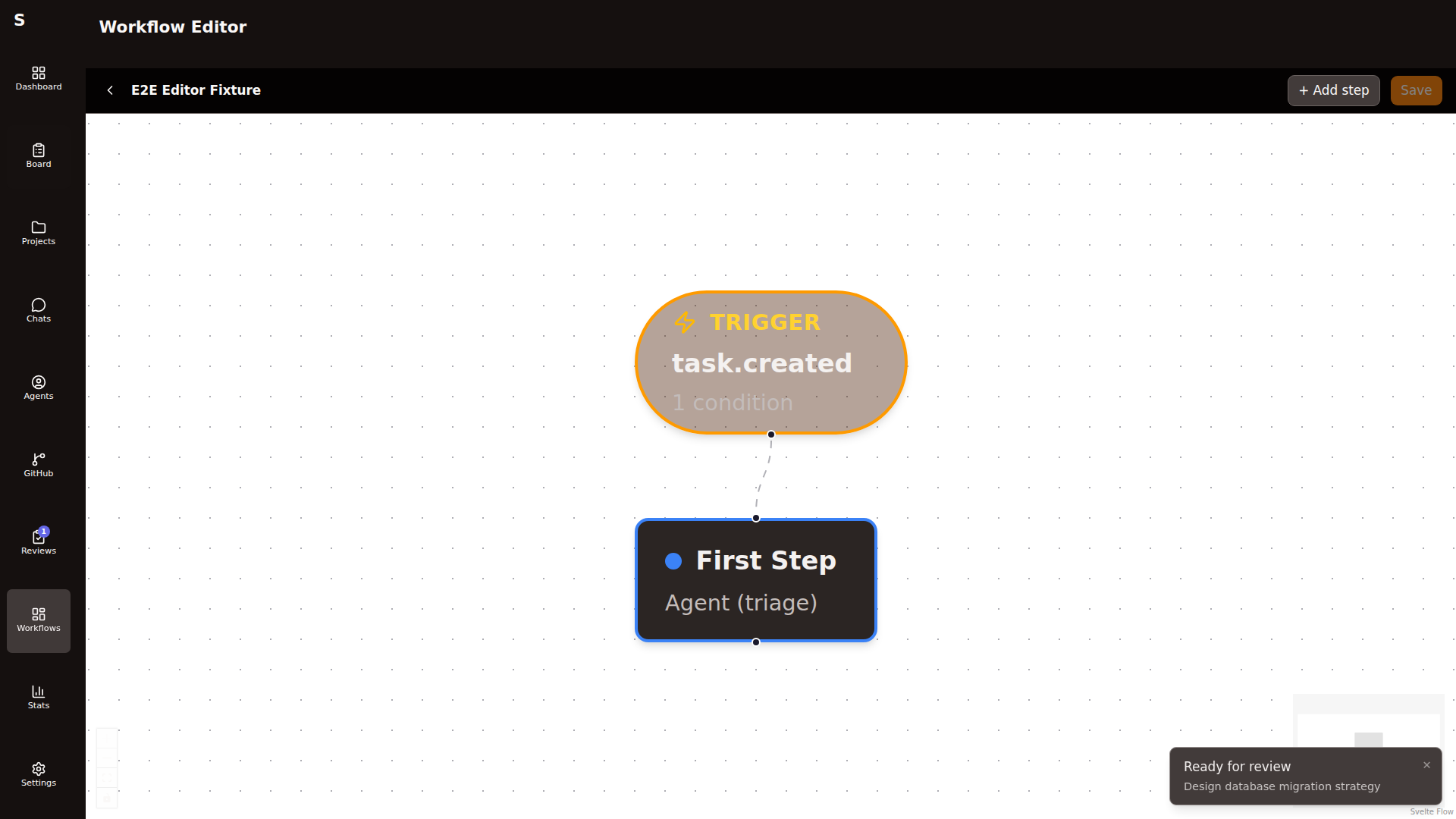
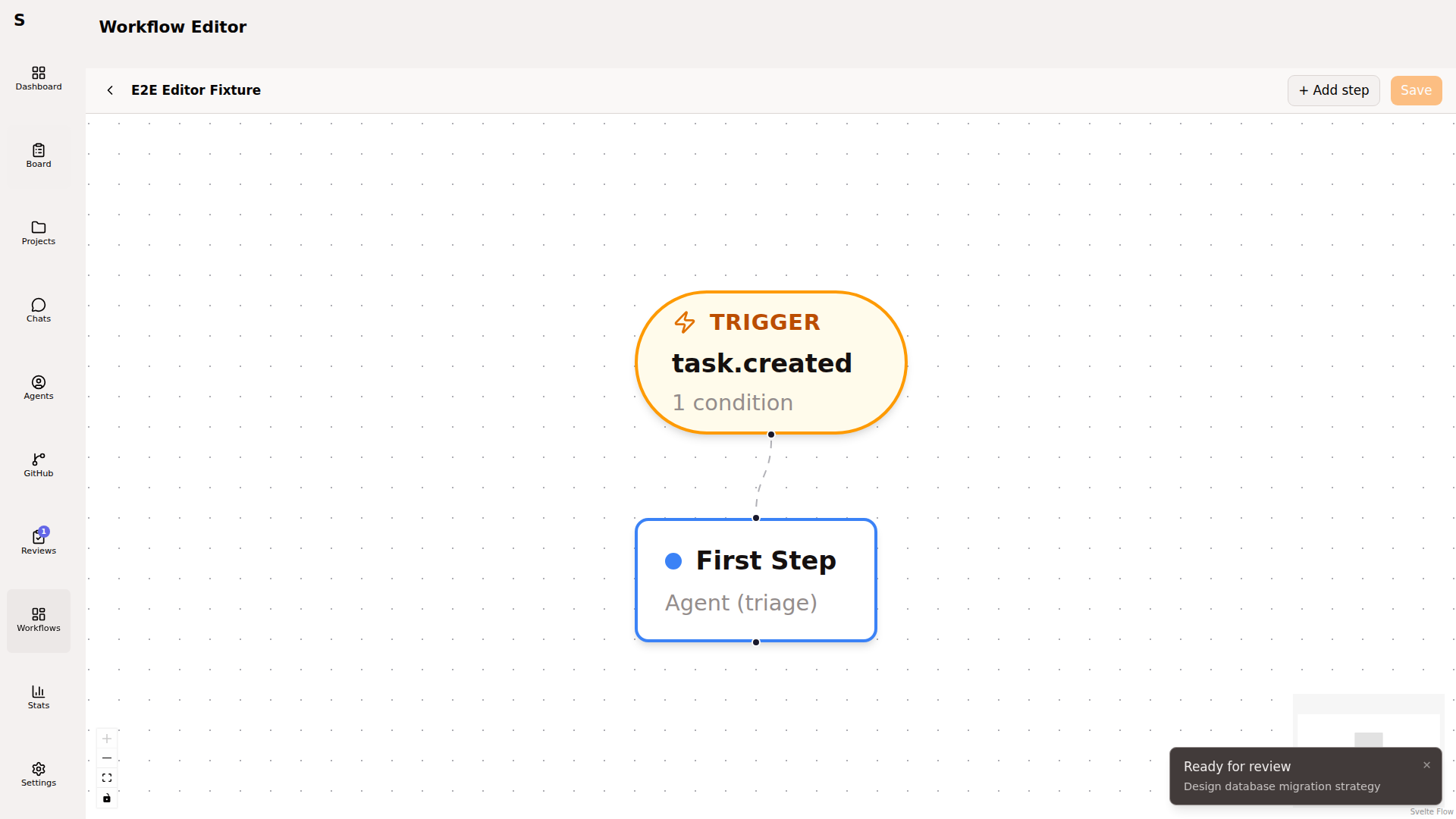
Left side: step list. Center: canvas with the DAG. Right: inspector panel for the selected step.
Configure the trigger
Section titled “Configure the trigger”Every workflow starts with one trigger. Click the trigger node to open the inspector.
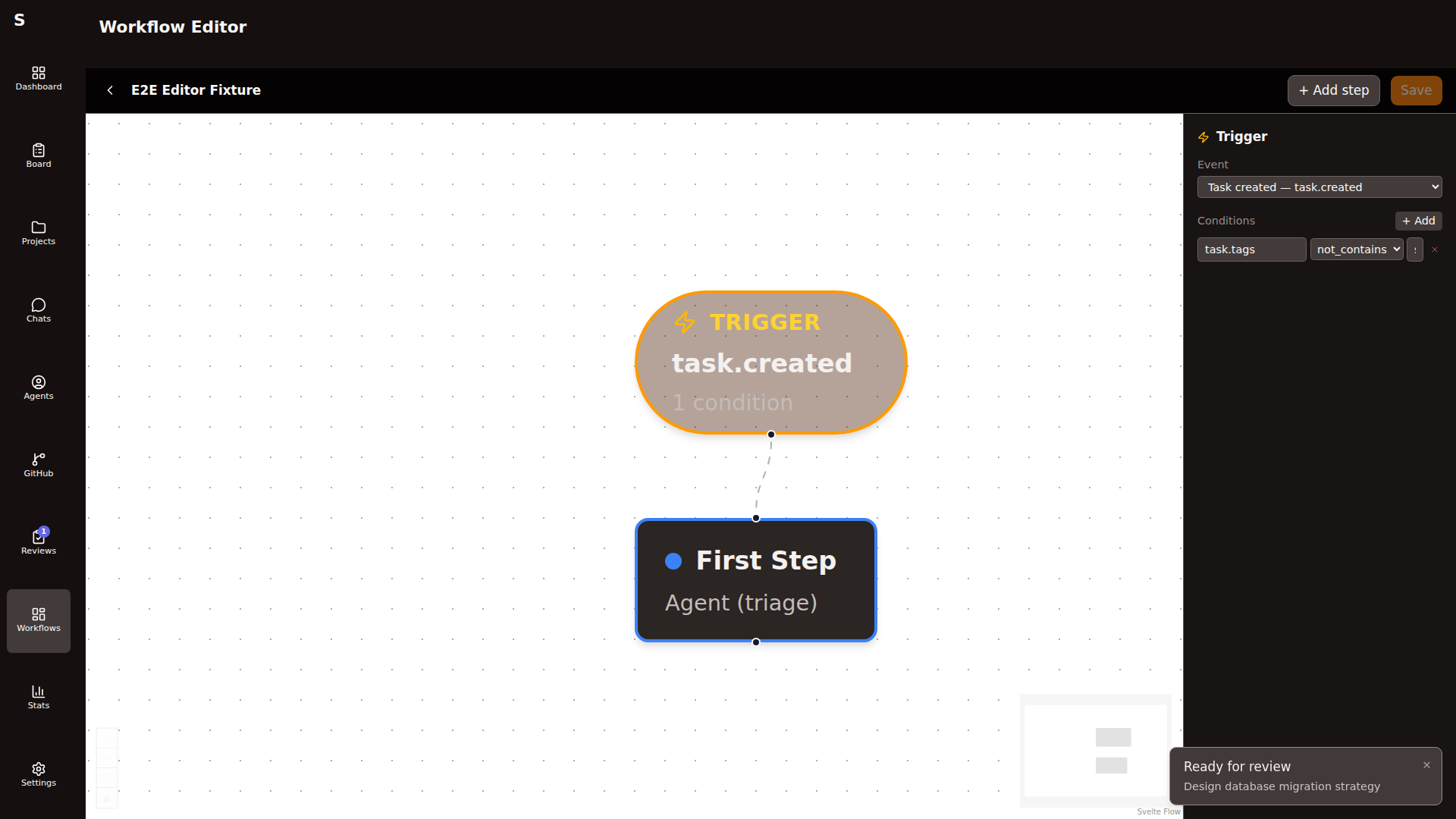
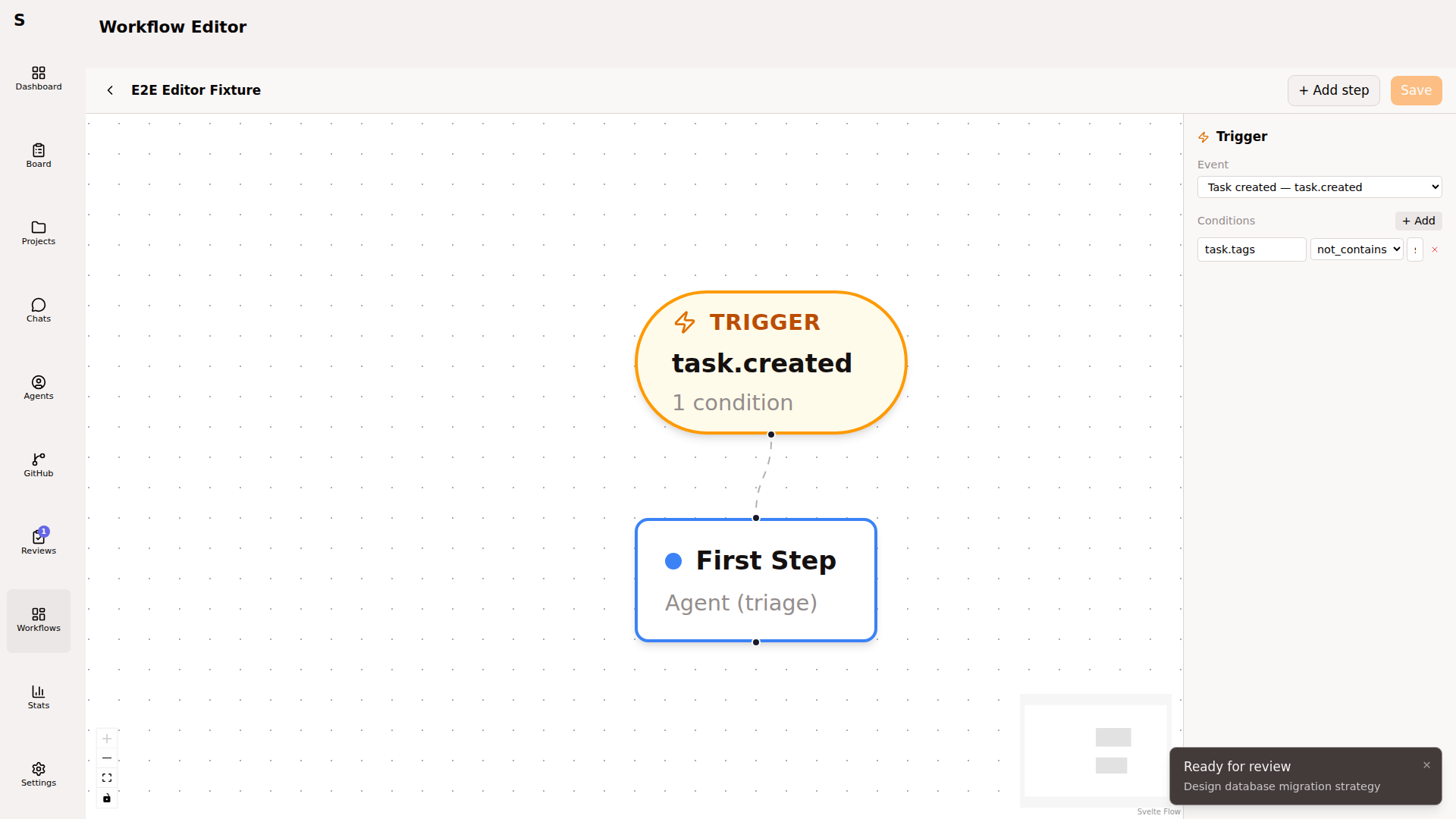
Pick an event:
task.created— fires when a new task lands on the boardtask.status_changed— fires on any status transitionpr.event— fires on GitHub PR events (opened, updated, closed, labeled)
Add conditions to scope the trigger. Conditions are AND-combined and reference one of the fields below:
| Field | Use for |
|---|---|
task.id | single-task targeting |
task.title | title pattern |
task.status | tasks in a specific status |
task.tags | ”only backend tasks” |
task.agent_mode | ”only headless” |
task.project_id | ”only this repo” |
task.branch | specific branch |
task.pr_number | tasks with a linked PR |
task.reviewed | already-reviewed tasks |
pr.issue_kind | PR failure class (ci_failure, merge_conflict, …) |
Operators: equals, not_equals, contains, not_contains, exists.
Add steps
Section titled “Add steps”From the canvas, click the + on any node to add a downstream step. Pick the step type:
| Type | Use when |
|---|---|
run_agent | Dispatch a Claude Code agent |
wait_human | Pause until you approve/reject |
set_status | Unconditionally set the task’s status |
condition | Branch the DAG based on state |
shell | Run a shell command (tests, linters) |
ensure_pr_closes_issue | Require Closes #N in PR body |
verify_commits | Fail if branch has no commits |
link_pr_and_review | Open PR from branch, attach review workflow |
evaluate | LLM judge step (for grading agent output) |
Configure a run_agent step
Section titled “Configure a run_agent step”The most common step. Inspector fields:
| Field | Default | Notes |
|---|---|---|
| Role | "" | triage / plan / eval / pr-fix / "" (implementation) |
| Mode | headless | or interactive |
| Provider | — | claude / codex |
| Model | — | Override the default |
| Prompt | — | Template; {{ task.body }}, {{ task.title }} interpolate |
| Allowed tools | [] | Empty = all with skip-permissions |
| Needs worktree | false | Create a worktree before the run |
| Max retries | 0 | Retry on failure |
| Reuse agent | false | Resume the prior session ID |
Prompt templates
Section titled “Prompt templates”Prompts support {{ }} interpolation:
Implement the task described below.
Task title: {{ task.title }}Task body:  {{ task.body }}Tags:       {{ task.tags | join: ", " }}Project:    {{ task.project_id }}
Missing fields render as empty strings. No exceptions.
Human steps
Section titled “Human steps”wait_human pauses the workflow and surfaces buttons on the task detail page.
type: wait_humanconfig: status: plan-review human_actions: [approve, reject]status sets the task’s status while waiting. human_actions renders as buttons. Approving completes the step; rejecting fails it.
Branches with condition
Section titled “Branches with condition”- id: check-tag type: condition config: branches: - when: { field: task.tags, operator: contains, value: backend } next: backend-agent - when: { field: task.tags, operator: contains, value: frontend } next: frontend-agent else: generic-agentEach branch has a list of conditions (AND). The first matching branch wins. else is the fallback.
Test a workflow
Section titled “Test a workflow”Click Start workflow on any task that matches the trigger conditions. Sybra runs the workflow with live step-by-step tracing. The task’s frontmatter gets a workflow: block:
workflow: execution_id: exec-abc123 status: running current_step_id: planReset a built-in
Section titled “Reset a built-in”If you forked a built-in workflow and want to revert: open the workflow list, click Reset to built-in on the row. Your version is discarded.
Built-in workflows
Section titled “Built-in workflows”Ship and maintained:
simple-task— default general-purpose workflow (triage → plan → implement → PR)testing-task— drives a task through manual testingpr-review— attaches to review-tagged taskspr-fix— triggered when a linked PR has CI red or a merge conflict
Treat these as examples. Real teams fork them.
Debugging a workflow
Section titled “Debugging a workflow”When a step fails, the task surfaces the error. Inspect:
- The agent log (if
run_agent) - The shell command output (if
shell) - The condition evaluation (if
condition— Sybra shows which branch was chosen and why)
Fix the step and retry from the task detail page.
Keep workflows small
Section titled “Keep workflows small”Every step is a place where something goes wrong. A 12-step workflow has 12 failure modes. Ship 4-step workflows and let the orchestrator handle the rest by conversation.