
Getting started
Prerequisites
- macOS (Darwin) or Linux
- mise for tool versions
- Claude Code installed and logged in
tmux≥ 3.3 andgit≥ 2.40Estimated time: 10 minutes.
This tutorial walks you end-to-end: install → first project → first agent → verify. No branching, no “or you can skip this”. Follow every step.
1. Install
Section titled “1. Install”Clone and build:
git clone https://github.com/Automaat/sybra.gitcd sybramise installmise run buildThe build produces a Wails binary under build/bin/. Launch it:
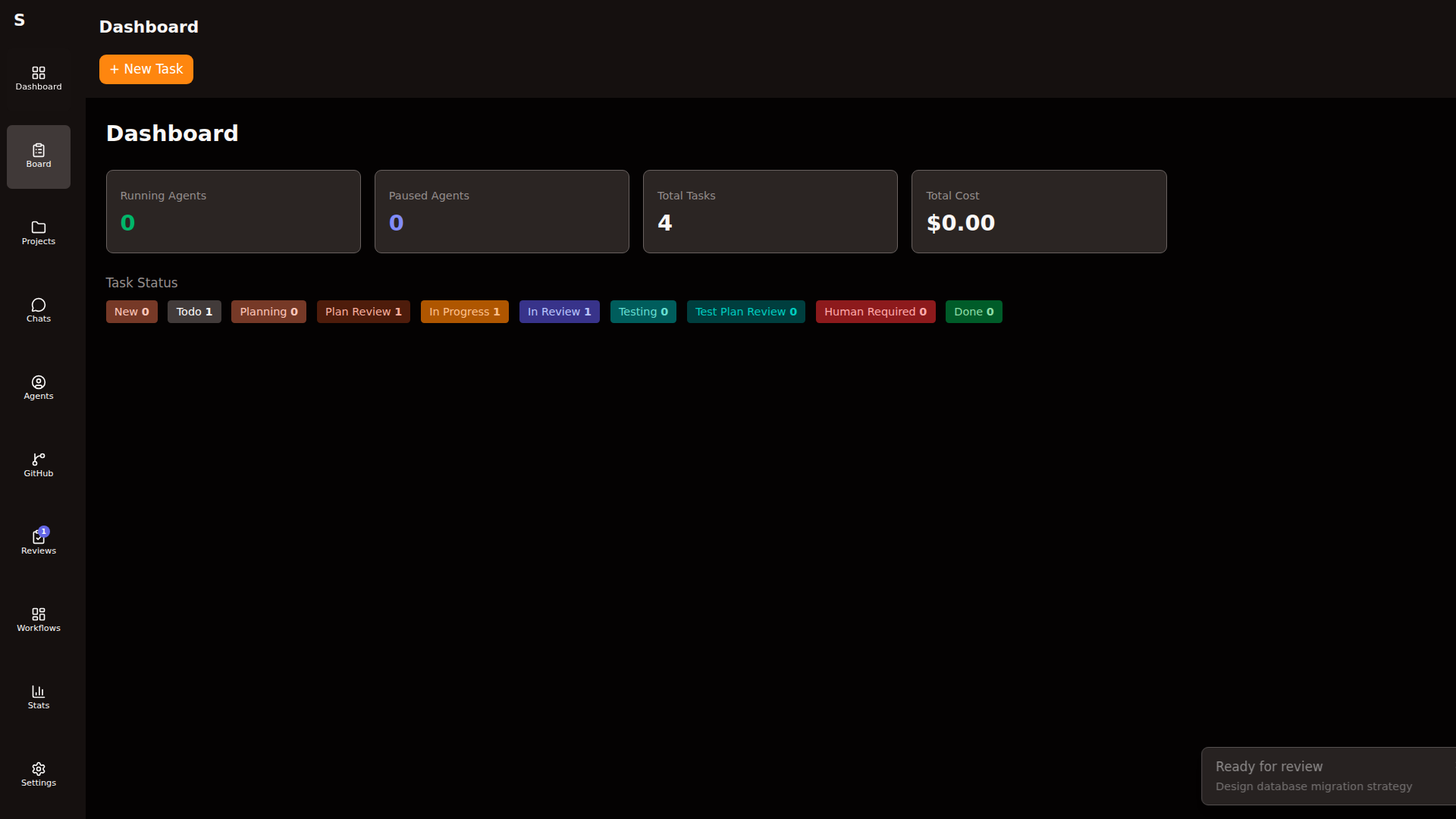
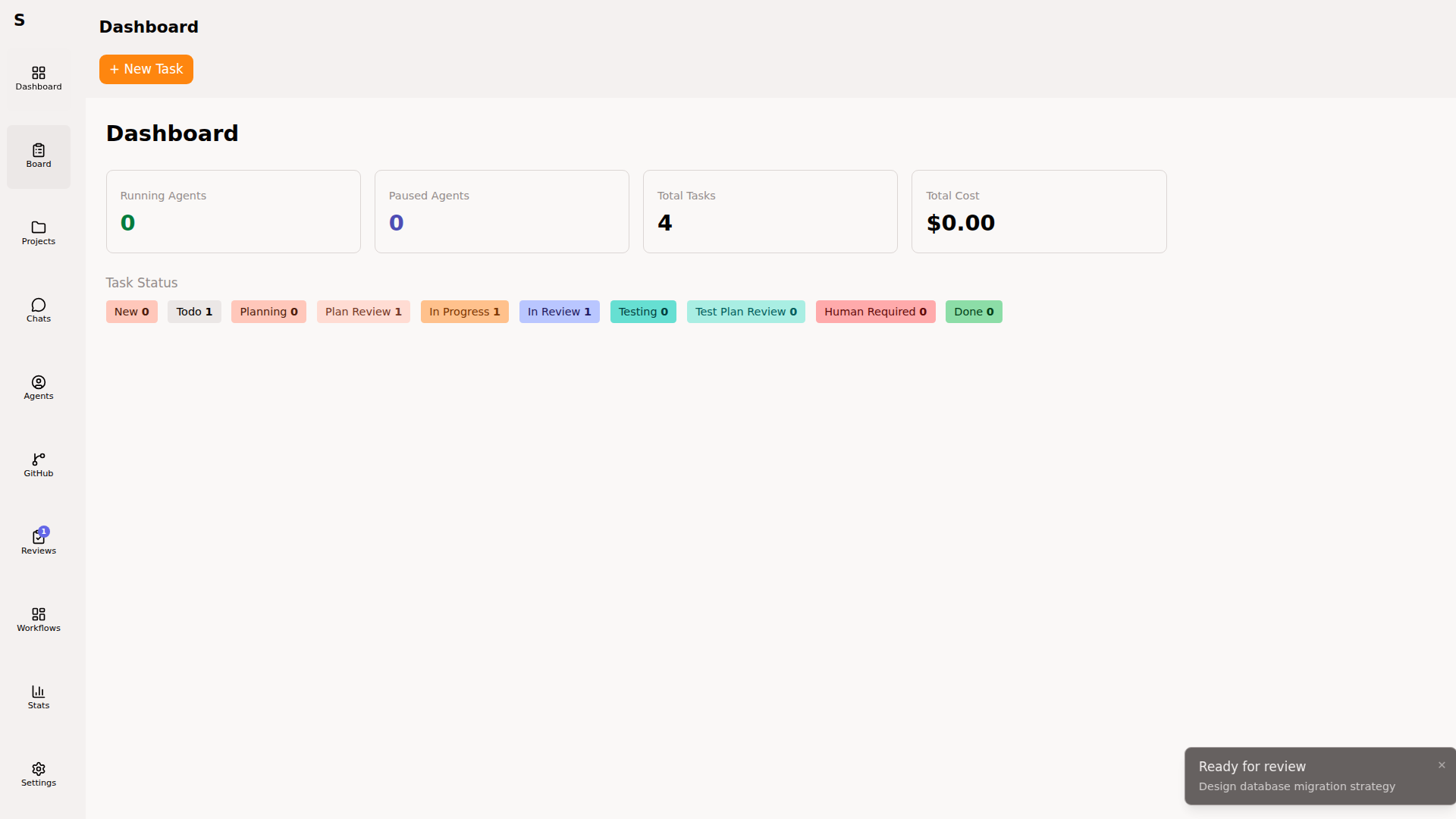
mise run devA native window opens. You land on the Dashboard.
2. Register a project
Section titled “2. Register a project”Sybra mirrors GitHub repositories as bare clones, then creates per-task git worktrees on demand. Open Projects in the sidebar.
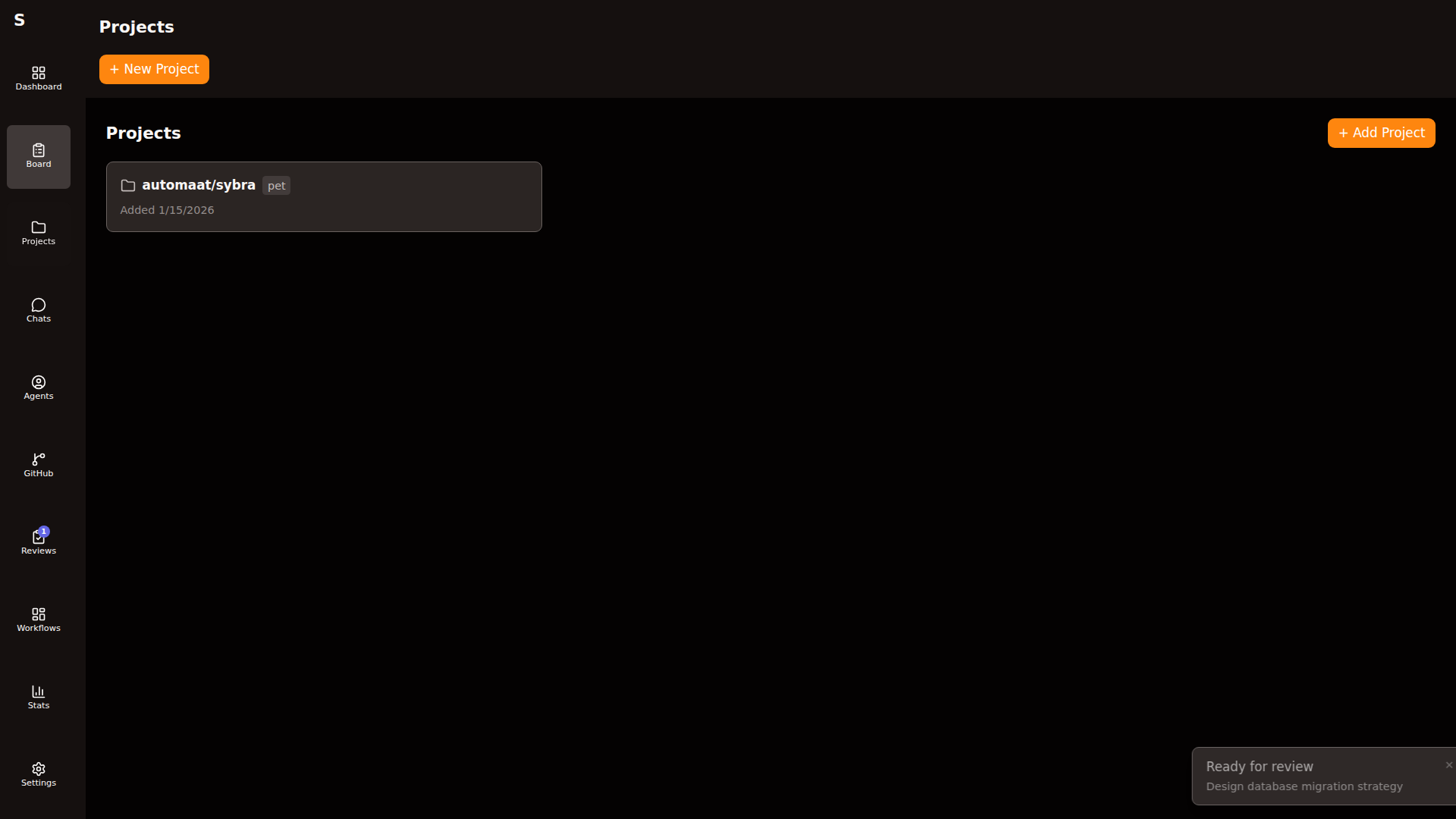
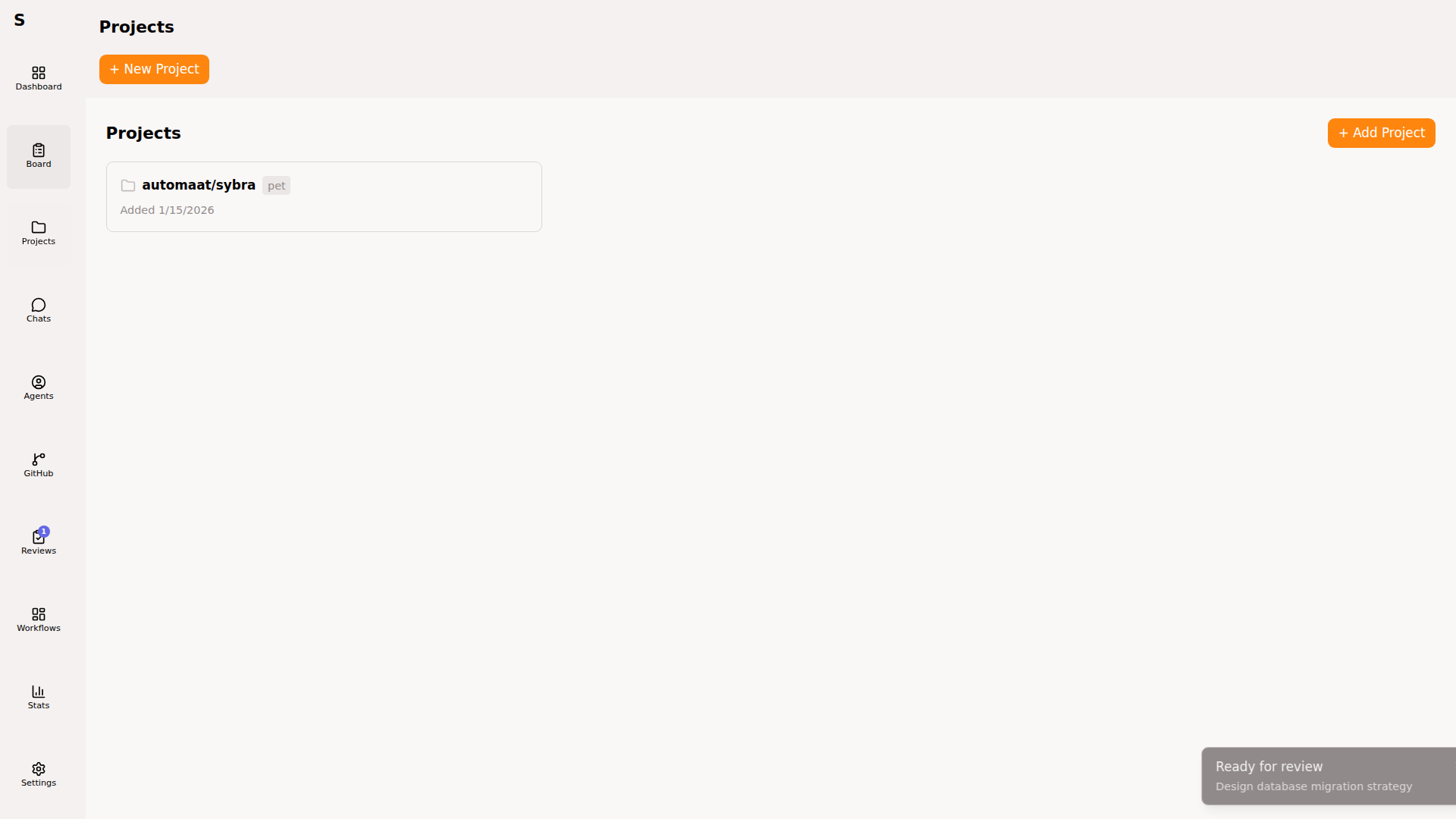
Click New project. Enter a GitHub URL:
https://github.com/YOURUSER/YOURREPOPick a type — pet or work. (This controls per-machine routing. See Per-machine routing.)
Sybra clones the repo as a bare mirror under ~/.sybra/clones/. No worktrees yet — those appear when agents start.
3. Create a task
Section titled “3. Create a task”Press ⌘N to open Quick Add.
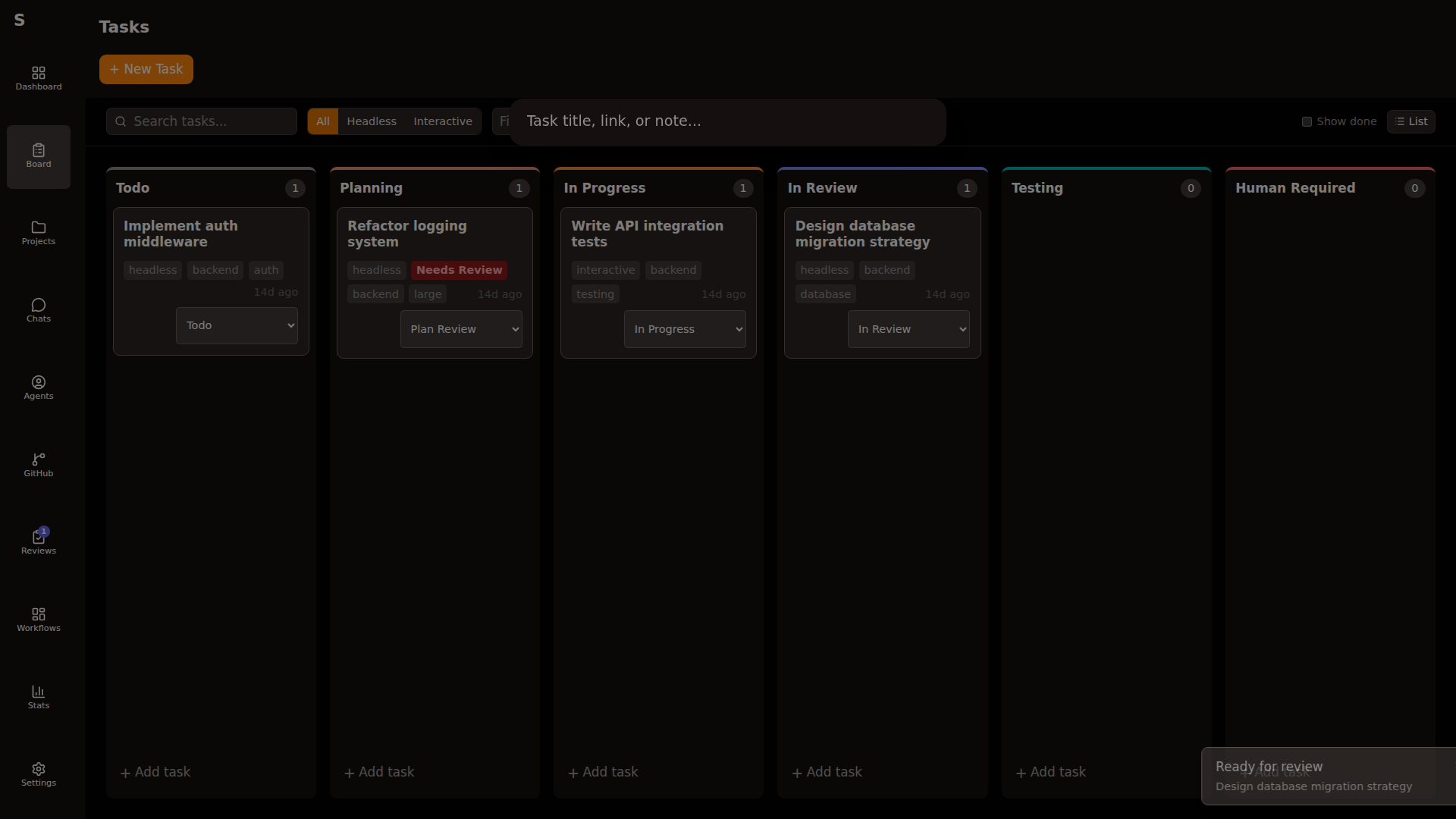
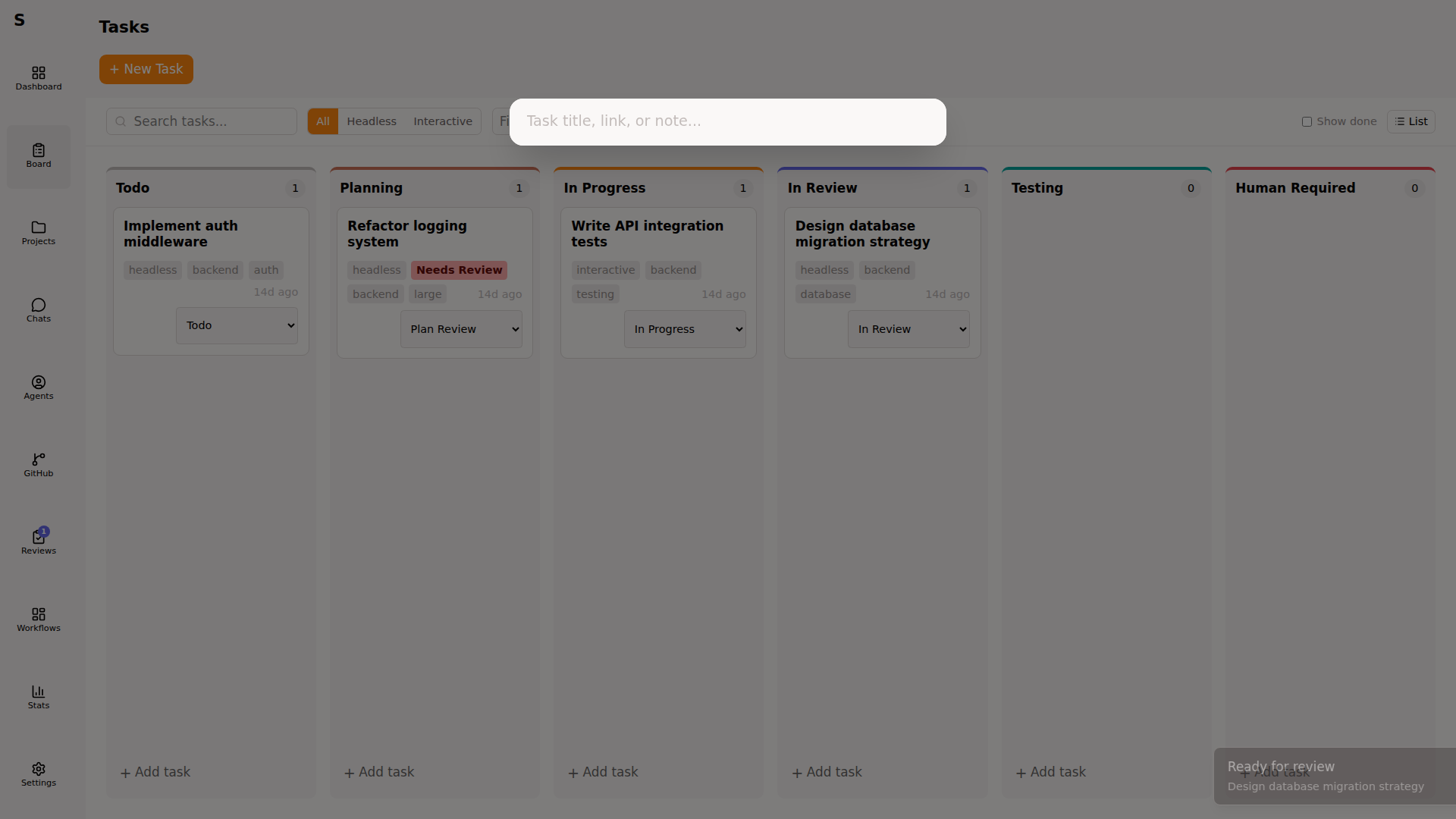
Fill in:
- Title:
Add hello-world endpoint - Project: the project you just registered
- Mode:
headless - Tags:
backend,small
Press ⌘Enter to create.
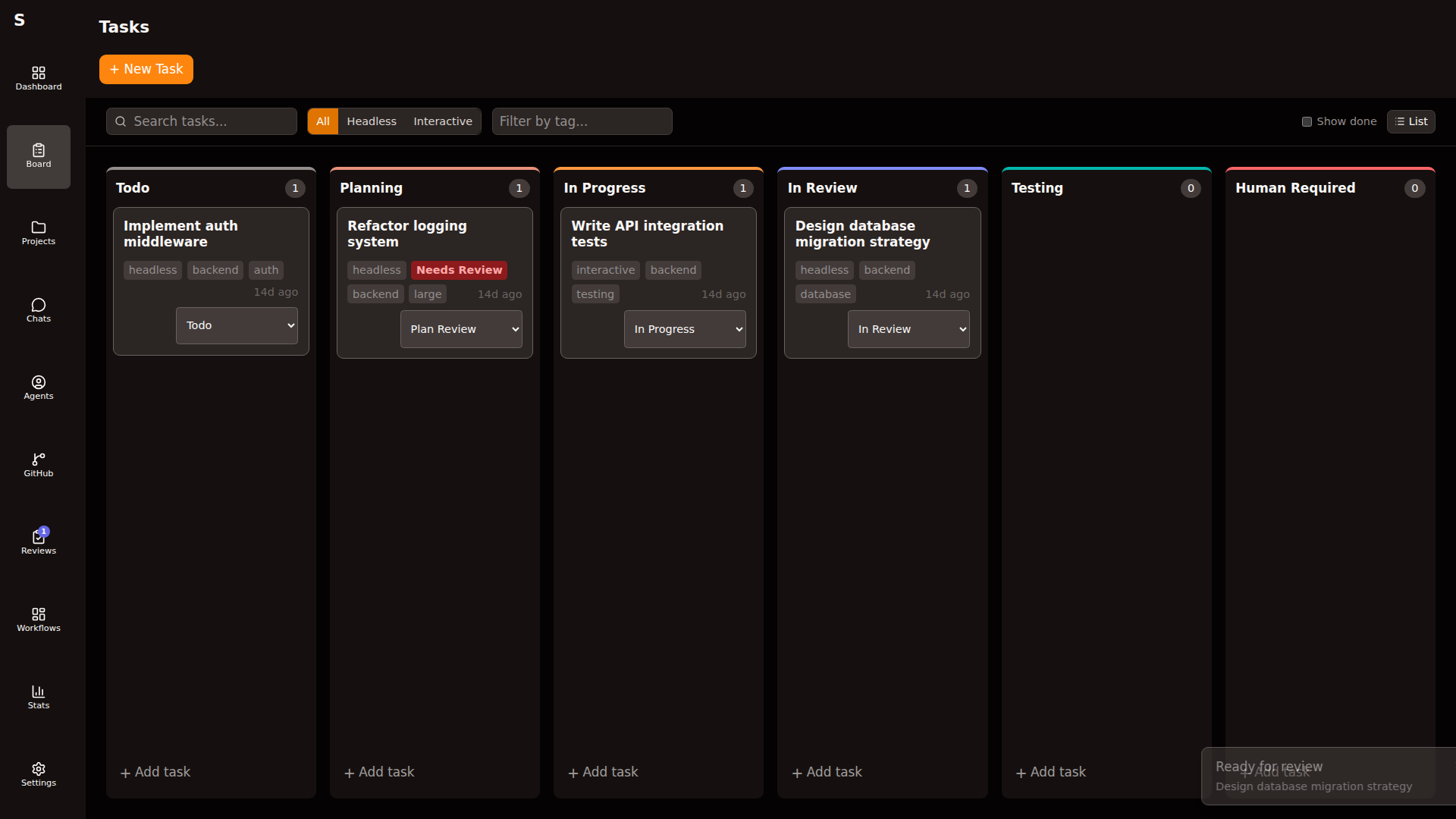
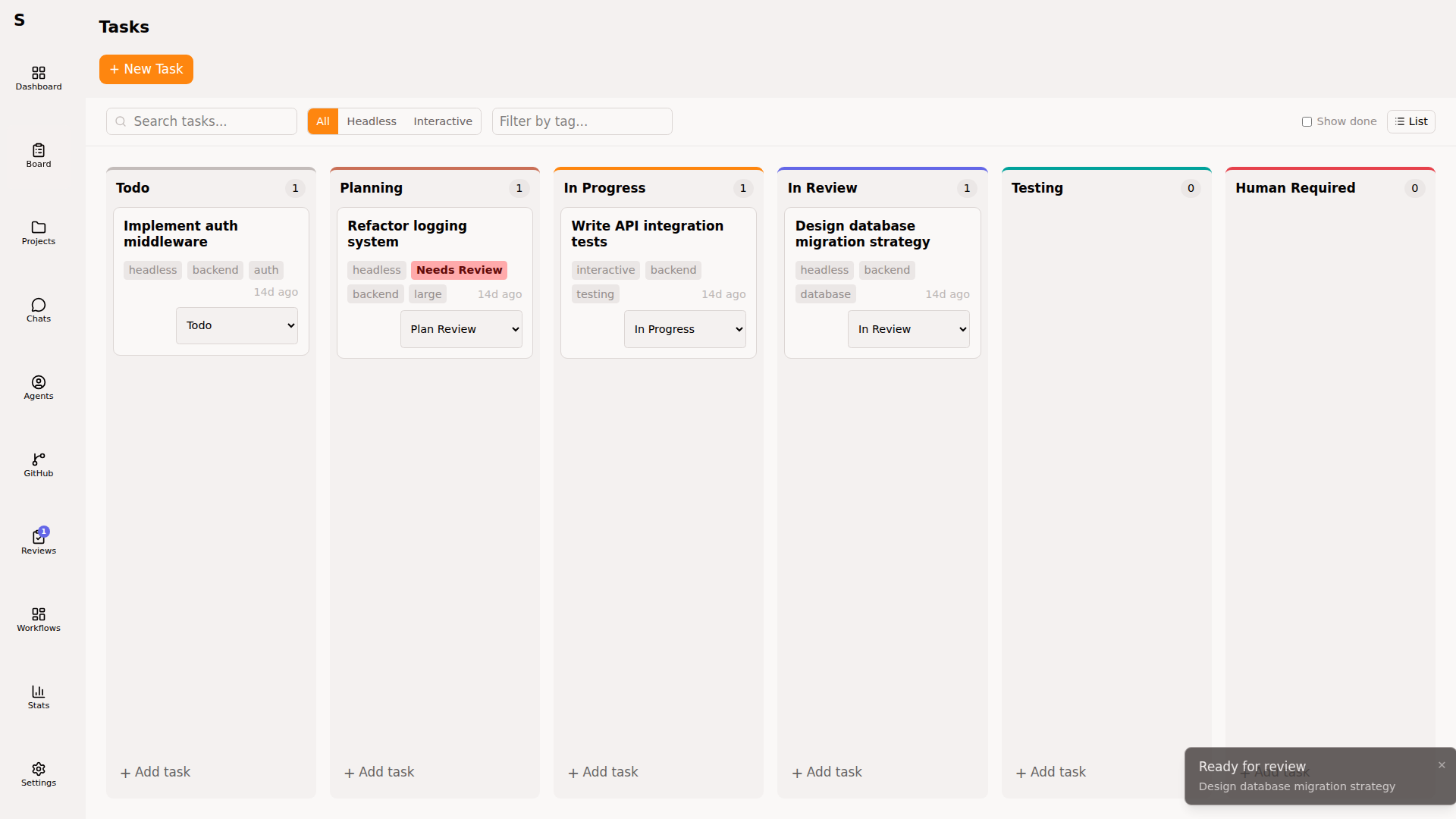
The task appears on the board as new.
4. Dispatch an agent
Section titled “4. Dispatch an agent”Open the task (click it or press Enter). You see the task detail panel.
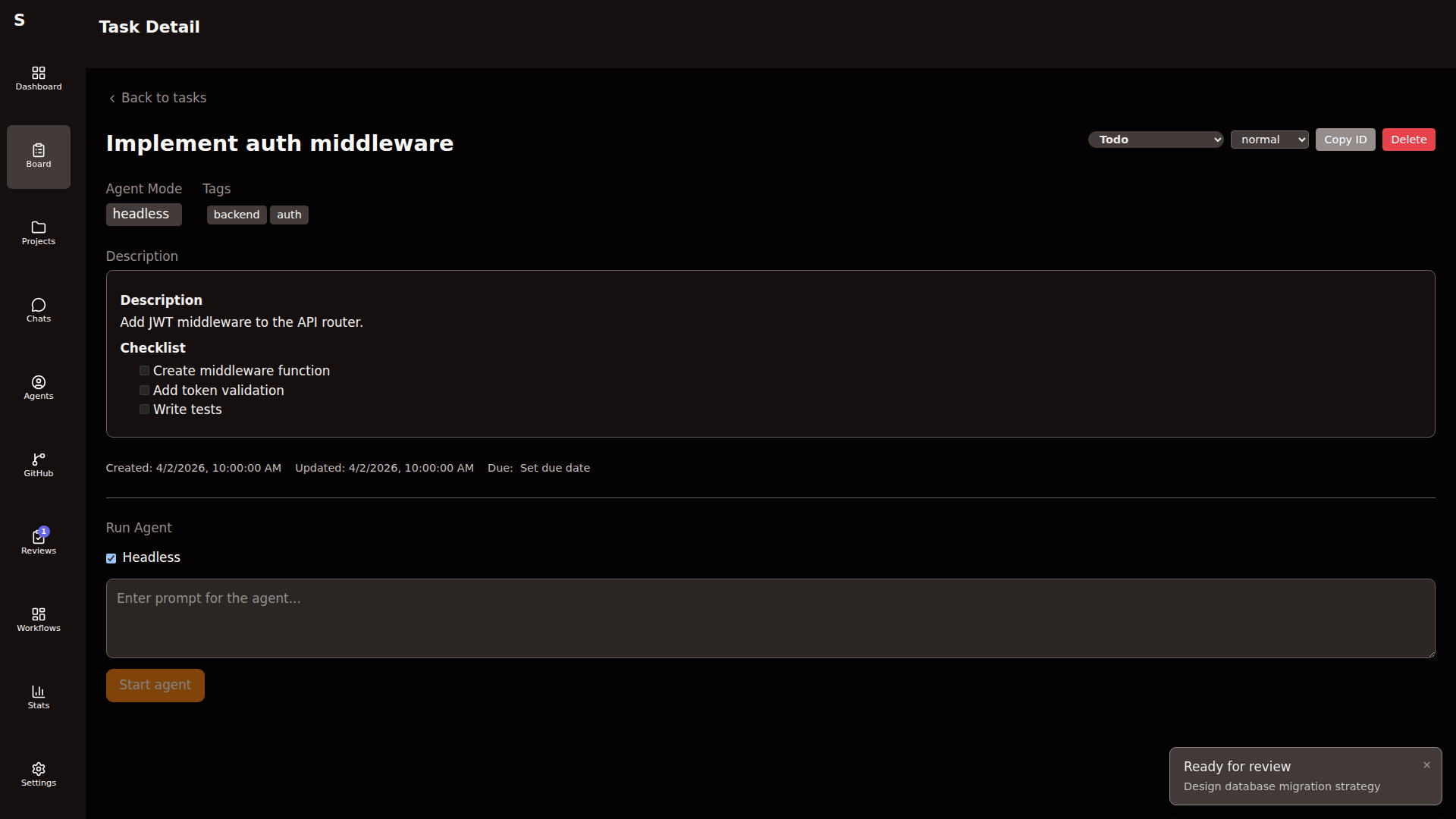
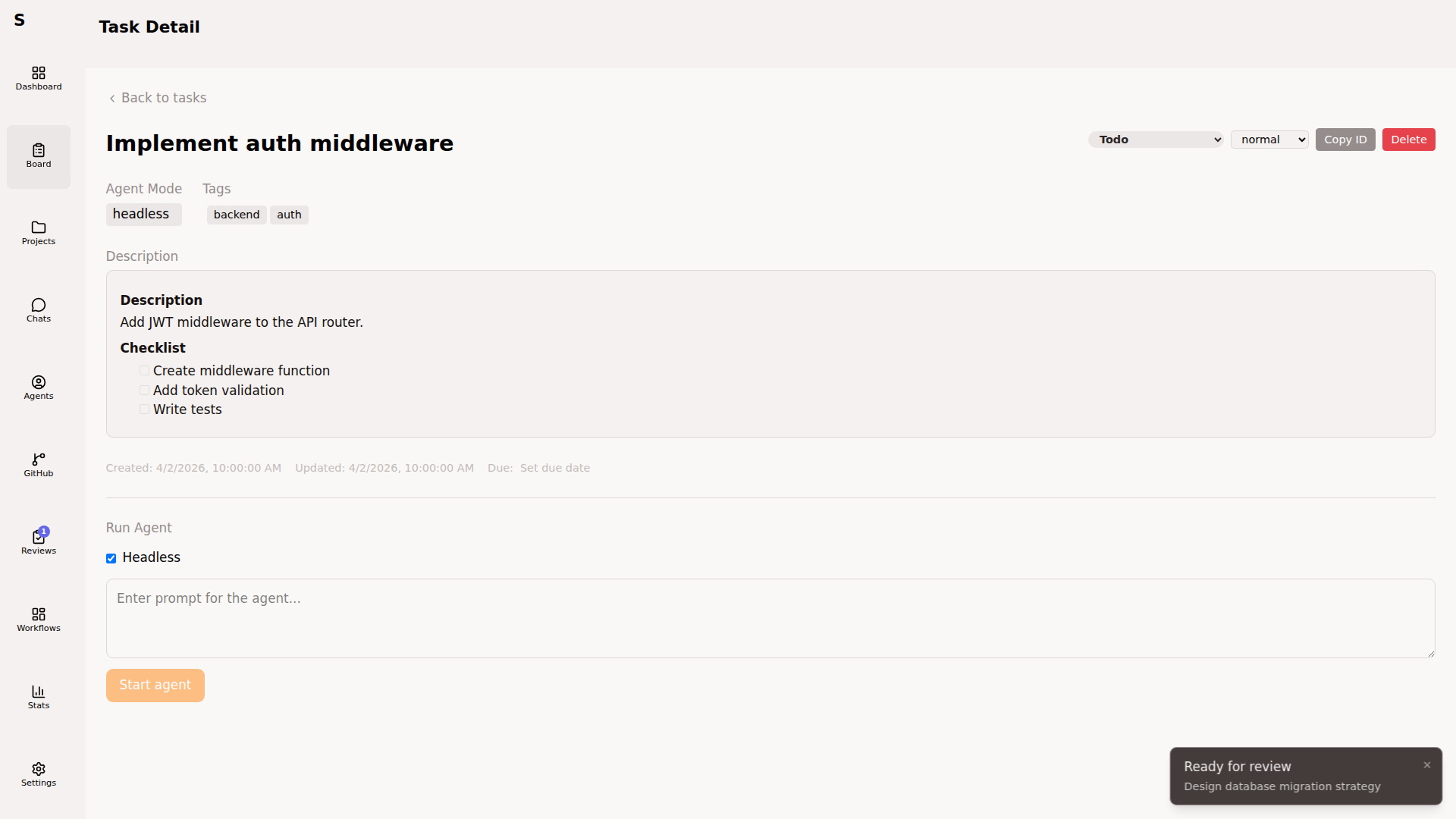
Press S to move the status to todo. Type a prompt into the agent prompt box — the Start agent button stays disabled until the prompt is non-empty — then click Start agent.
Sybra:
- Creates a git worktree under
~/.sybra/worktrees/<task-id>/ - Spawns
claude -p "<your prompt>" --output-format stream-jsonin that directory - Streams NDJSON events back to the UI (init → assistant → tool_use → tool_result → result)
Watch the Agents page:
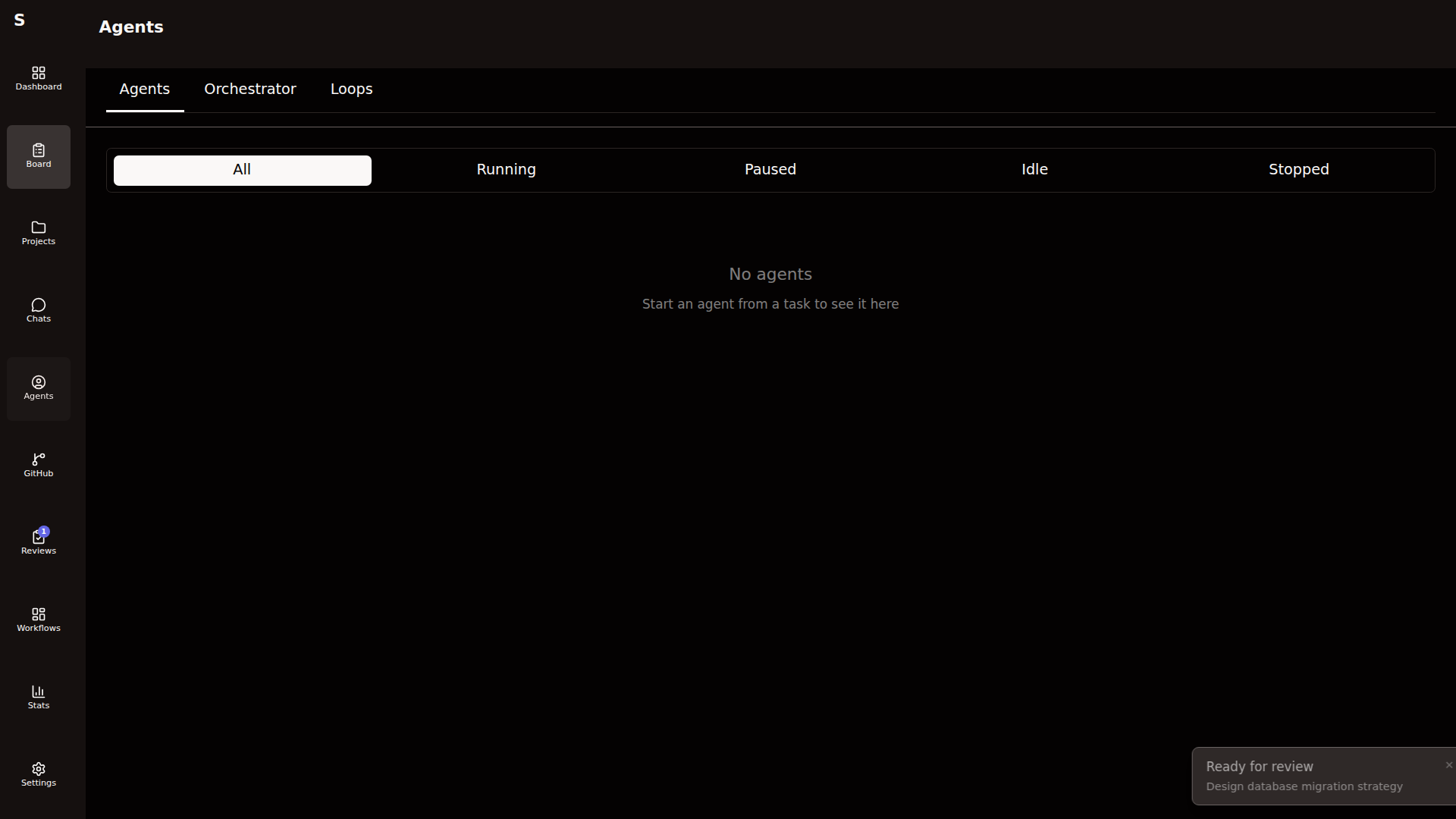
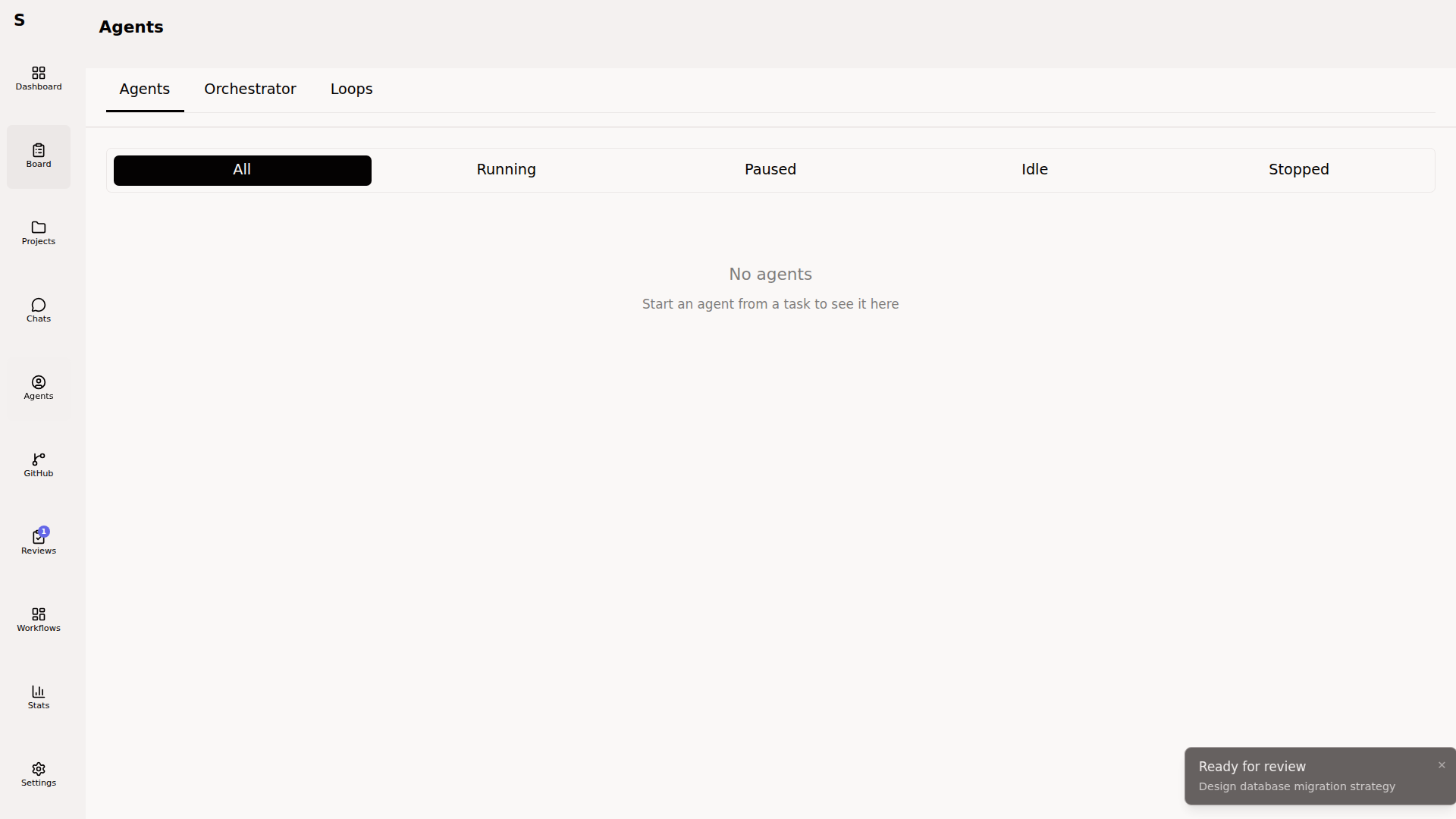
Every assistant turn, tool call, and error appears live. Cost updates in real time.
5. Review and merge
Section titled “5. Review and merge”When the agent finishes, it pushes a branch and opens a PR (if your workflow includes the PR step). The task moves to in-review.
If your workflow inserts a plan-review or test-plan-review pause before implementation, the task shows up under Reviews in the sidebar:
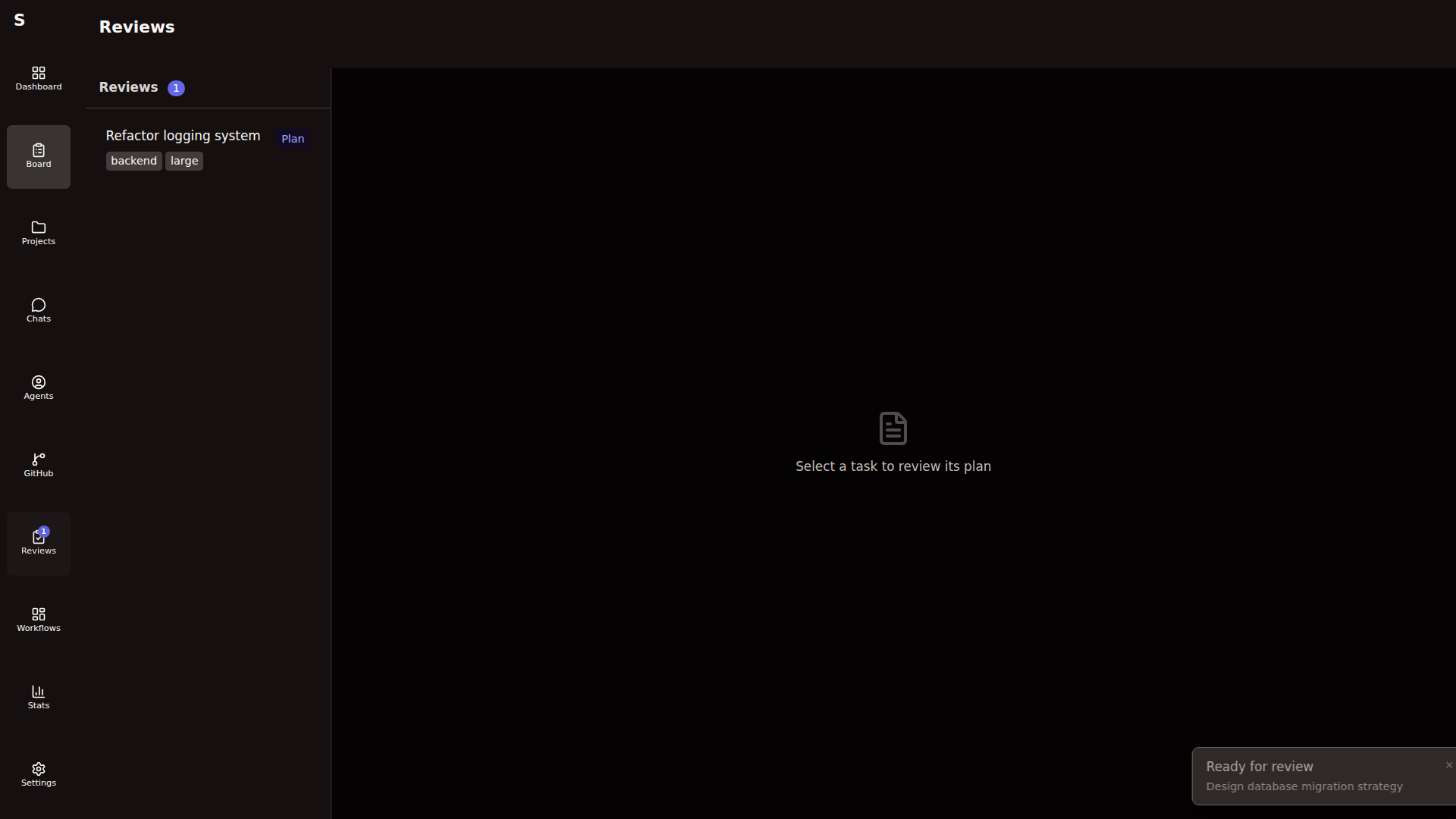
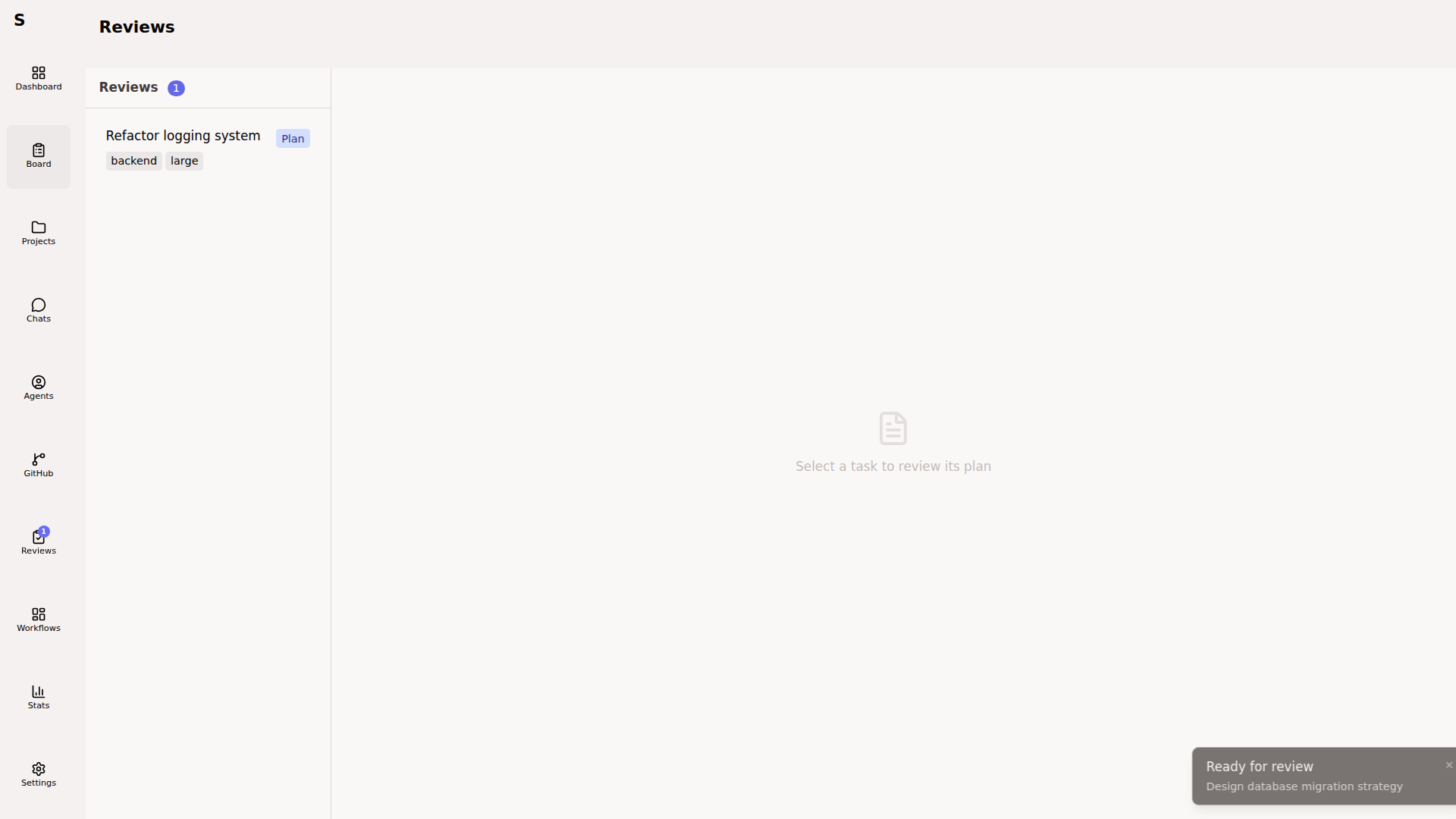
From there, approve (A), reject (R), or send the plan agent feedback (C, then ⌘Enter). See Review plans for the full flow.
For the PR itself, open it on GitHub. Merge there, pull locally, done. Sybra removes the worktree automatically.
What just happened
Section titled “What just happened”- A markdown file (
~/.sybra/tasks/<task-id>.md) tracked the task’s state. - A git worktree gave the agent an isolated checkout.
- A Claude Code subprocess streamed NDJSON which Sybra parsed into events you saw in the UI.
- Cost, tokens, and tool calls were persisted to
~/.sybra/stats.jsonand the audit log.
Where to go next
Section titled “Where to go next”- Tasks and agents — the mental model
- Execution modes — when to pick headless vs interactive
- Projects and worktrees — bare-repo mirroring explained
- Orchestrator and automation — let Sybra triage and dispatch on its own