
Run and monitor agents
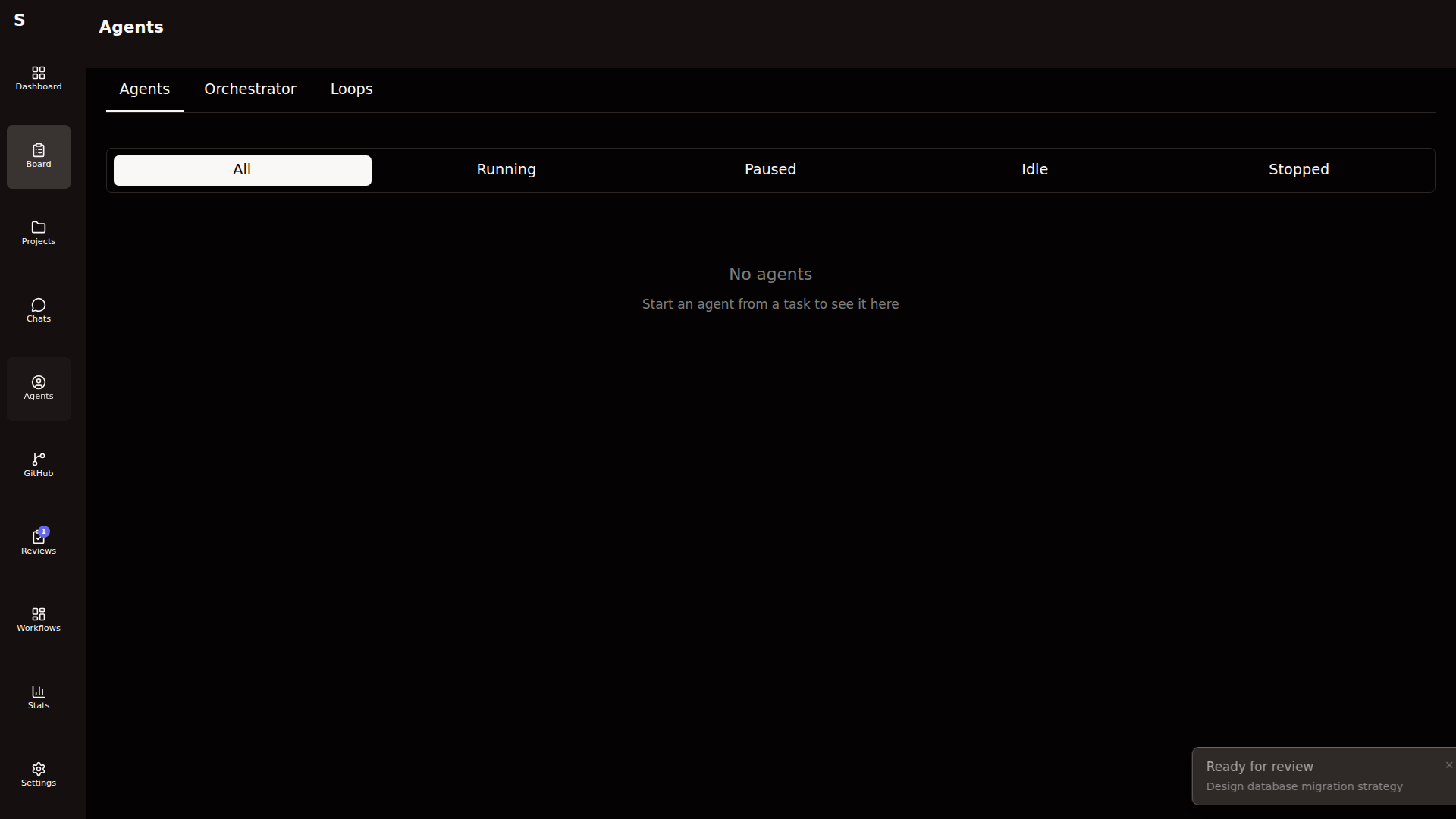
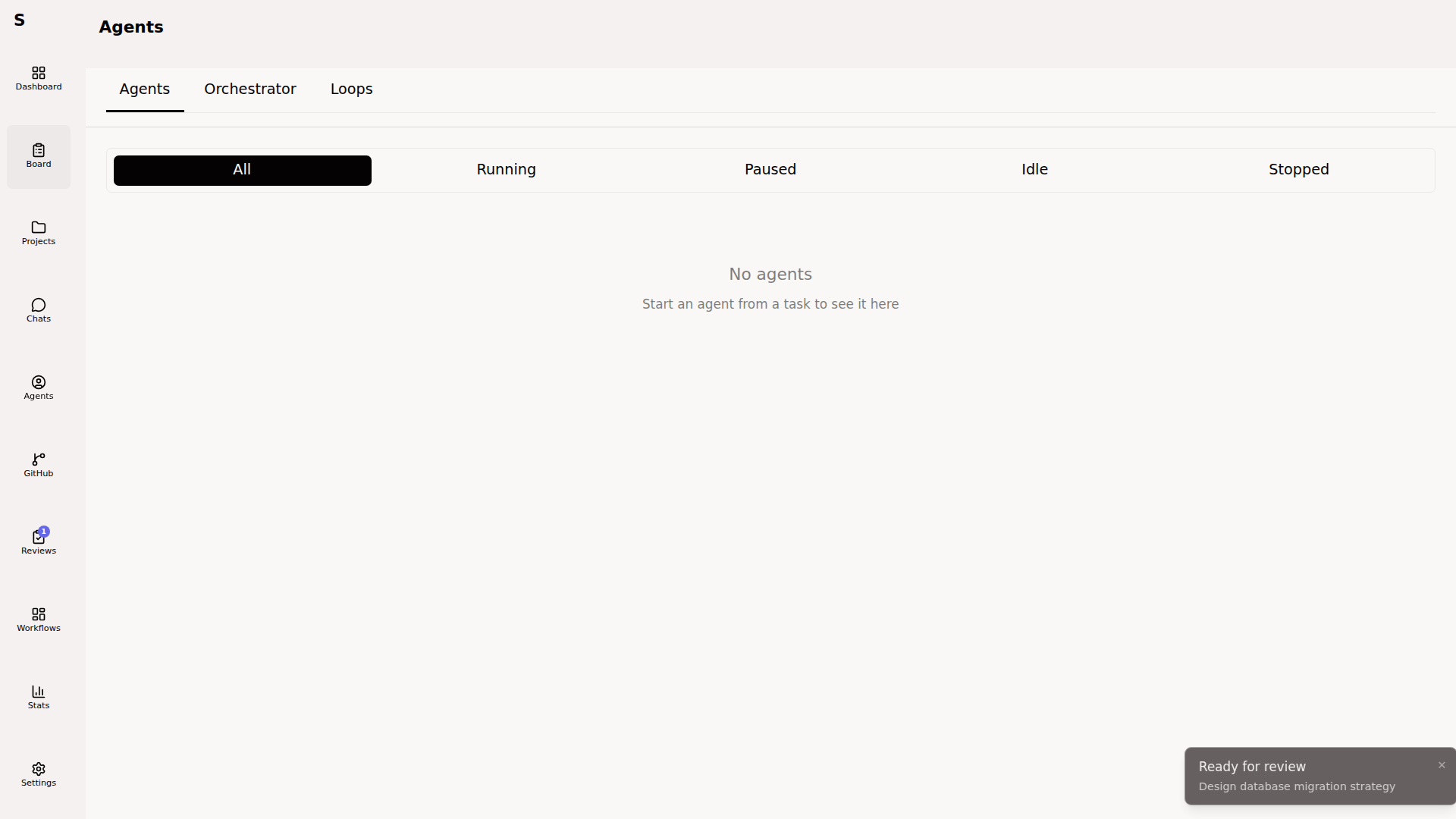
The Agents page is where live agents live. Orchestrator console, loop agents, and one-off runs all converge here.
Start an agent
Section titled “Start an agent”From a task:
- Open the task
- Ensure status is
todo - Click Start agent
From a workflow:
- Workflows dispatch agents automatically on their
run_agentsteps. You don’t click anything.
From the CLI:
sybra-cli update <task-id> --status in-progress# Workflow-less dispatch isn't a CLI command; use the GUI for one-offs.Inspect a running agent
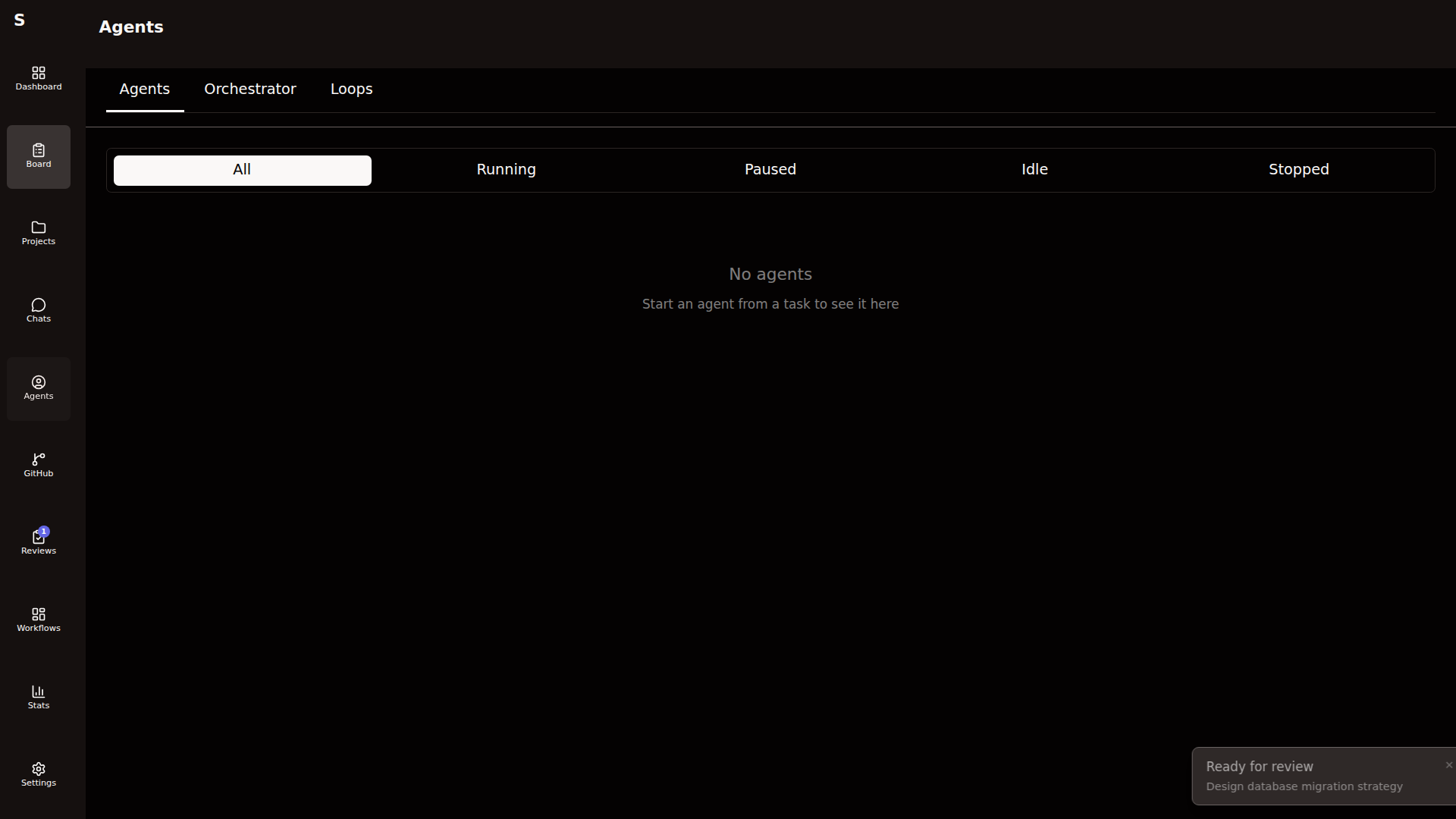
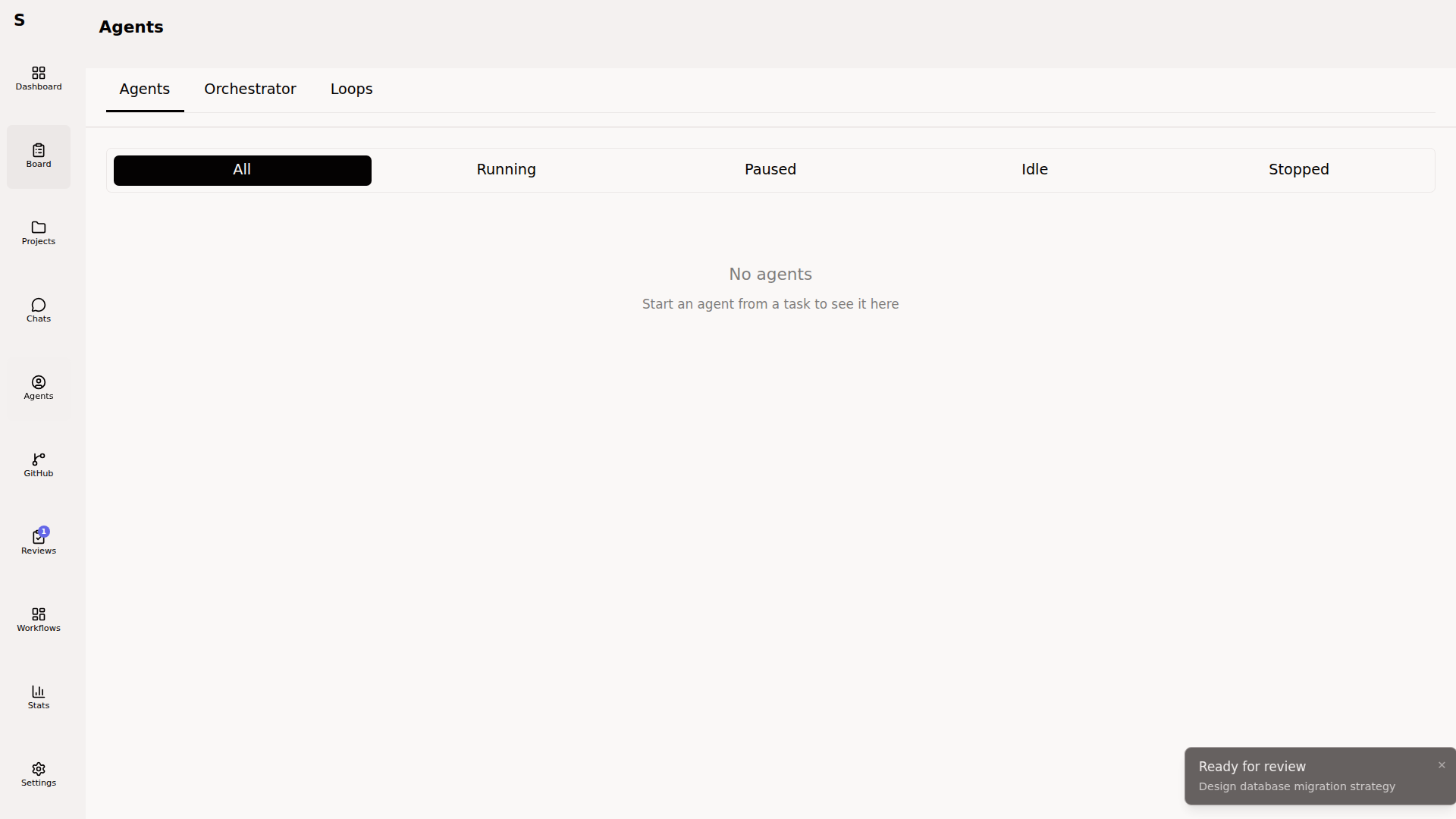
Section titled “Inspect a running agent”Click any card on the Agents page. The detail view shows the live event stream.
Four panes:
- Stream — init / assistant / tool_use / tool_result / result events
- Cost & tokens — updates on every
resultevent - Session ID — copy to resume via
claude -p --resume - Controls — send message, approve tools, kill
Send a message
Section titled “Send a message”Type into the message box at the bottom. Press ⌘Enter to send. Sybra resumes the Claude Code session with your message as the next user turn.
Works in both modes:
- Headless — message becomes the next
claude -p --resumeturn - Interactive — message is typed into the tmux pane
Approve tools
Section titled “Approve tools”When require_permissions: true, the agent pauses on every tool_use. The event panel shows the pending tool and its arguments. Actions:
- Approve — tool runs, agent resumes
- Reject — tool is blocked, agent sees the denial and reasons around it
- Approve always for this run — sticks for the rest of the session
You can also pre-approve tools by setting allowed_tools on the task before dispatch.
Handle escalations
Section titled “Handle escalations”When an agent hits a budget (agent.max_cost_usd), turn count (agent.max_turns), or repeated errors, it escalates instead of silently stopping. The UI shows:
- Continue — raise the budget/turn cap by 50% and resume
- Kill — stop the agent, mark the task
human-required - Increase limit — set an explicit new cap
Escalation reasons show in agent.escalation_reason. Common ones:
| Reason | What happened |
|---|---|
budget_exhausted | cost_usd exceeded agent.max_cost_usd |
turns_exhausted | turn_count exceeded agent.max_turns |
repeated_failure | Same error thrown N times in a row |
tool_denied | A required tool was denied |
Stop an agent
Section titled “Stop an agent”Click Stop. Sybra sends SIGTERM, waits 10 seconds, then SIGKILL if the process refuses to exit. Worktree cleanup respects commits: worktrees with unpushed commits are kept; empty worktrees are removed.
The orchestrator
Section titled “The orchestrator”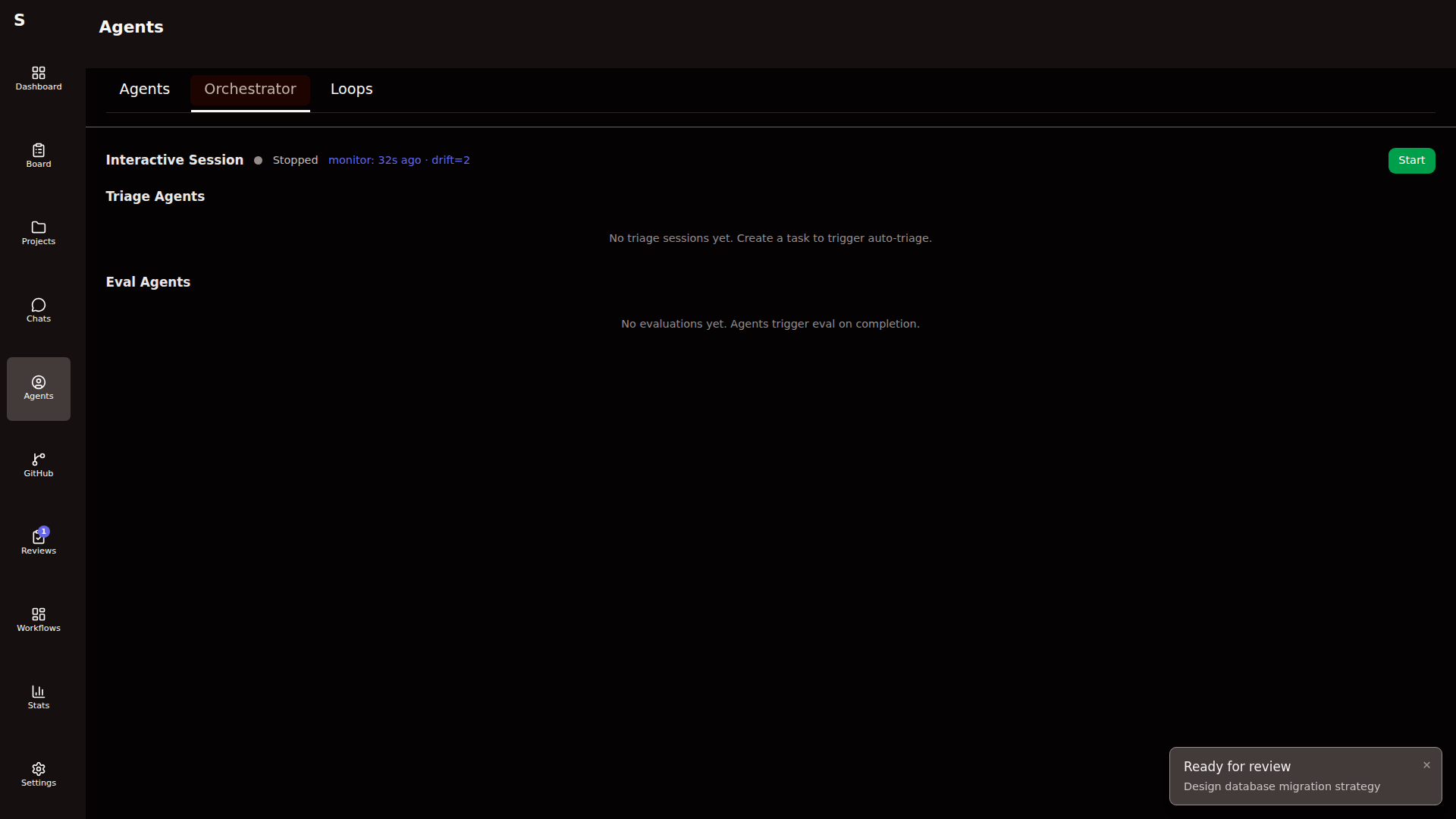
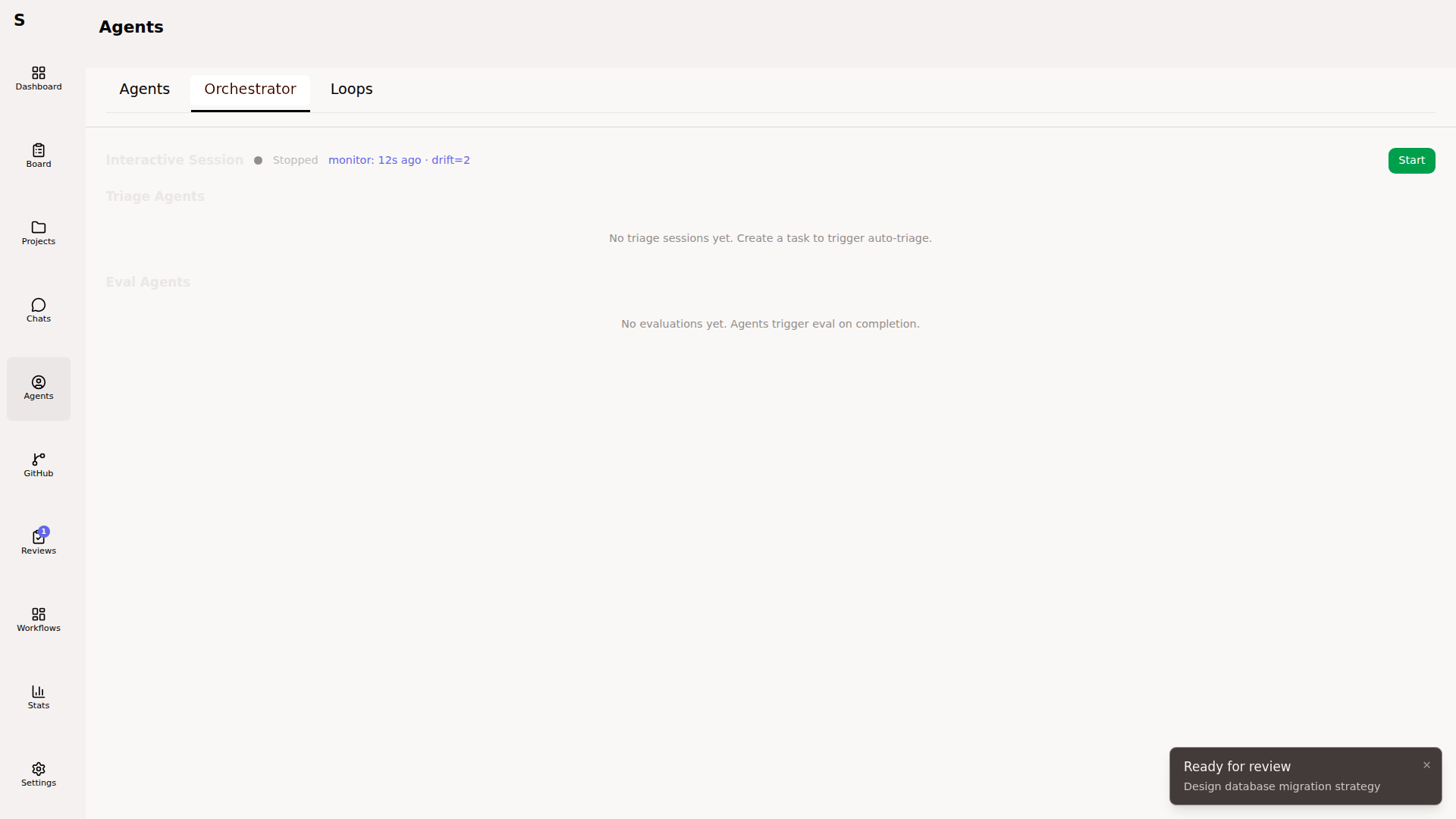
The orchestrator is a long-lived conversational agent. Start/stop it from the Orchestrator tab. When running:
- It polls new tasks and triages them
- It dispatches agents up to
agent.max_concurrent - It comments on stalled work via the monitor
- You can talk to it in the console
Treat it as a teammate, not a service. Ask it questions. Tell it to ignore specific tasks. Ask it to explain a decision.
Loop agents
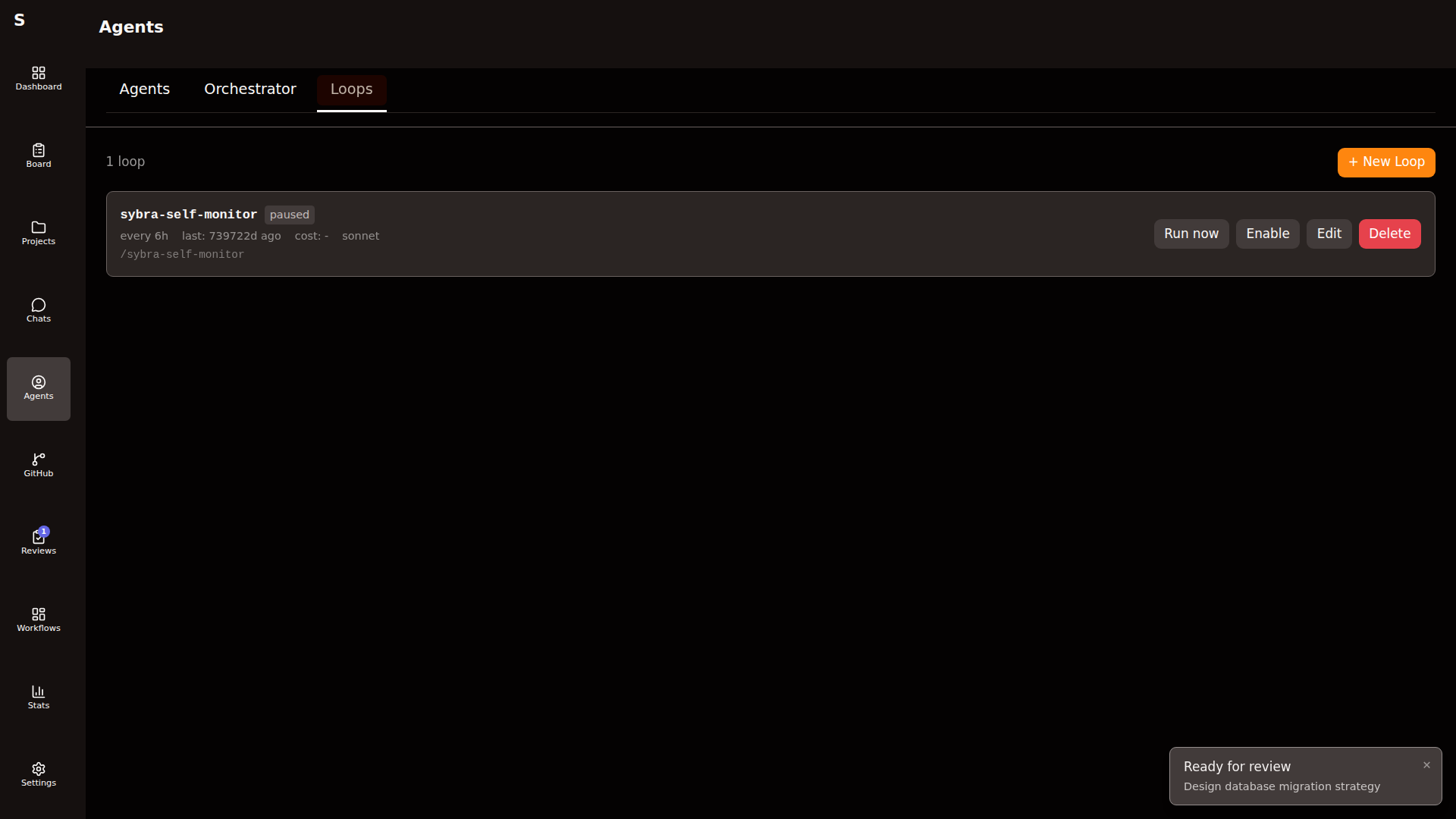
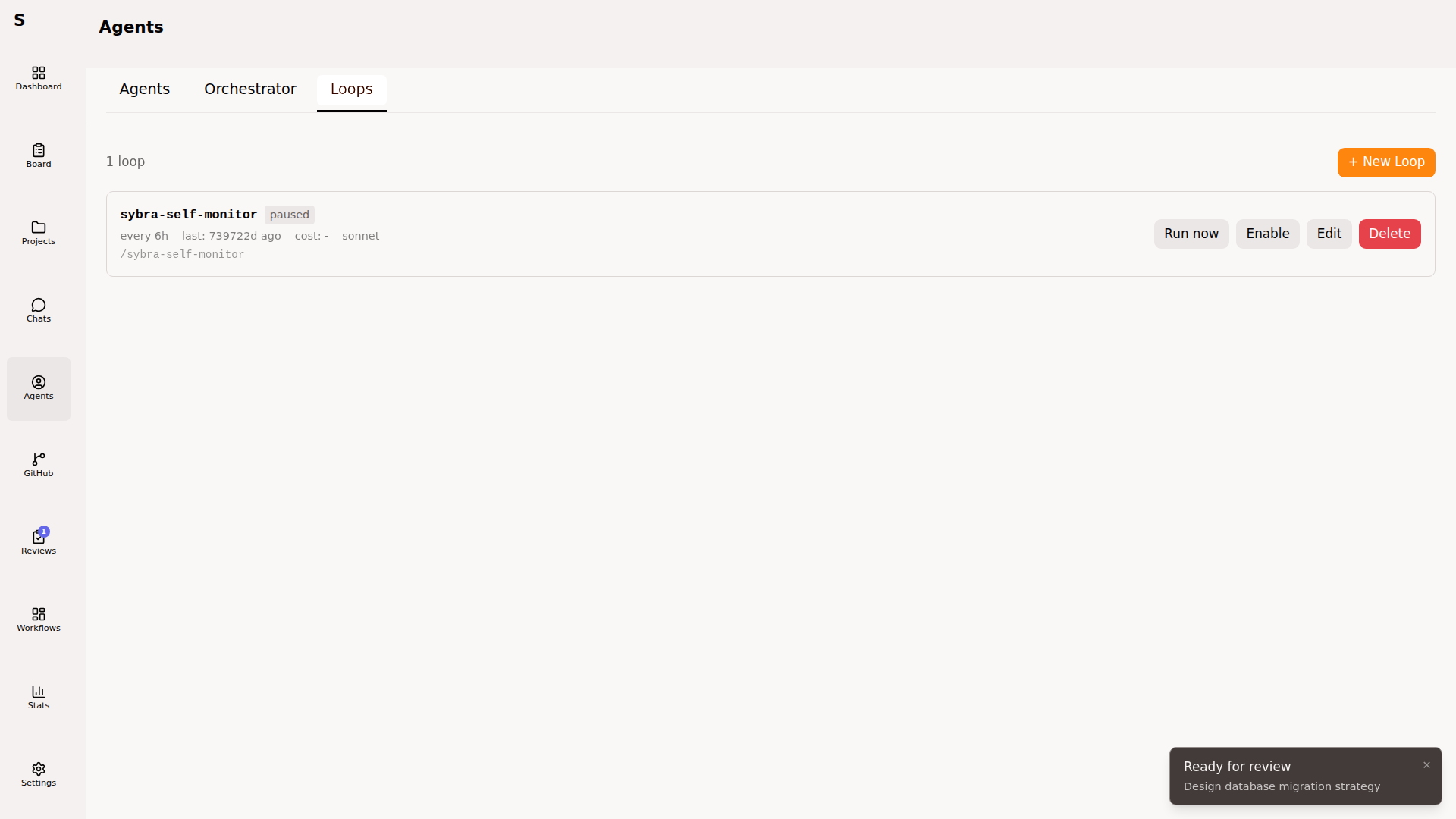
Section titled “Loop agents”Recurring headless jobs. Live under the Loops tab.
Create a loop
Section titled “Create a loop”Click New loop:
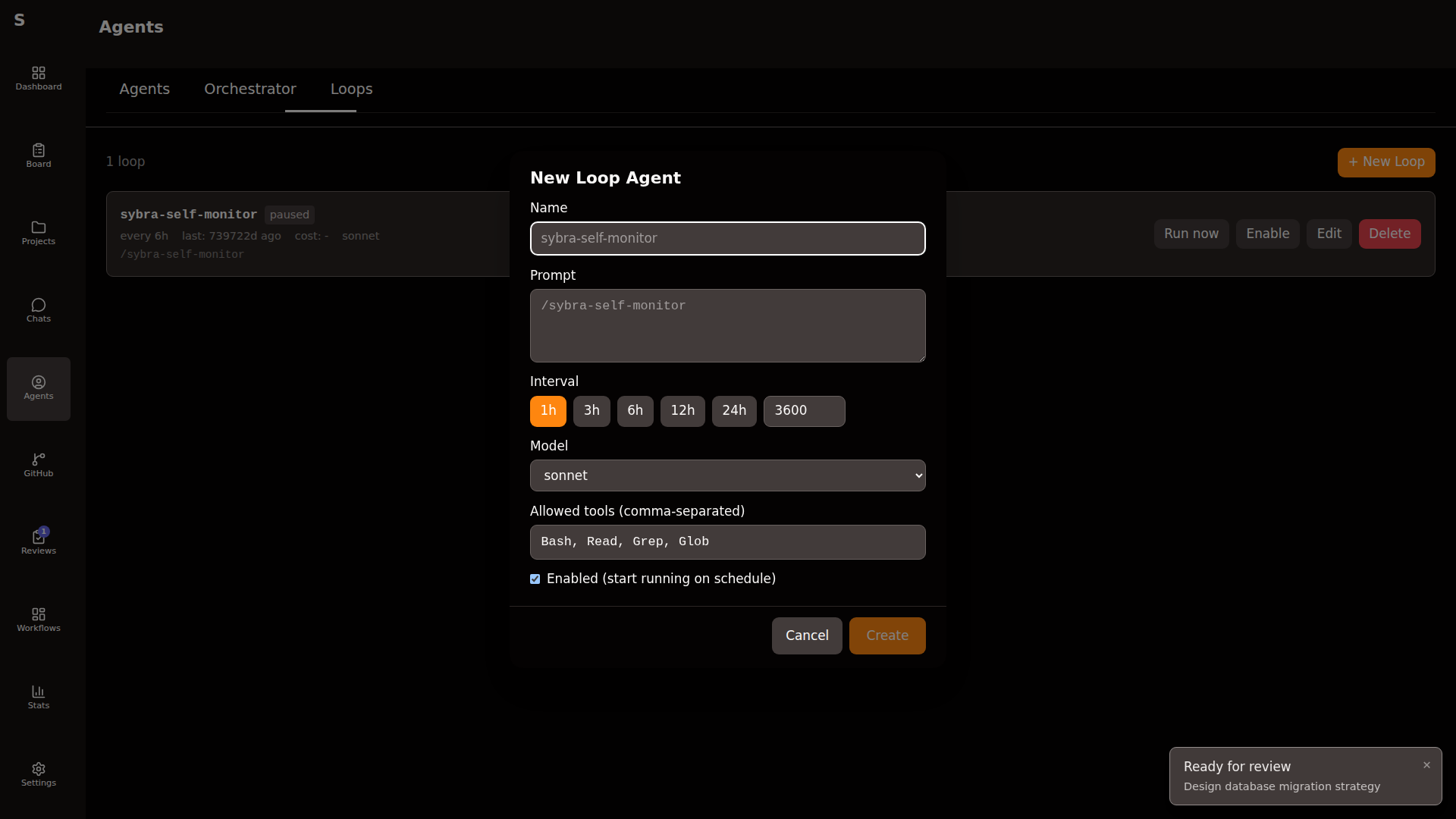
Fields:
| Field | Purpose |
|---|---|
| Name | Display only |
| Prompt | Full prompt sent to claude -p on every tick |
| Interval | Seconds between runs (min 60) |
| Allowed tools | Same semantics as tasks |
| Provider | claude or codex |
| Model | Override the default |
| Enabled | Kill switch |
Each loop is a YAML file under ~/.sybra/loop-agents/<id>.yaml. Persisted per-machine, so a laptop and a server have different loops.
Run now
Section titled “Run now”Every loop has a Run now button. Forces a tick outside the normal schedule. Useful for testing.
Typical loops
Section titled “Typical loops”# babysit PRs every 30 minname: Babysit PRsprompt: | Check open PRs. For Renovate PRs with green CI, approve and merge. For others, summarize blockers.interval_sec: 1800
# morning standup every day at 09:00name: Morning standupprompt: | Summarize yesterday's work from the audit log. Post to #daily.interval_sec: 86400The loop scheduler is a single ticker — loops don’t run concurrently with each other, but they run alongside normal agents.
Common patterns
Section titled “Common patterns””Give the agent more budget”
Section titled “”Give the agent more budget””- Open agent detail
- Click Increase limit
- Set new cap (e.g.
$2.00for expensive refactors) - Agent resumes
”Agent is stuck in a loop”
Section titled “”Agent is stuck in a loop””- Stop the agent
- Open the task
- Press E, clarify the prompt with more context
- Press S →
todo - Start agent again
If this pattern repeats, the self-monitor will flag the task and suggest a prompt change.
”Agent made changes I want to abandon”
Section titled “”Agent made changes I want to abandon””- Stop the agent
- Open Projects → the project → Worktrees
- Delete the worktree for this task
Sybra removes the branch on the next fetch cycle if it has no remote.
”Two agents must coordinate”
Section titled “”Two agents must coordinate””They can’t directly. Use workflows with needs_worktree: true and sequential run_agent steps so each sees the previous agent’s commits.