
Workflows
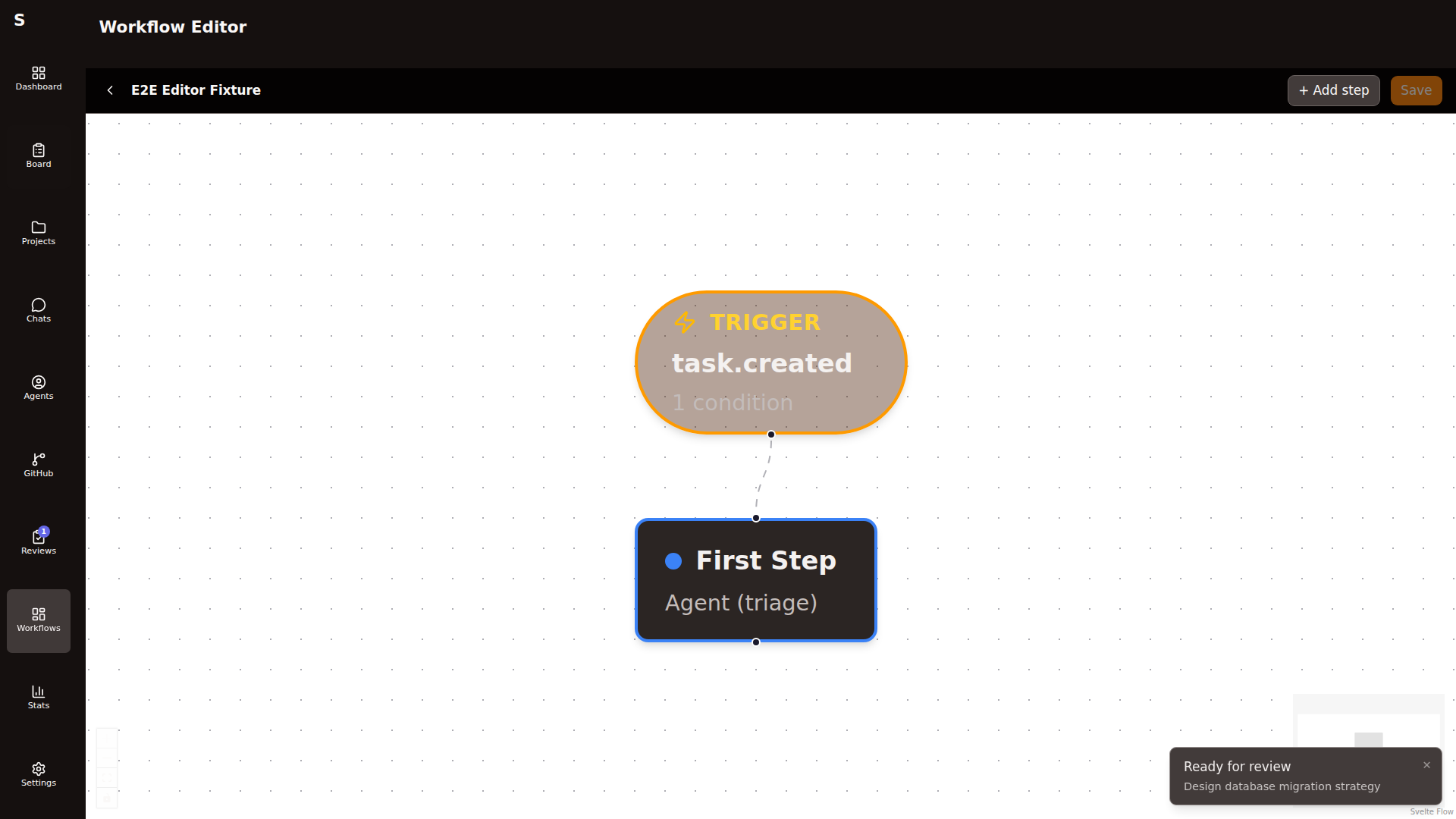
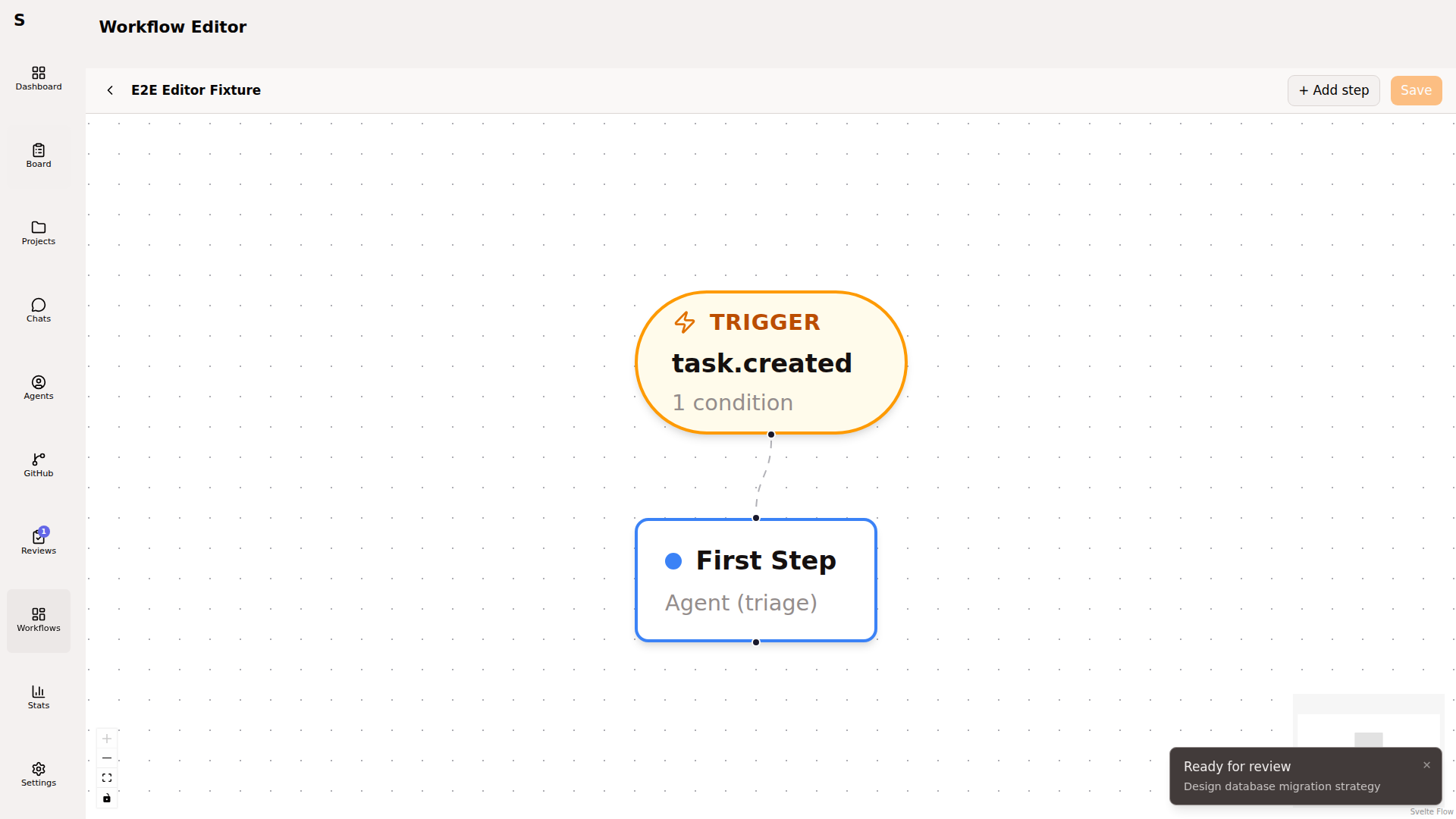
A workflow is a directed graph of steps. Triggers fire on task events. Steps run agents, wait for humans, set statuses, or branch on conditions. This is how “task created” becomes “PR merged” without you clicking buttons in between.
Anatomy
Section titled “Anatomy”id: simple-taskname: Simple taskdescription: Triage → Plan → Implement → Review → Mergetrigger: on: task.createdsteps: - id: triage type: run_agent config: role: triage mode: headless model: sonnet prompt: "Classify this task and set tags." allowed_tools: [] - id: plan type: run_agent config: role: plan mode: headless needs_worktree: true prompt: "Write an implementation plan." - id: plan-review type: wait_human config: status: plan-review human_actions: [approve, reject] - id: implement type: run_agent config: role: "" # empty = implementation mode: headless needs_worktree: true max_retries: 2 reuse_agent: false - id: open-pr type: link_pr_and_review - id: merge-check type: ensure_pr_closes_issuebuiltin: trueTriggers
Section titled “Triggers”Three event sources, one is always required:
on: | Fires when |
|---|---|
task.created | A new task appears (any source) |
task.status_changed | A task’s status field changes |
pr.event | A PR linked to a task gets a GitHub event |
Triggers can be gated by conditions — a list of {field, operator, value} tuples combined with AND. Fields reference the task (task.id, task.title, task.status, task.tags, task.agent_mode, task.project_id, task.branch, task.pr_number, task.reviewed) or the linked PR (pr.issue_kind).
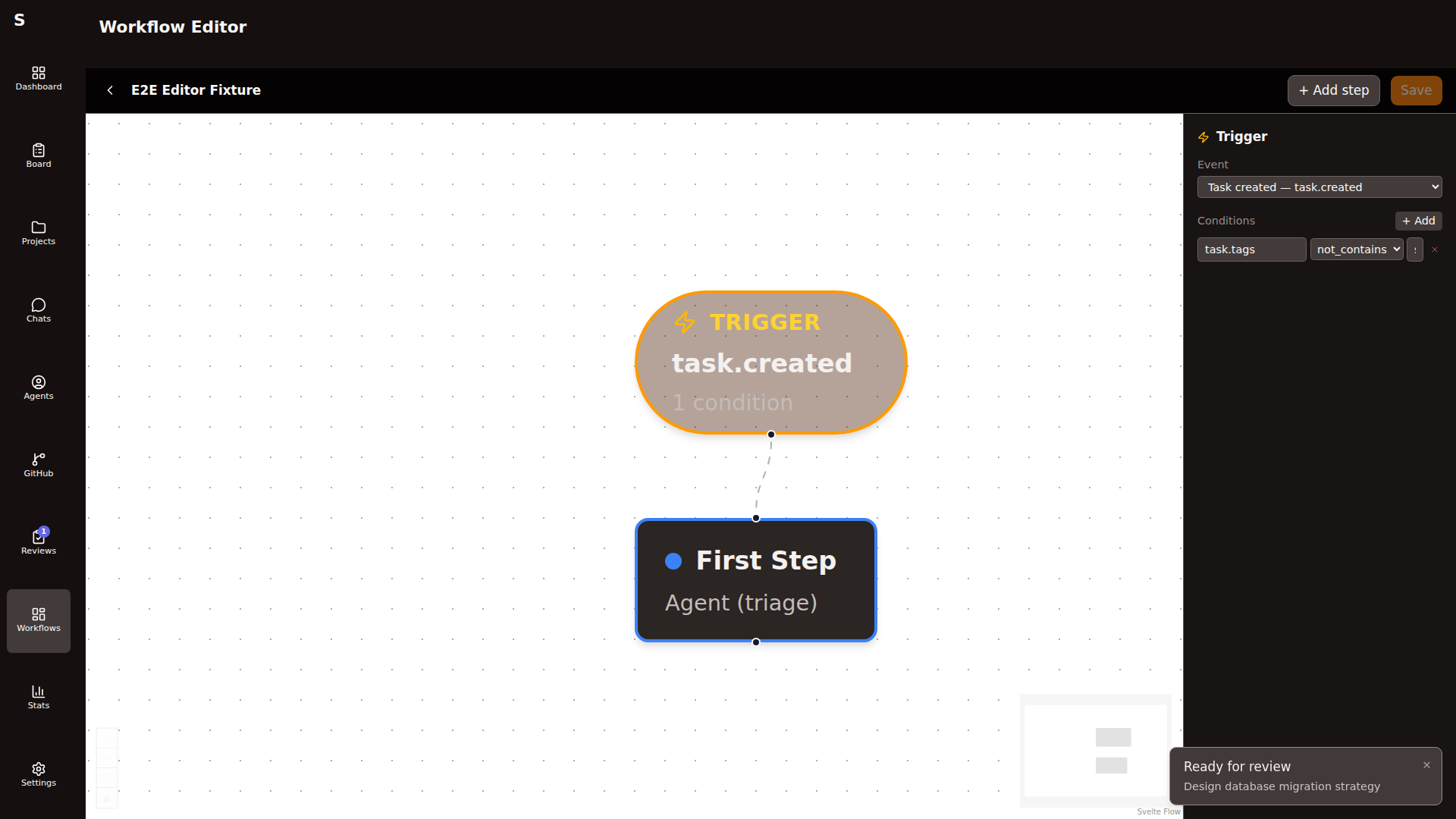
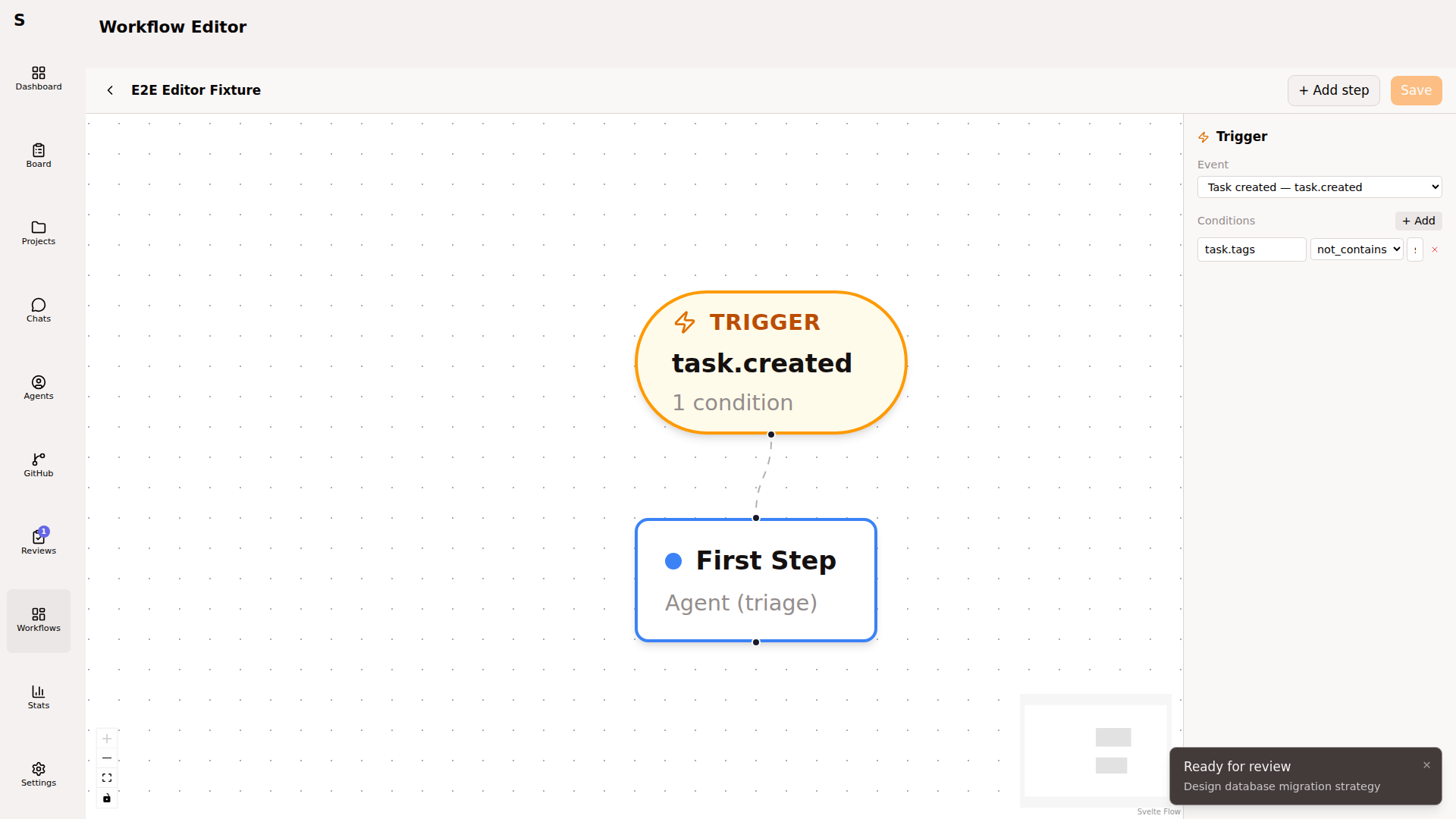
Operators: equals, not_equals, contains, not_contains, exists.
Step types
Section titled “Step types”| Type | Purpose |
|---|---|
run_agent | Dispatches a Claude Code agent with prompt + mode + tools |
wait_human | Pauses workflow, sets the task to a status you can act on |
set_status | Updates the task status unconditionally |
condition | Branches the DAG based on task/PR state |
shell | Runs a shell command (tests, linters, build checks) |
ensure_pr_closes_issue | Asserts PR body has Closes #N if task has issue: |
verify_commits | Asserts at least one commit on the branch |
link_pr_and_review | Opens PR from branch, attaches review workflow |
evaluate | Runs an LLM judge step (for grading agent output) |
run_agent config
Section titled “run_agent config”| Field | Default | Notes |
|---|---|---|
role | "" | triage / plan / eval / pr-fix / "" (implementation) |
mode | headless | or interactive |
model | — | Overrides the default model for this step |
provider | — | claude or codex |
prompt | — | Template; {{ task.body }} interpolates |
allowed_tools | [] | Empty = all with skip-permissions |
needs_worktree | false | If true, creates a worktree before the run |
max_retries | 0 | Retries on failure |
reuse_agent | false | If true, resumes the prior agent session ID |
wait_human config
Section titled “wait_human config”type: wait_humanconfig: status: plan-review human_actions: [approve, reject] wait_for_status: todo # optional — auto-advance if someone sets thisSybra surfaces human_actions as buttons on the task detail page. Approving completes the step; rejecting fails it.
Human actions in the UI
Section titled “Human actions in the UI”wait_human steps render action buttons inline on task detail. The Plan Review flow uses this:
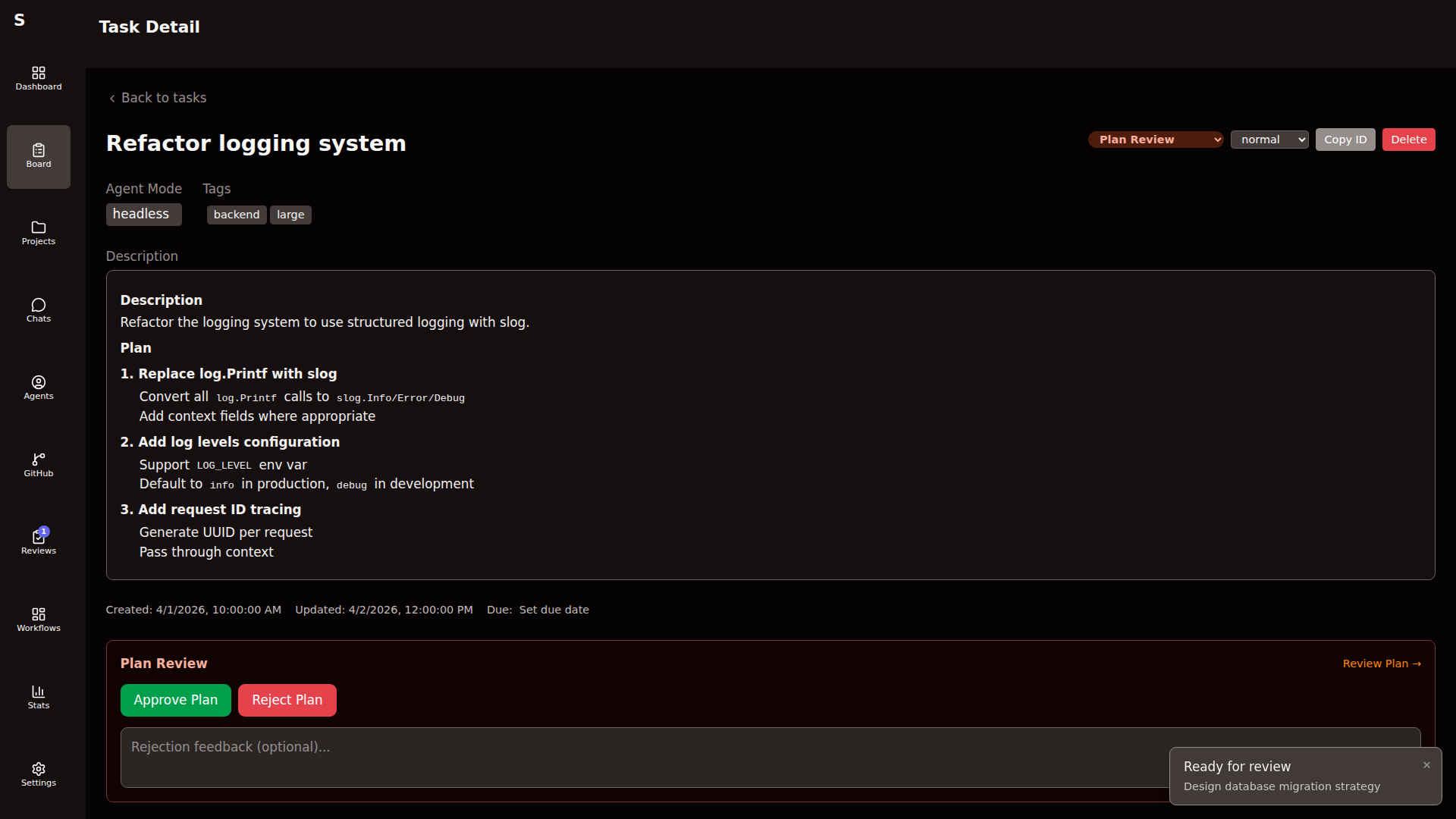
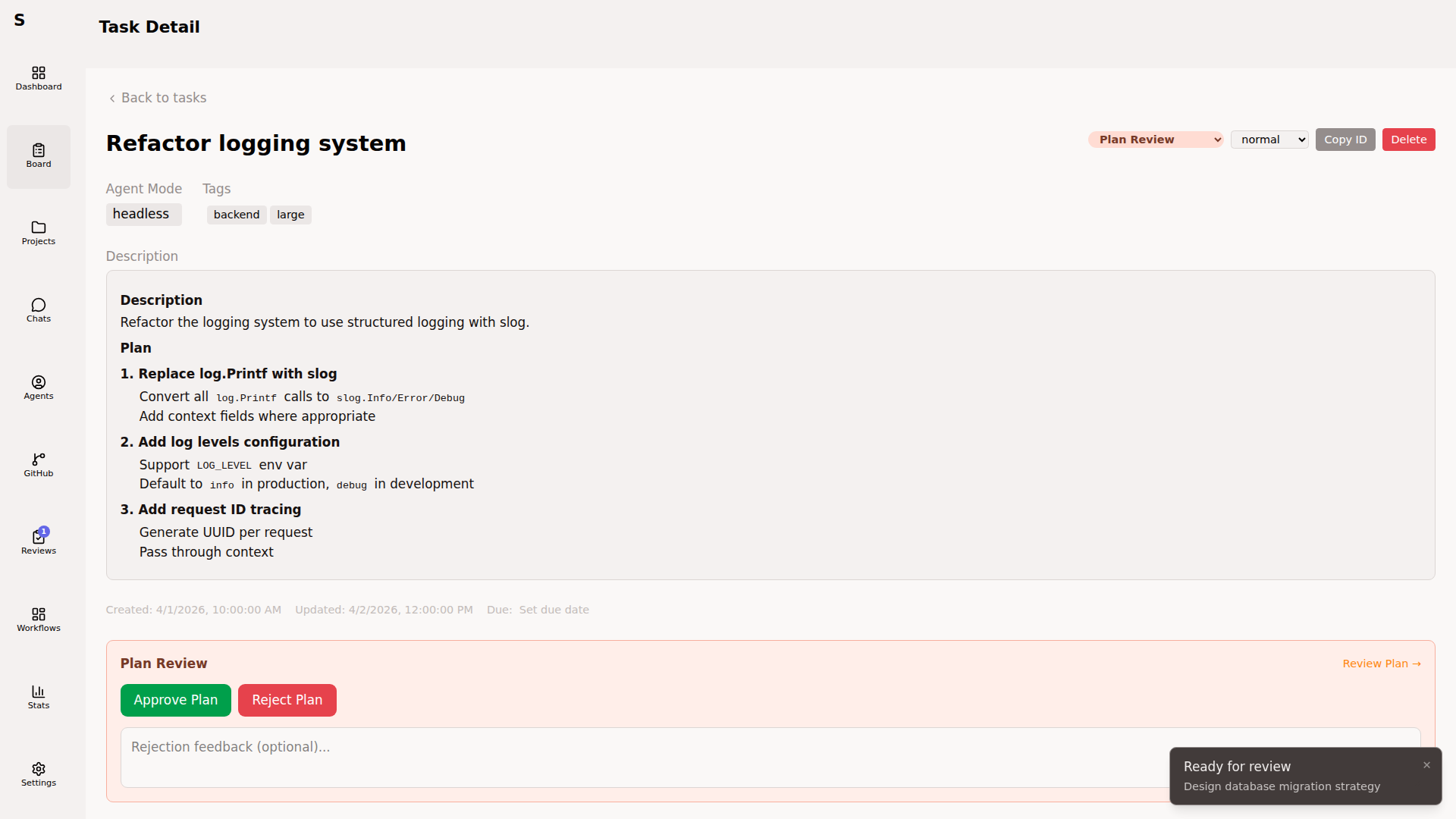
Shortcuts: A approve, R reject, C focus the feedback box. Messages typed into the feedback box go back to the plan agent via session resume.
Built-in workflows
Section titled “Built-in workflows”Sybra ships a default workflow set:
simple-task— default workflow for untagged taskstesting-task— manual testing looppr-review— review-tagged taskspr-fix— CI red or merge conflicts on linked PRs
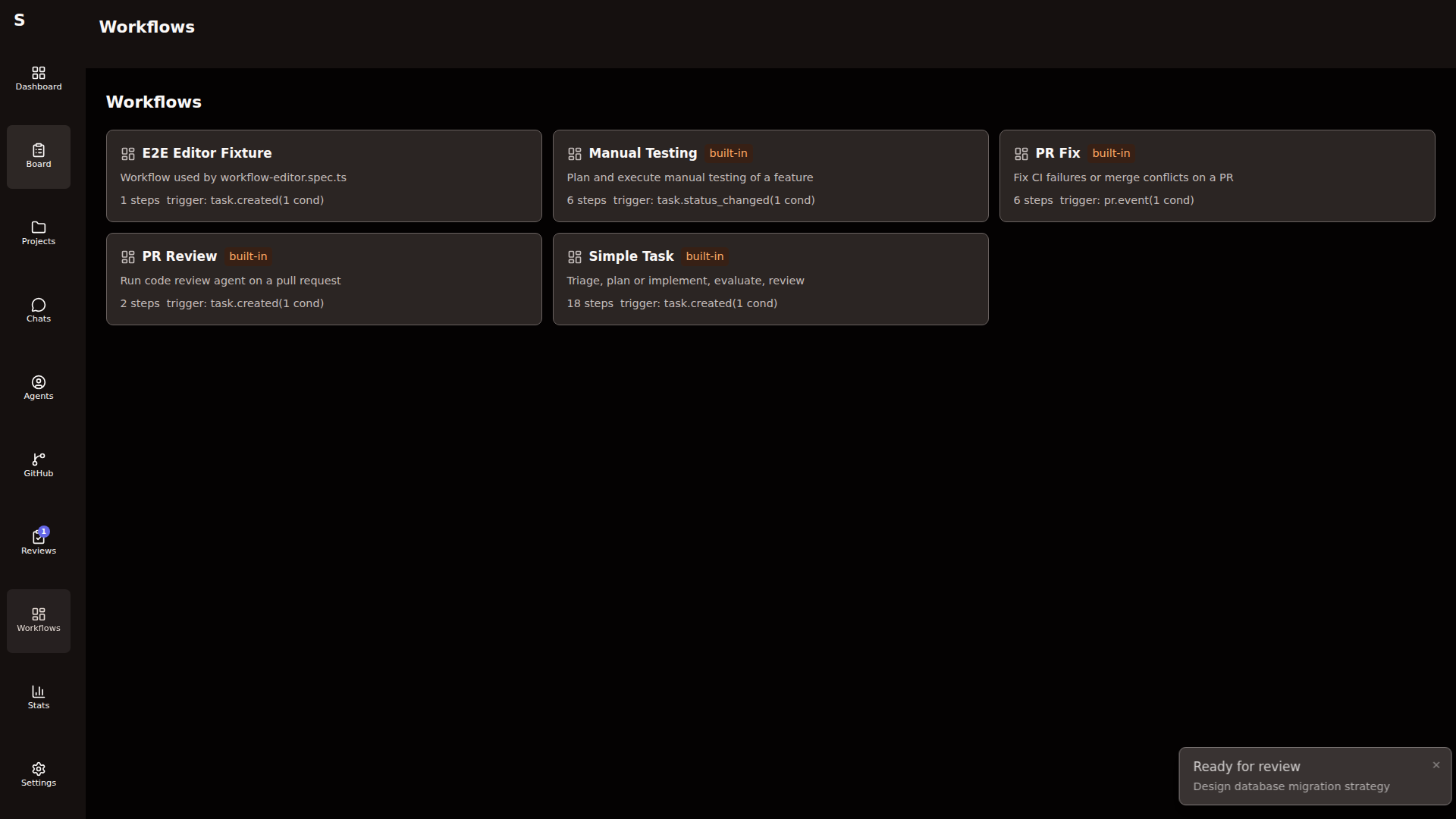
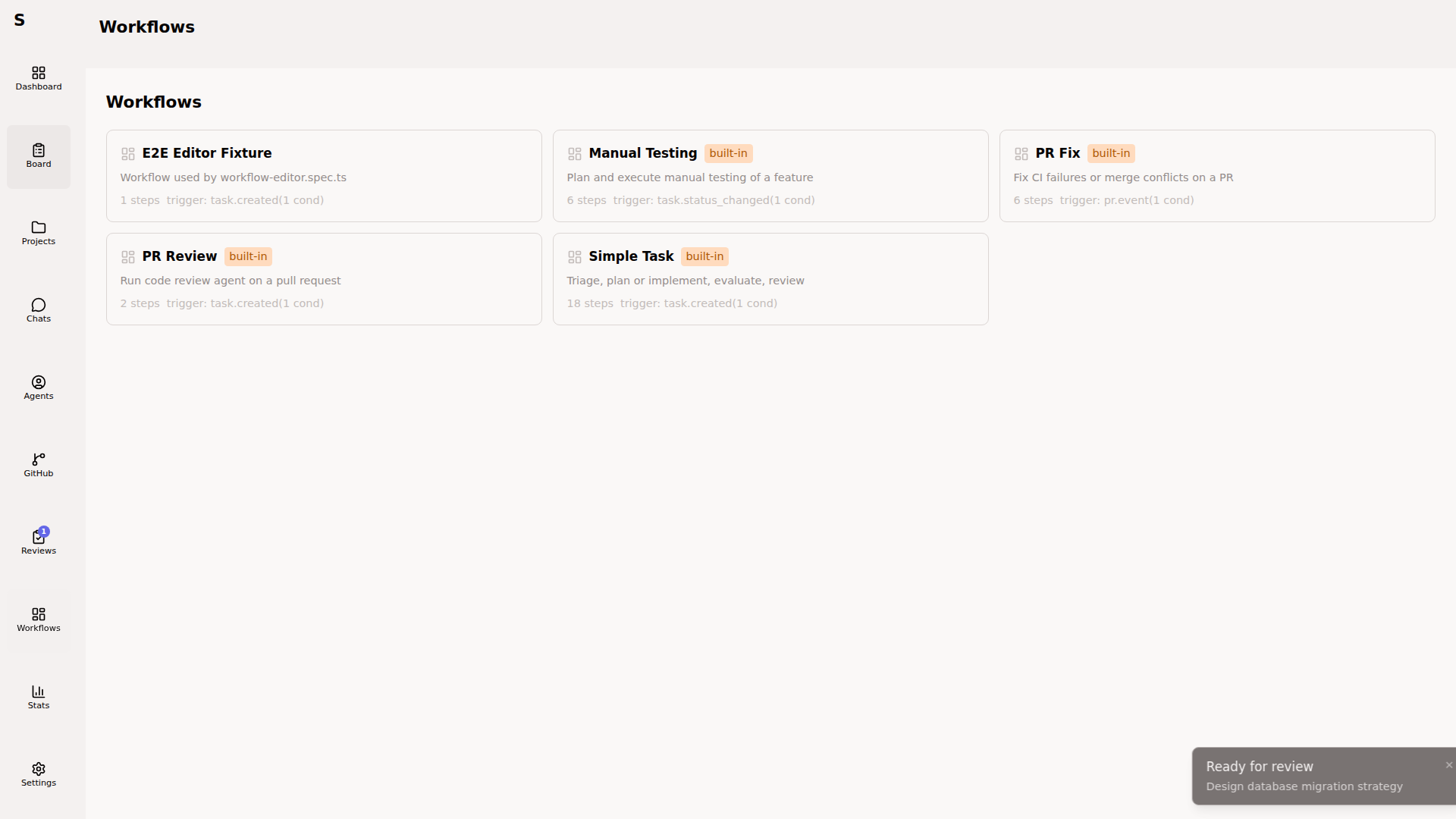
Built-in workflows are marked builtin: true. You can fork them into your own (which clears the flag) or reset them to ship defaults from the Workflows page.
Execution state on tasks
Section titled “Execution state on tasks”When a workflow runs, Sybra stamps the task frontmatter with:
workflow: execution_id: exec-abc123 status: running # running | completed | failed | cancelled current_step_id: implementThis is how restart recovery works: on startup, Sybra resumes any workflow that was running by replaying from current_step_id.
Why a DAG, not a state machine
Section titled “Why a DAG, not a state machine”Early versions used a state machine (status field drives everything). It fell over as soon as you needed:
- multiple agents per task (plan → implement → fix-review)
- parallel fan-out (eval agent + test agent)
- conditional branches (“if PR has merge conflict, run conflict-resolver”)
Workflows let you encode those topologies once and reuse them. The status field is now a side effect of workflow execution, not the source of truth.
When to skip workflows
Section titled “When to skip workflows”- You’re exploring a new problem interactively. Skip workflows; use chat mode.
- You want per-task idiosyncratic behavior. Workflows are for patterns, not one-offs.
- You’re debugging Sybra itself. Turn all workflows off, drive the board by hand.