
GitHub integration
Sybra talks to GitHub through the gh CLI and GraphQL. No OAuth app, no webhook server — Sybra reuses your local gh auth token.
Enable it in config:
github: enabled: true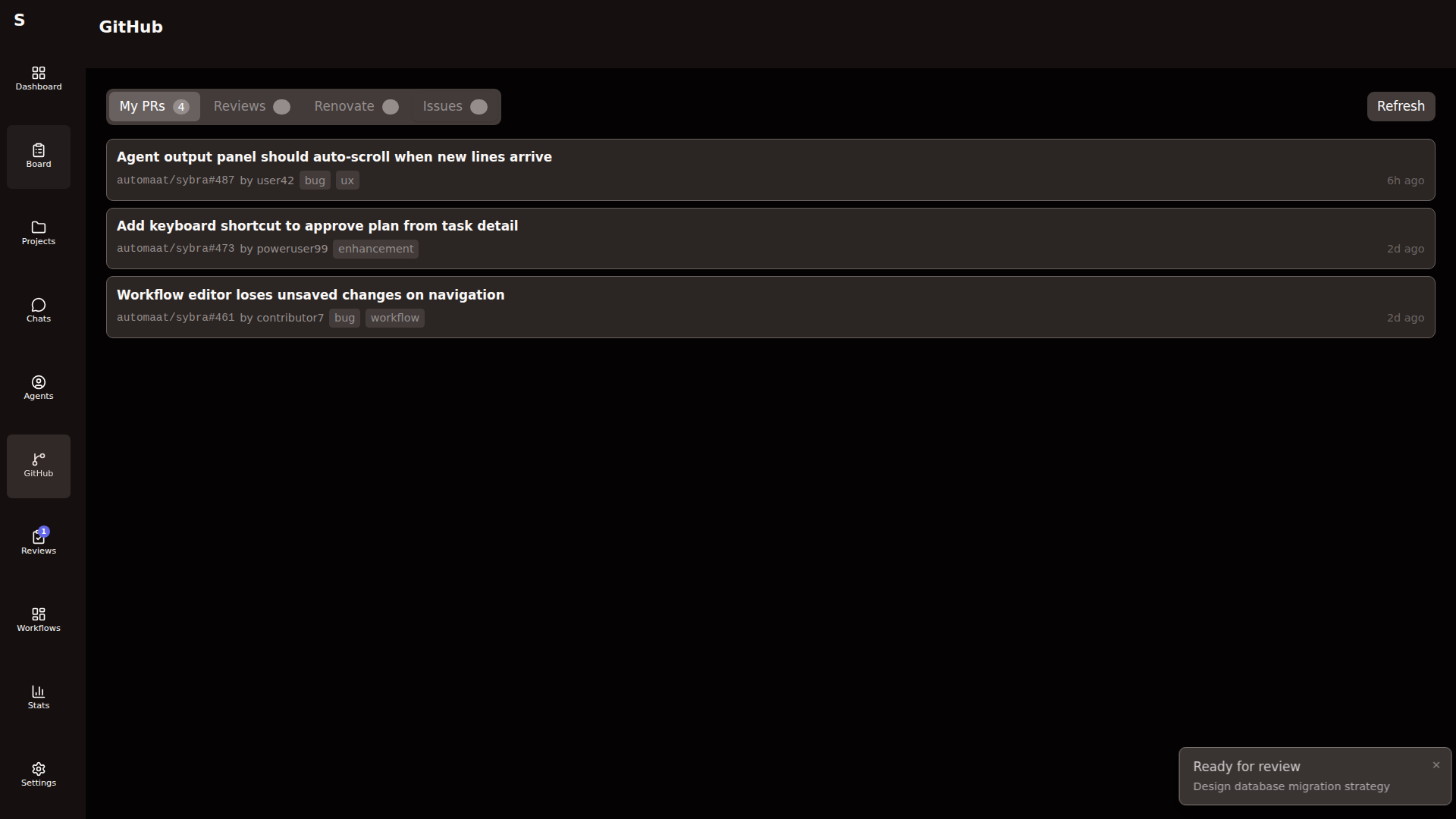
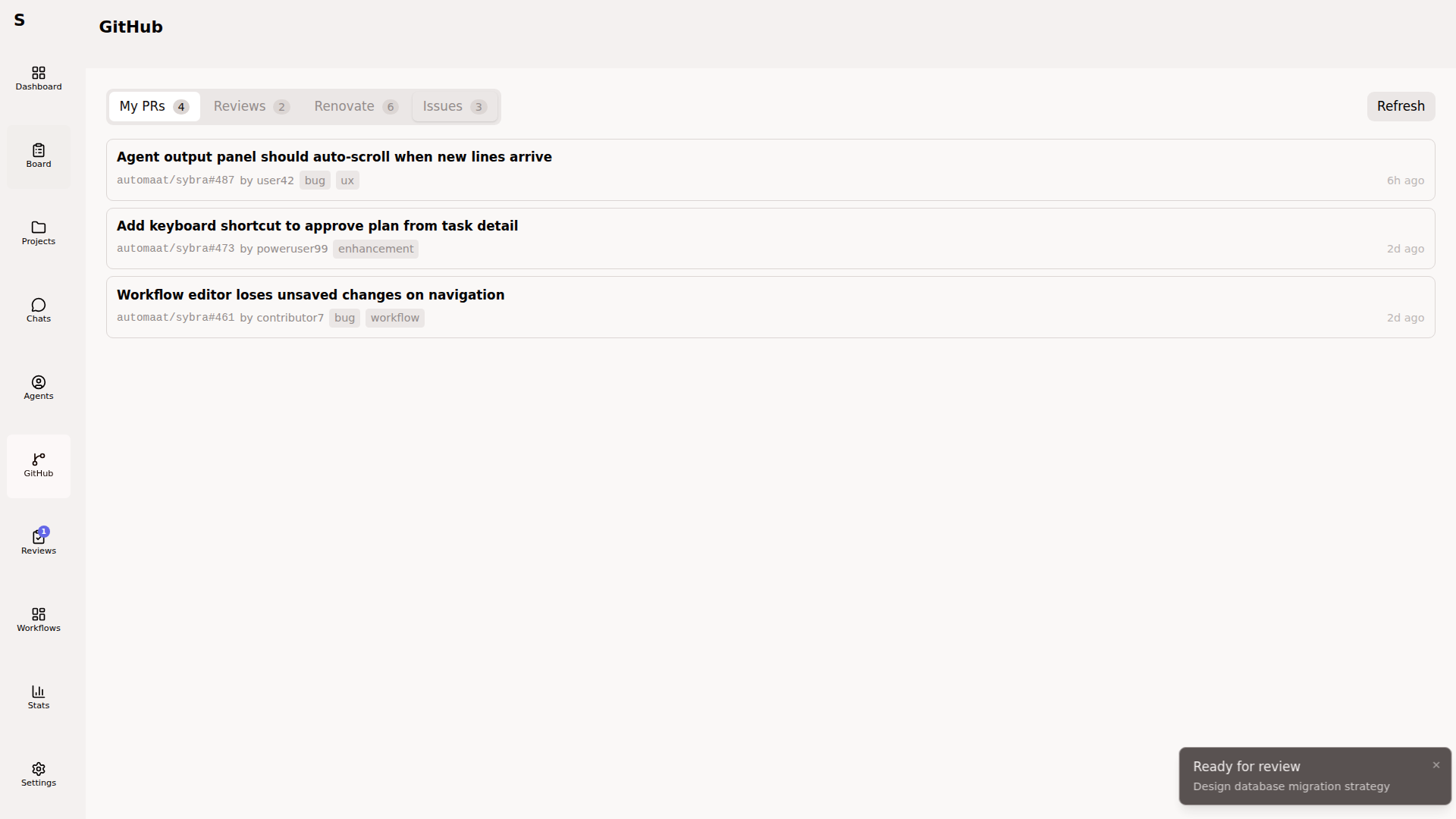
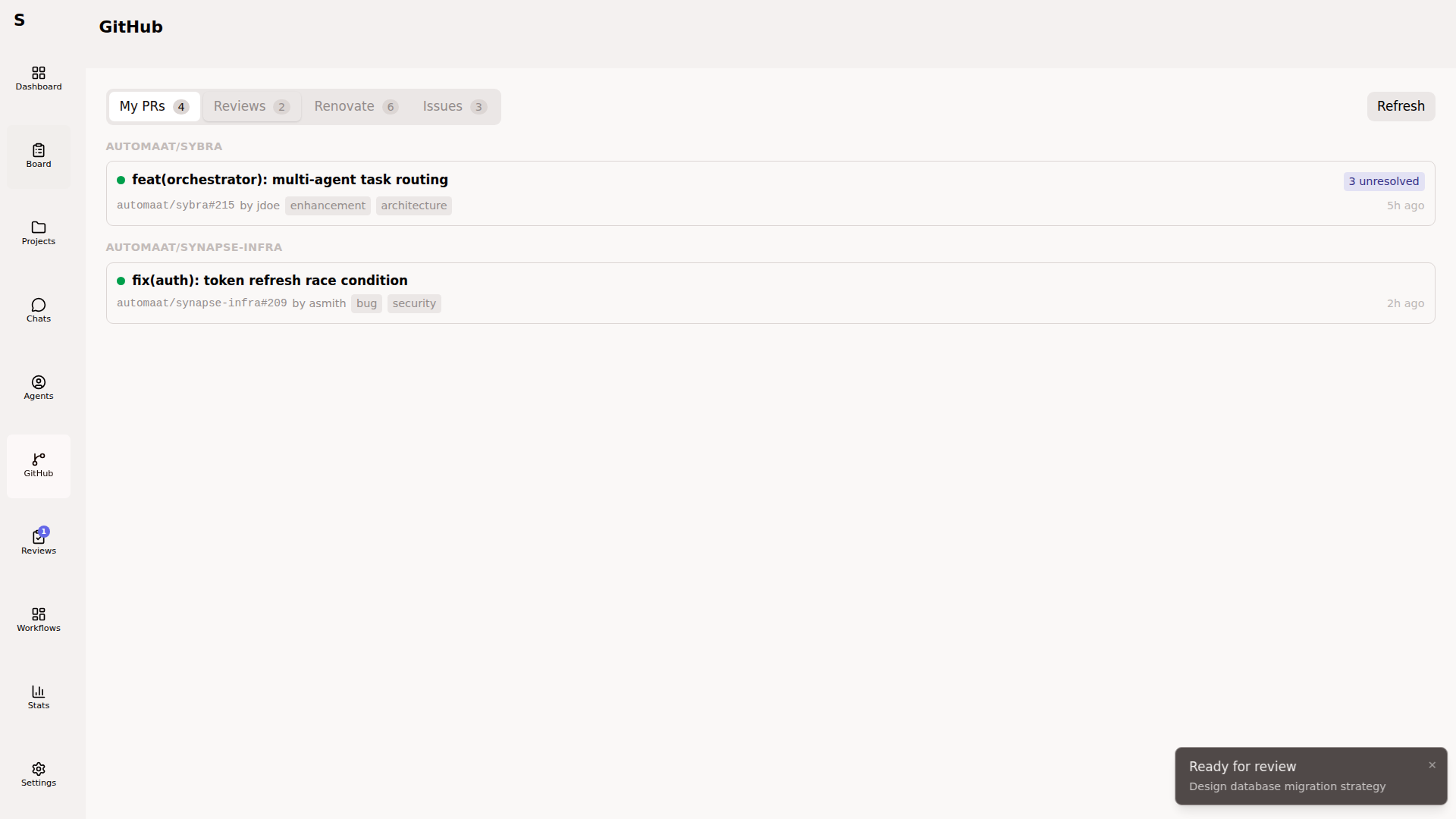
The tab has four views: Issues, My PRs, Reviews, Renovate.
Issues → tasks
Section titled “Issues → tasks”
Sybra periodically queries issues assigned to your GitHub user across all registered projects. For each issue:
- Shows number, title, labels, repository
- If already linked to a Sybra task, shows the task ID
- Otherwise offers Create task
Create task generates a task with:
titlefrom issue titlebodyfrom issue bodyissue:pointing to the issue URLproject_idmatching the repotagsinferred from issue labels
Once created, the orchestrator triages normally.
My PRs
Section titled “My PRs”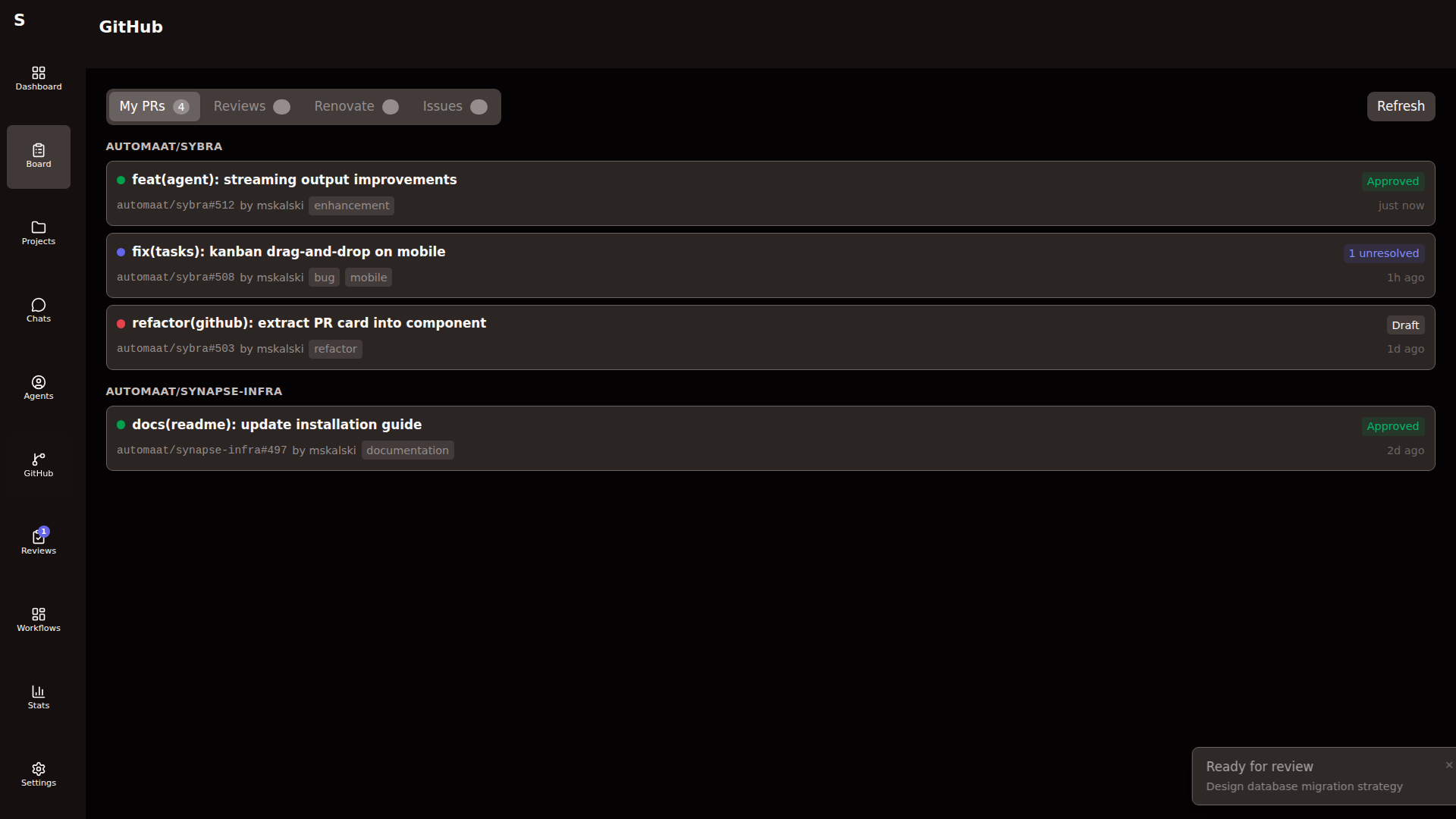
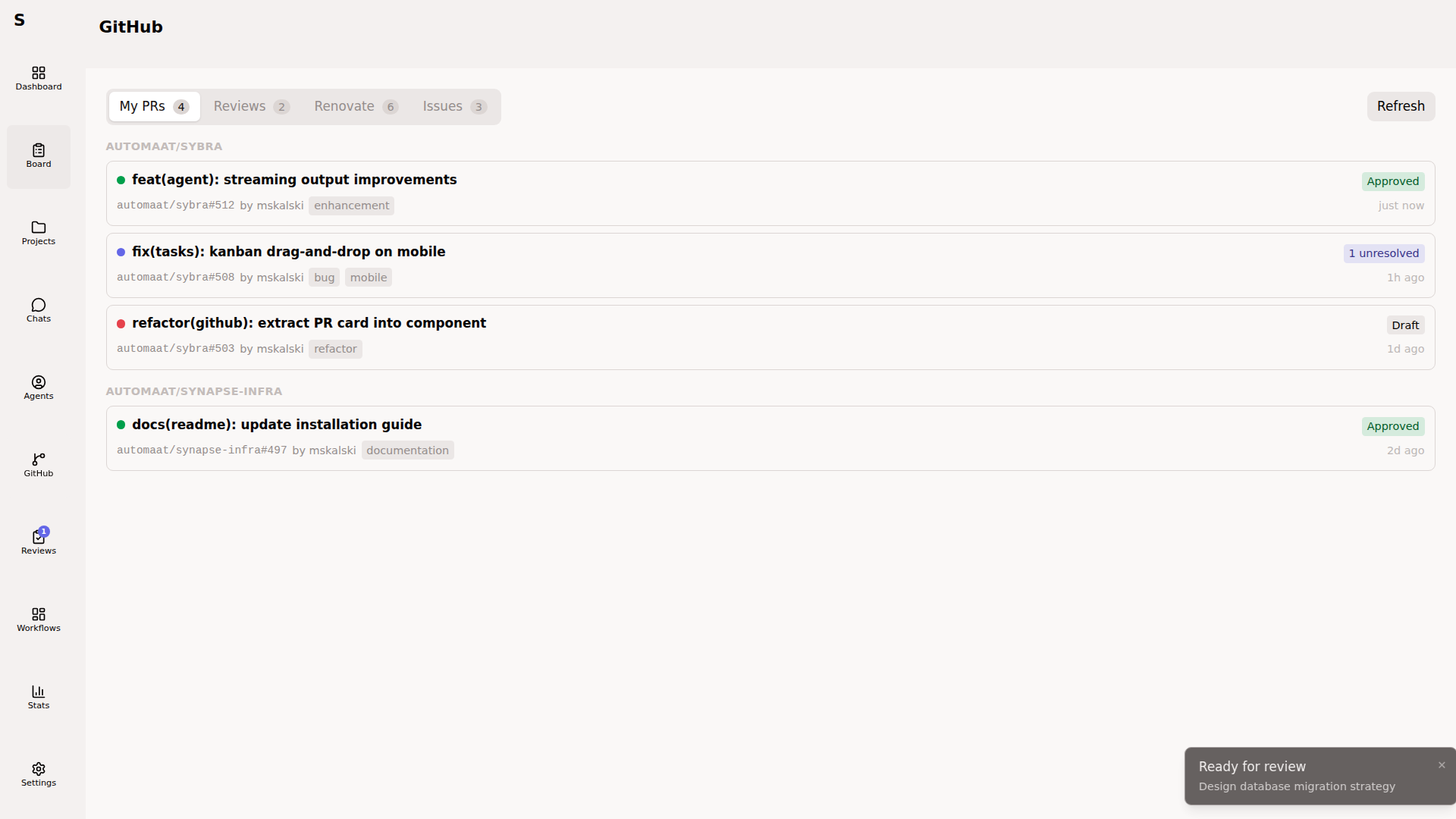
Lists PRs authored by your user across registered projects. Per PR:
- Status (open, draft, merged, closed)
- CI state (passing, failing, pending)
- Review state (approved, changes requested, pending)
- Linked Sybra task, if any
Click a PR to open detail view:
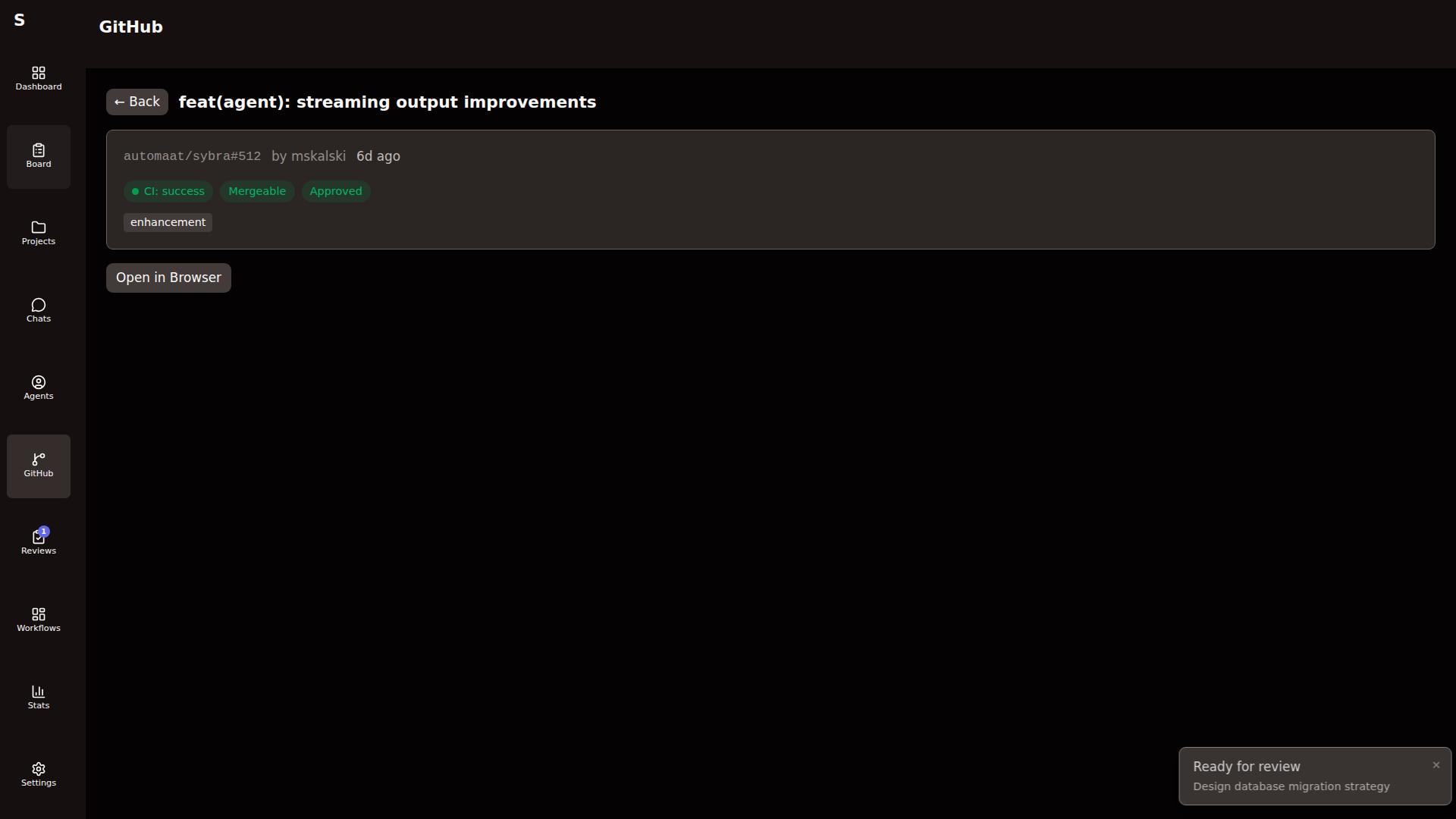
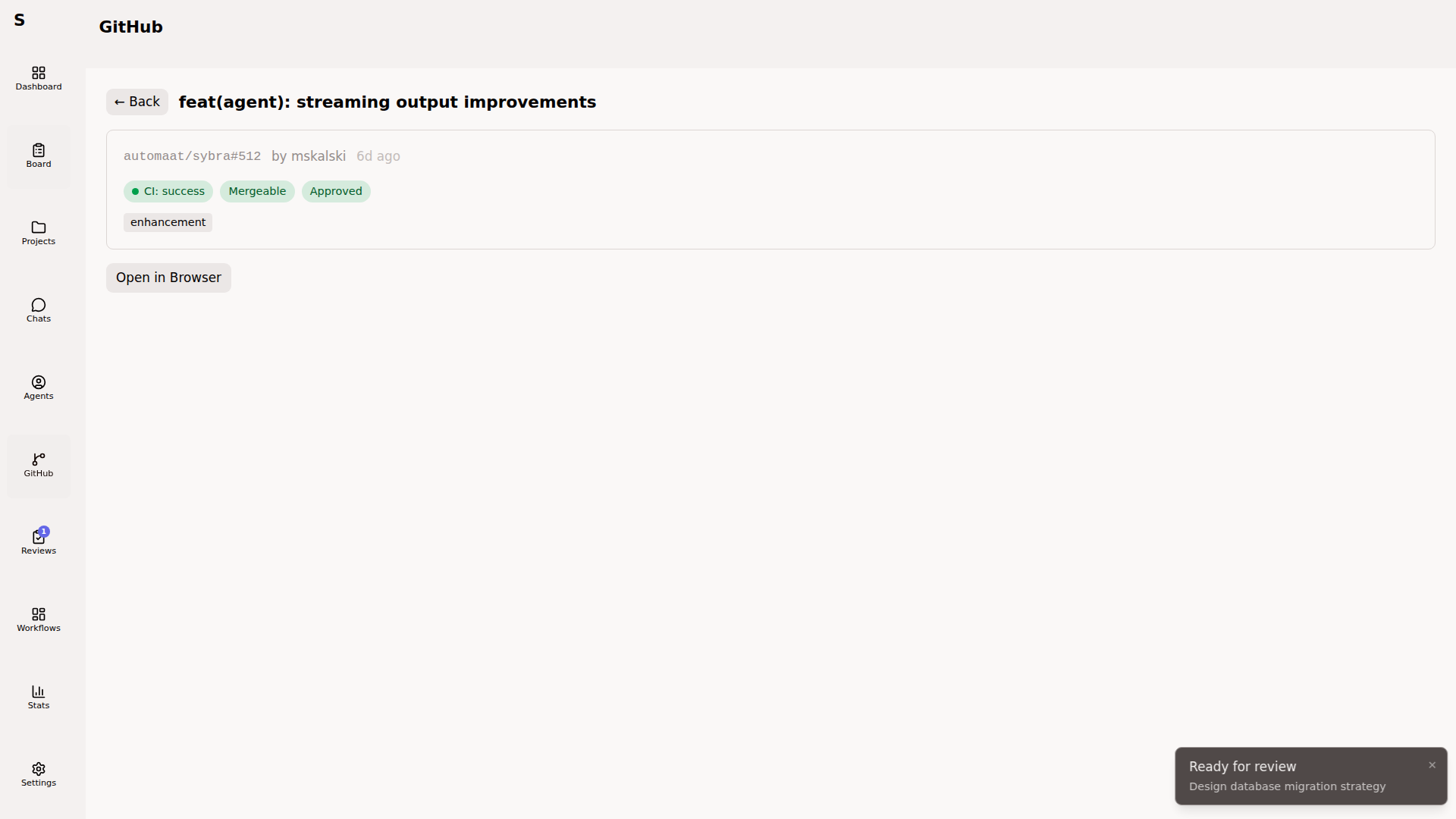
Actions on PR detail:
- Open in Browser — jump to the PR on GitHub
The authored-PR detail view intentionally avoids write actions today. Approve, Merge, Rerun Checks, and Fix CI are wired up only on Renovate-authored rows — see Renovate below.
Reviews
Section titled “Reviews”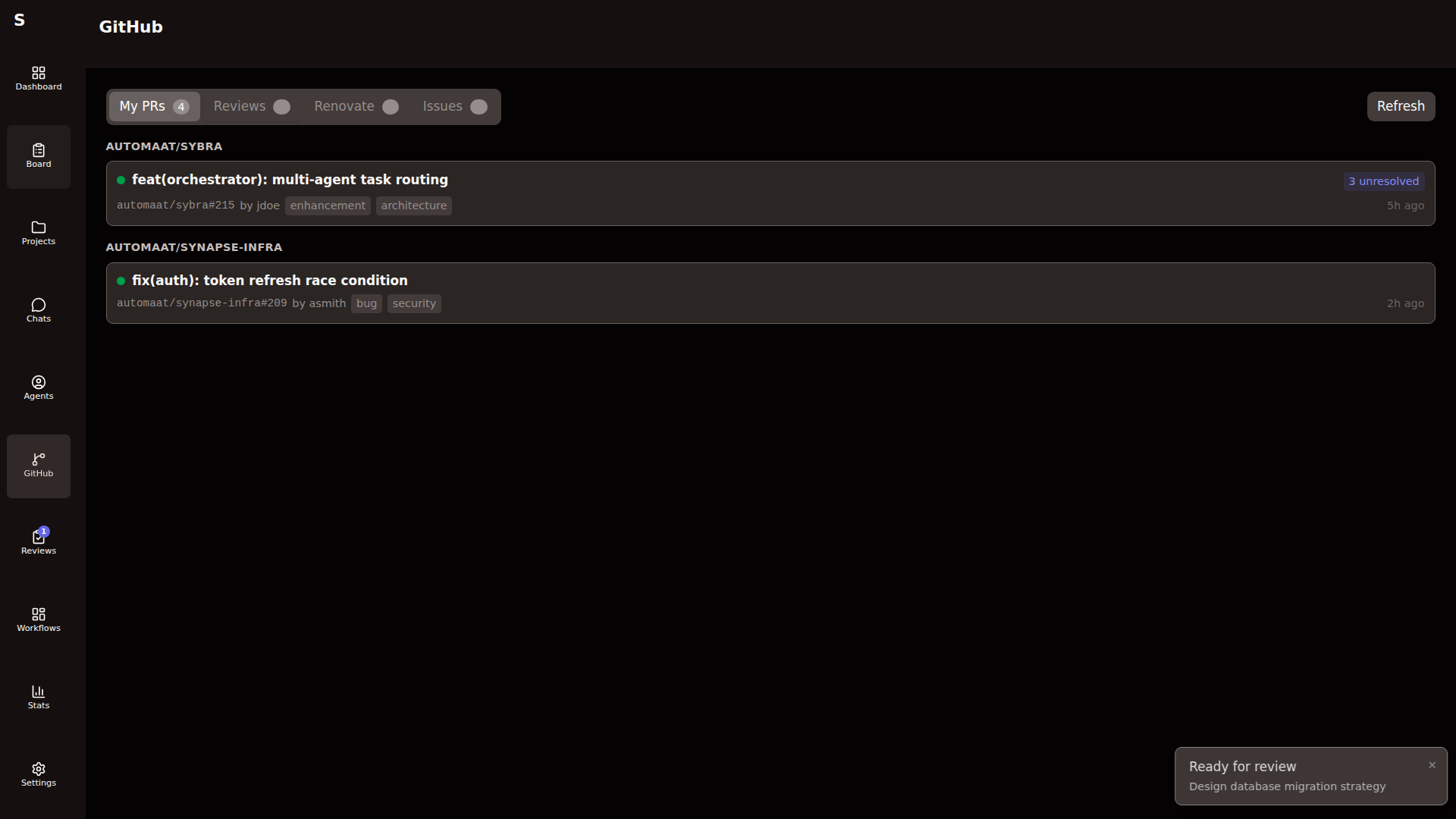
PRs awaiting your review, across all projects. From here you can dispatch a review agent:
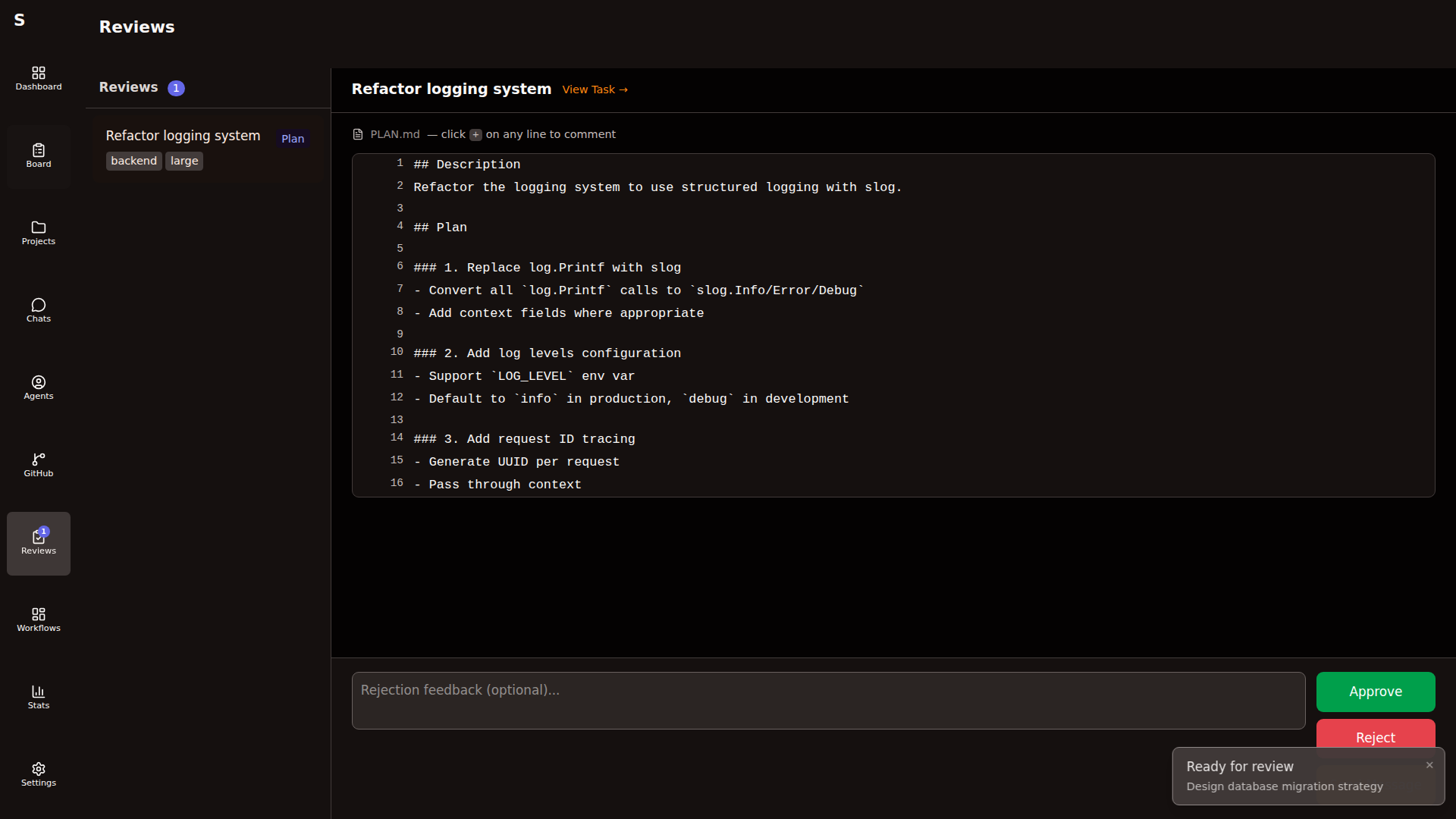
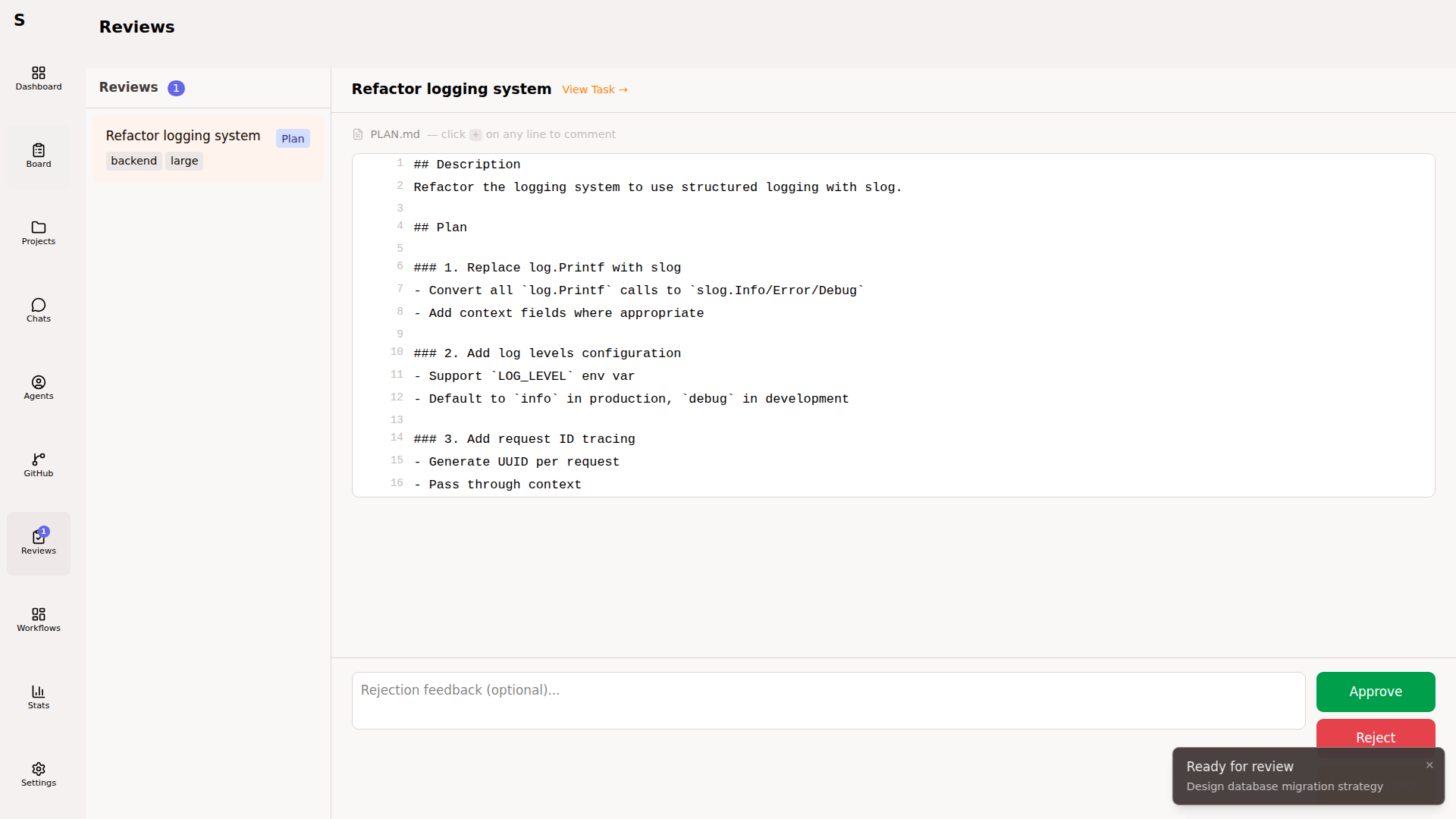
The review agent:
- Checks out the PR branch in a worktree
- Runs static analysis (per-project configured linters/tests)
- Reads the diff and emits review comments
- Posts them to GitHub as a pending review
You get a chance to edit before submitting. The agent’s output is a proposal, not an auto-approval.
Inline comments
Section titled “Inline comments”Add comments on specific lines in the diff view. Resolve or delete individually. Comments persist until resolved.
Accept the agent’s review
Section titled “Accept the agent’s review”Click Submit review. Sybra posts to GitHub with your account. You decide approve / request-changes / comment.
Renovate
Section titled “Renovate”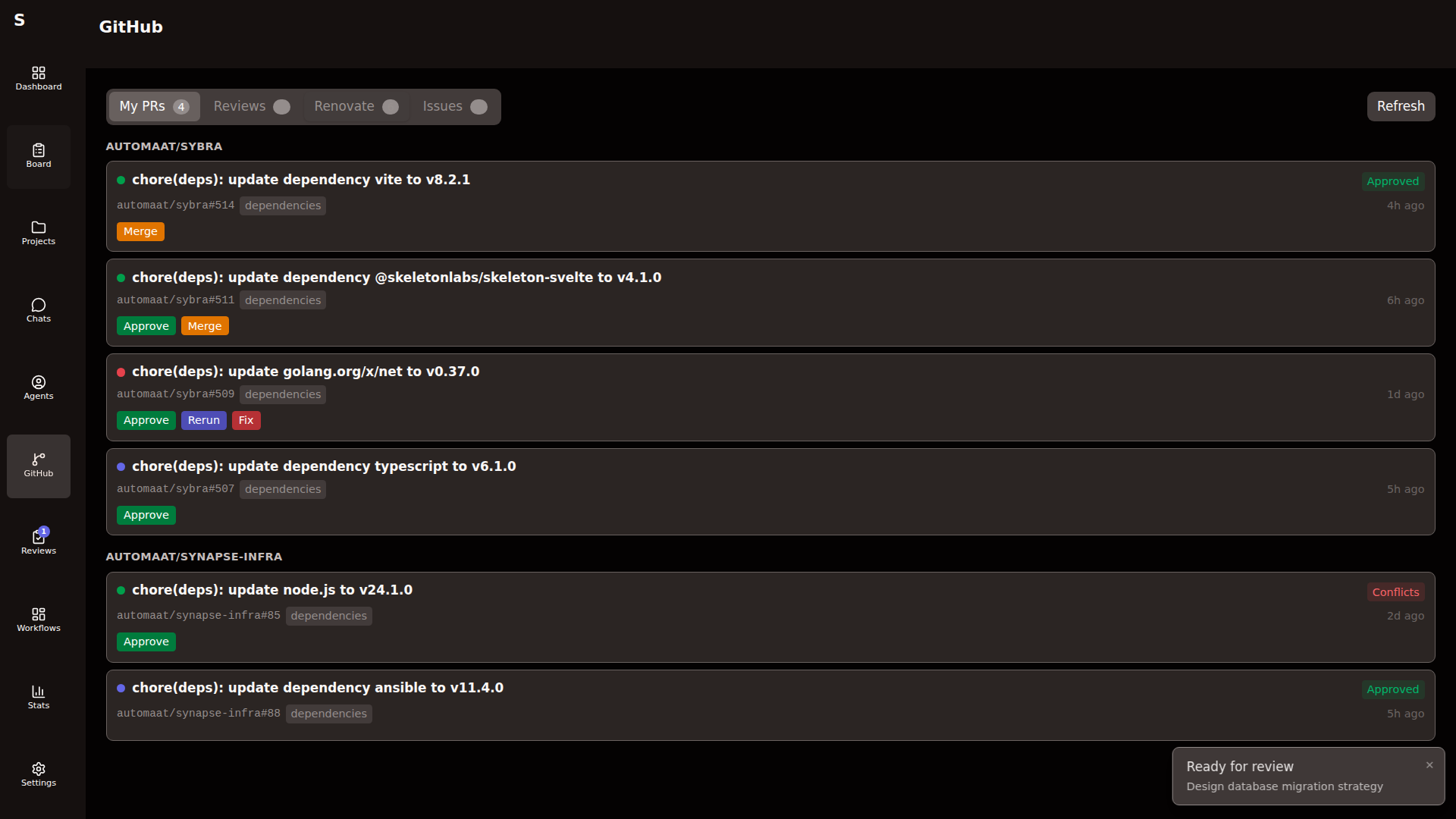
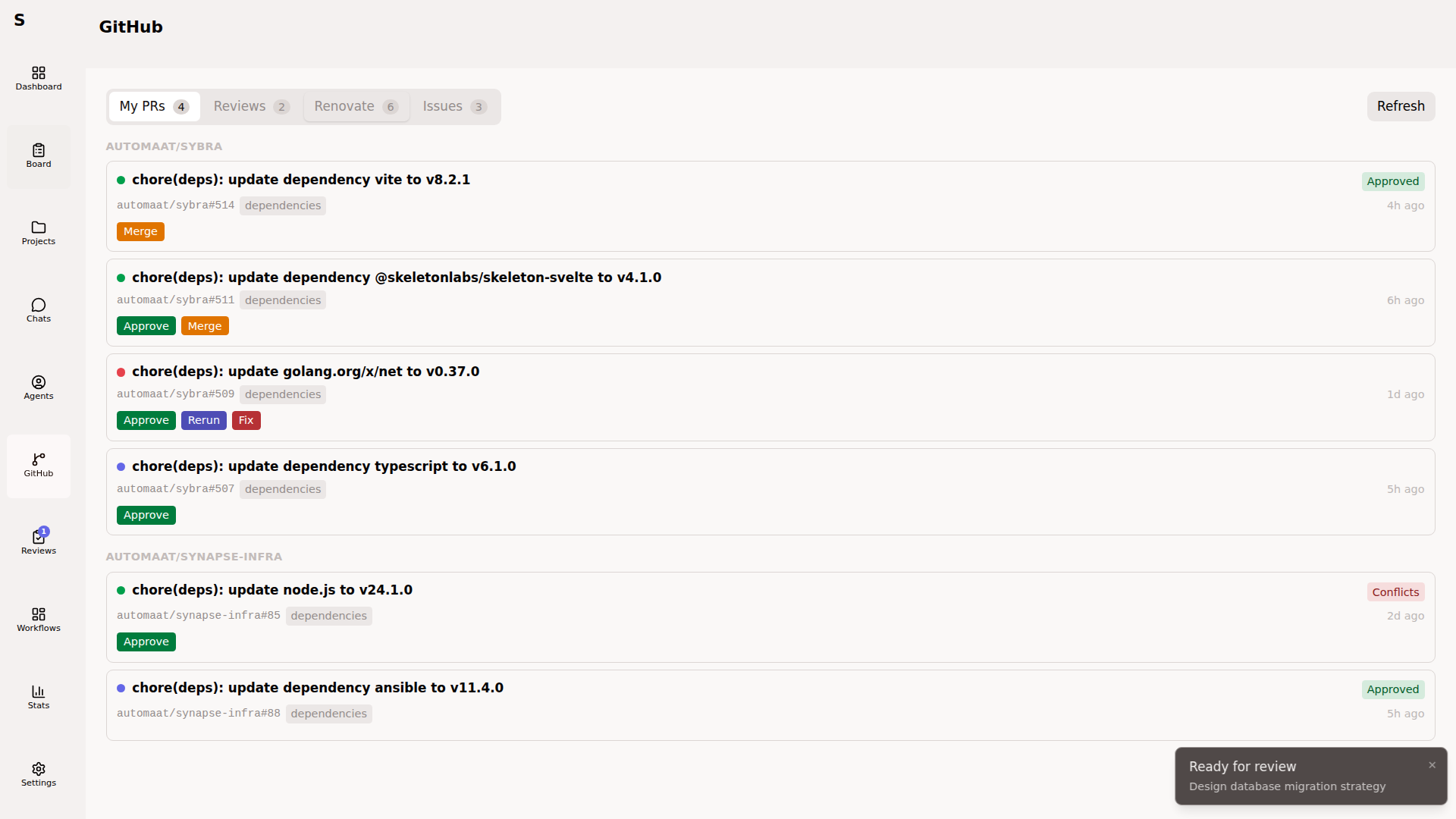
Renovate integration is opt-in:
renovate: enabled: true author: "app/renovate" # or your Renovate Bot usernameRenovate PRs show inline with CI state. Per-row actions:
- Approve — posts an approval review
- Merge — merges the PR
- Rerun checks — re-triggers failing workflows
- Fix CI — dispatches a headless agent to fix red CI
Auto-merge rules
Section titled “Auto-merge rules”If your config enables renovate.enabled and the Monitor is running, Renovate PRs that go green can auto-merge. Configure the rules per project via GitHub branch protection — Sybra respects GitHub’s decisions.
Fix CI with an agent
Section titled “Fix CI with an agent”Fix CI on a failing Renovate PR:
- Creates a Sybra task of type
normal, withrun_role: pr-fix - Dispatches a headless agent in a worktree on the PR’s branch
- Agent pulls CI logs, identifies the failure, edits code, pushes
- On green CI, the watchdog marks the PR mergeable
PR detail page
Section titled “PR detail page”Clicking any PR (from My PRs, Reviews, or Renovate) opens the unified PR detail page. It shows:
- Diff with inline comments
- Checks state with raw log tails
- Linked task (if any)
- Actions appropriate to your relationship with the PR (author vs reviewer)
Config reference
Section titled “Config reference”github: enabled: true
renovate: enabled: true author: "app/renovate" # bot username that authors Renovate PRs
monitor: issue_repo: "Automaat/sybra" # where the monitor posts meta issues issue_label: "monitor"What Sybra never does
Section titled “What Sybra never does”- Never force-pushes without your explicit instruction
- Never merges PRs that don’t pass branch protection
- Never auto-opens PRs without a
run_agentstep that ends inlink_pr_and_review - Never edits commit history (no rebase, no amend, no
--force) unless you prompt the agent to
This is deliberate. GitHub is the source of truth; Sybra is a polite client.