
Tasks and agents
Sybra has two core nouns: tasks and agents. Everything else (projects, worktrees, workflows, orchestration) exists to serve their interaction.
A task is a markdown file with YAML frontmatter. Tasks live under ~/.sybra/tasks/ (default) and are git-friendly by design.
---id: task-abc123title: Add hello-world endpointstatus: in-progresstask_type: normal          # normal | debug | research | chatagent_mode: headless       # headless | interactiveallowed_tools: []          # empty = all tools, with --dangerously-skip-permissionstags: [backend, small]project_id: YOURUSER/YOURREPObranch: feature/hellopr_number: 42issue: https://github.com/YOURUSER/YOURREPO/issues/99created_at: 2026-04-16T09:00:00Zupdated_at: 2026-04-16T09:15:00Z---## Description
Add a GET /hello endpoint that returns 200 with `{"msg":"world"}`.Include a table-driven test.
Status lifecycle
Section titled “Status lifecycle”new ─→ todo ─→ in-progress ─→ in-review ─→ done │ └─→ human-required (blocked on you) │planning ─→ plan-review ─→ todo (for tasks that need a plan first)- new — unrefined, not triaged
- todo — triaged, ready to dispatch
- planning — an agent is writing a plan
- plan-review — plan awaits your approval
- in-progress — an agent is implementing
- in-review — PR open, awaiting human merge or another agent’s fix
- human-required — needs your decision (ambiguity, external dep, credentials)
- done — merged and cleaned up
Status transitions are authoritative. Any workflow, automation, or orchestrator decision that wants to move work forward mutates the status field.
Task types
Section titled “Task types”The task_type field steers which workflow runs and how the agent is prompted:
| Type | Intent | Typical shape |
|---|---|---|
normal | Implementation | code change + PR |
debug | Root-cause a bug | investigation + minimal fix |
research | Gather context, no code | notes as output |
chat | Conversational session | no PR, no branch |
Agents
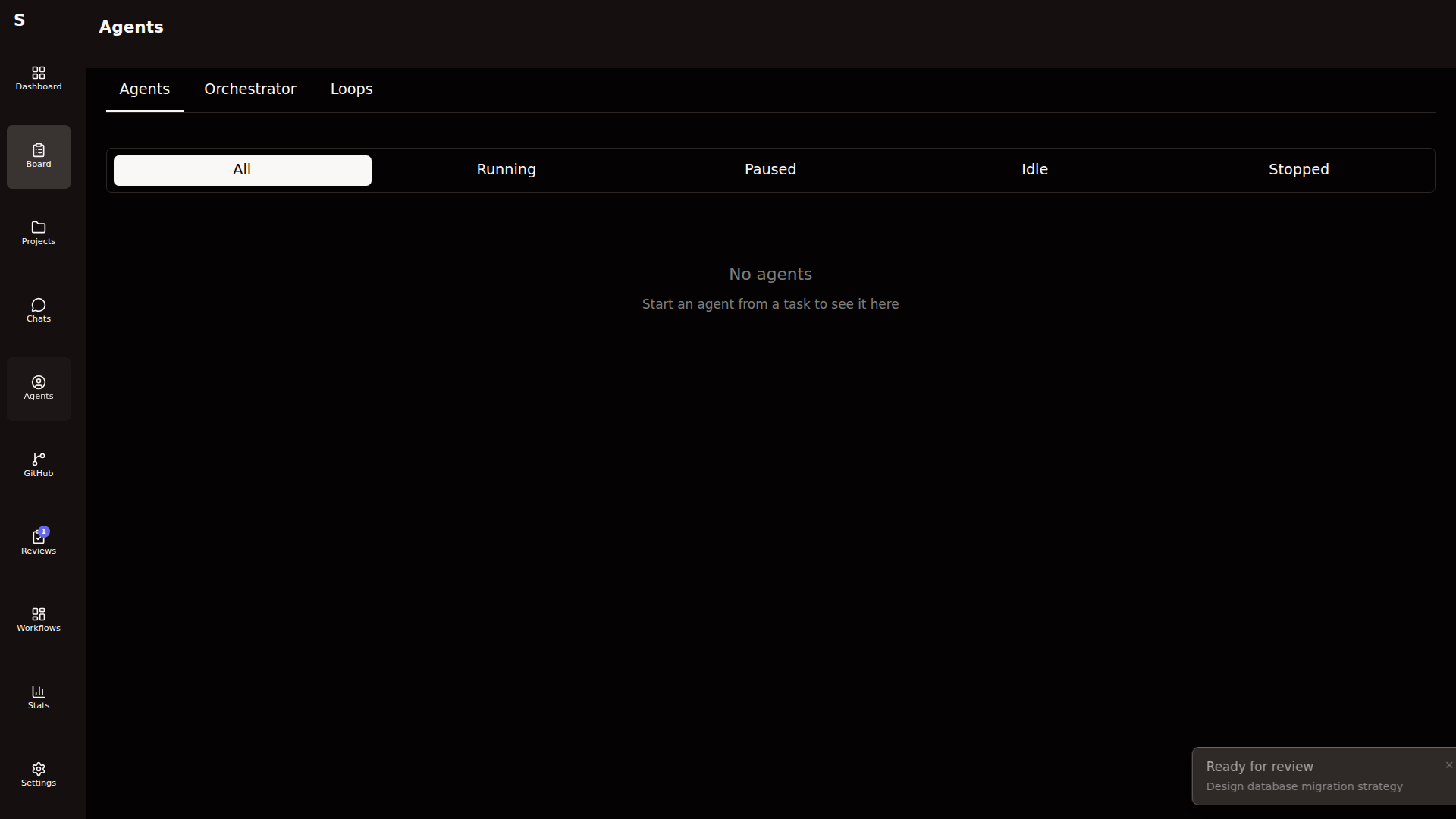
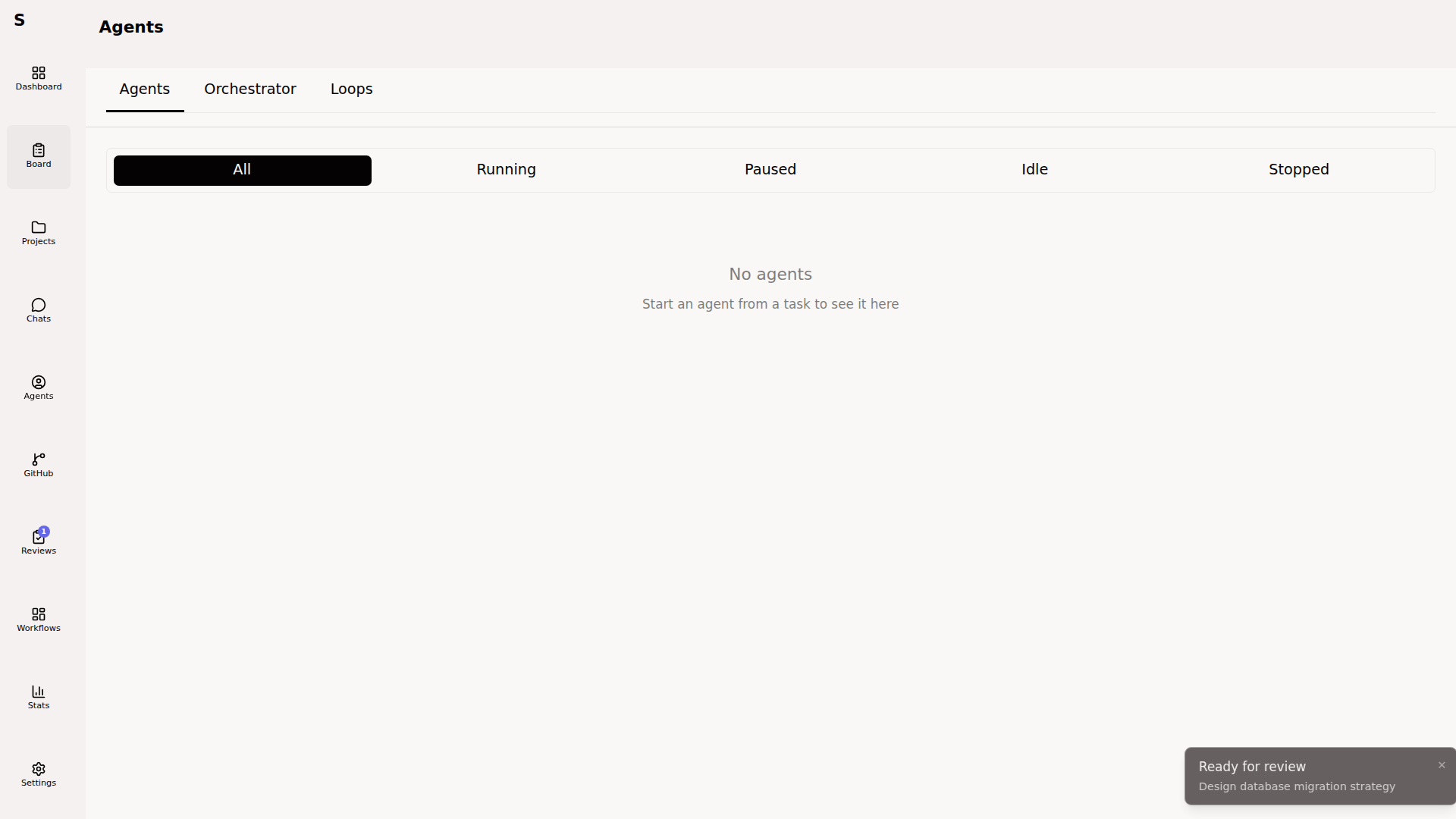
Section titled “Agents”An agent is a running Claude Code process bound to one task. Agents are in-memory only — they live inside the Sybra process. Task state is persisted; agent state is ephemeral and rebuilds from logs on restart.
Agent state machine
Section titled “Agent state machine”idle ──→ running ──→ stopped (error or cancel) │ ↑ ↓ │ paused ────────┘ (tool-approval needed, or interactive I/O)- idle — spawned but waiting for input
- running — streaming tokens / executing tools
- paused — awaiting an approval response or a user message
- stopped — ended (successful, errored, or killed)
Stream events
Section titled “Stream events”Every headless run emits NDJSON. Sybra parses five event types:
| Event | Meaning |
|---|---|
init | Session start; includes session ID for --resume |
assistant | Model output token stream |
tool_use | Tool invocation (name + args) |
tool_result | Tool response |
result | Final result block (cost, token totals, duration) |
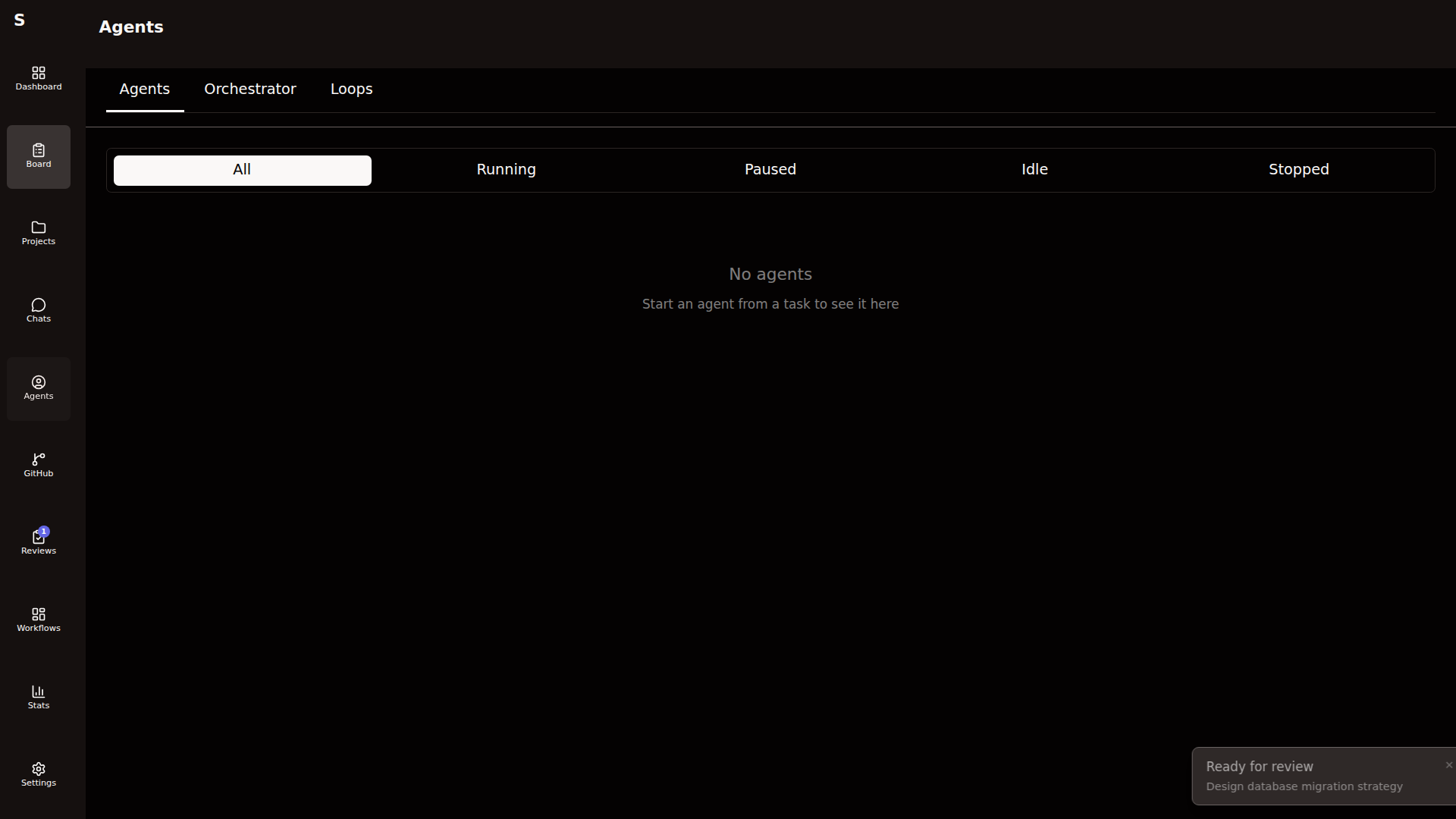
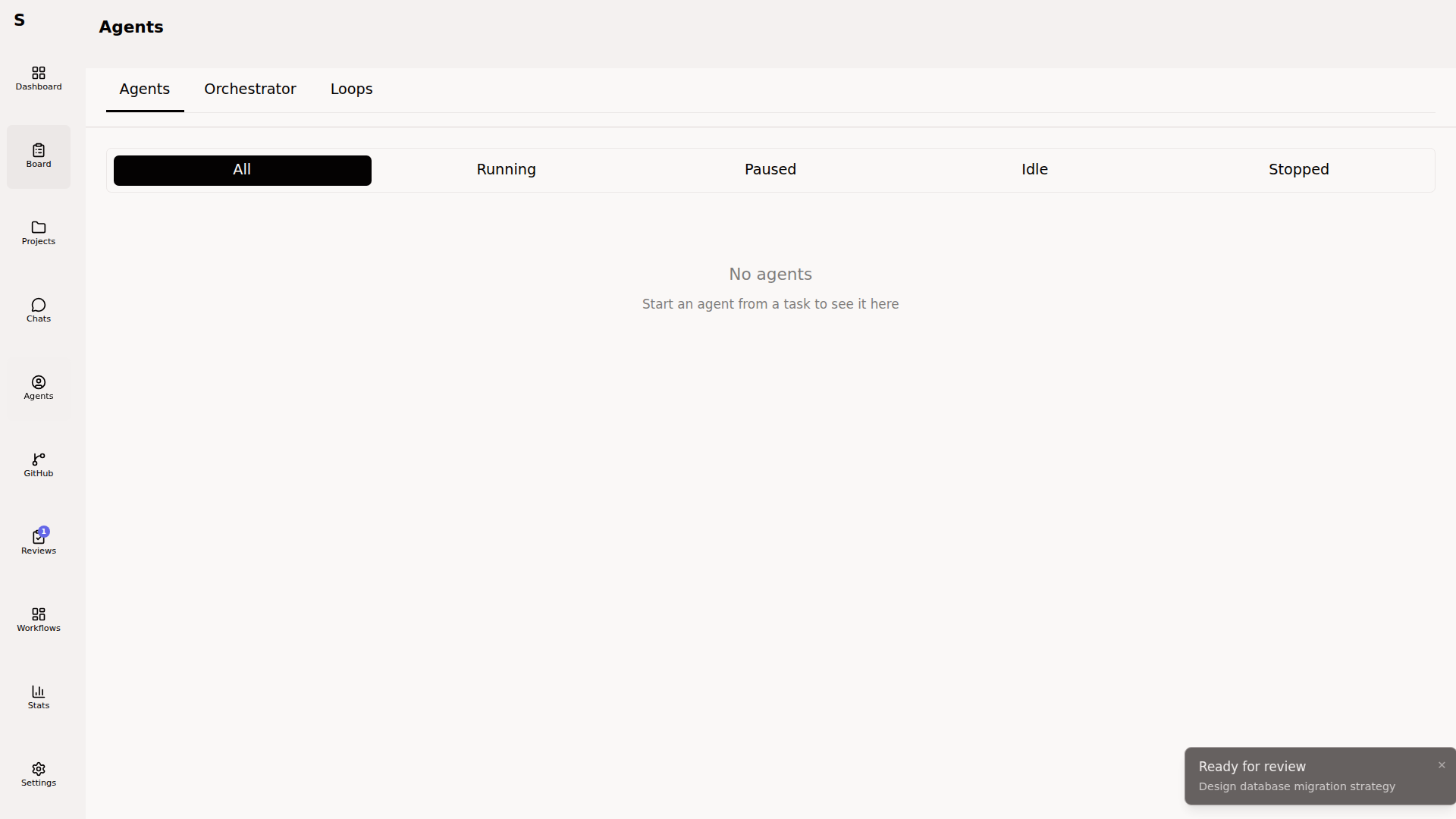
These events drive everything you see in Agent Detail:
Agent runs on a task
Section titled “Agent runs on a task”A task accumulates a history of agent runs in its agent_runs: frontmatter array. Each run records role (plan, pr-fix, or empty), provider (claude / codex), model, final state, cost, and the NDJSON log path.
This history is how Sybra rebuilds cost totals, detects flaky retries, and drives the self-monitor’s anomaly judgments.
The relationship
Section titled “The relationship”- A task can have many agent runs over its lifetime (plan → fix review → implement → fix CI).
- An agent run belongs to exactly one task.
- An agent run executes inside one git worktree created from the task’s project.
- Workflows trigger on task events (
task.created,task.status_changed,pr.event) and dispatch the right agent run.
Why markdown
Section titled “Why markdown”Tasks are plain files so you can:
grepthe backlog- commit the history
- diff it, revert it, branch it
- edit in your IDE while the app is open (Sybra’s fsnotify watcher picks up changes live)
- pipe tasks to shell scripts and Claude Code skills
The frontmatter is the machine-readable control surface. The markdown body is the prompt.