
Review plans
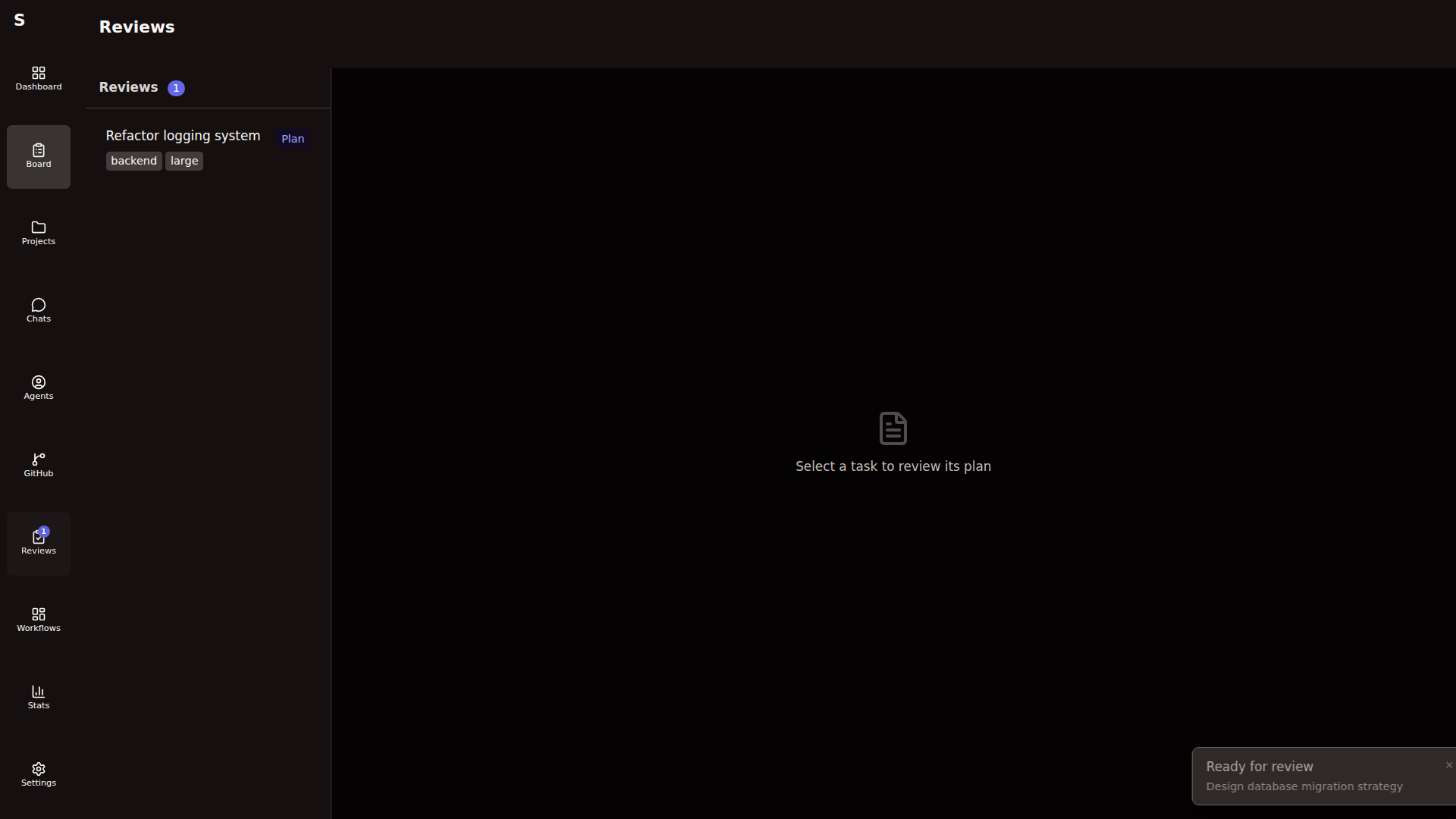
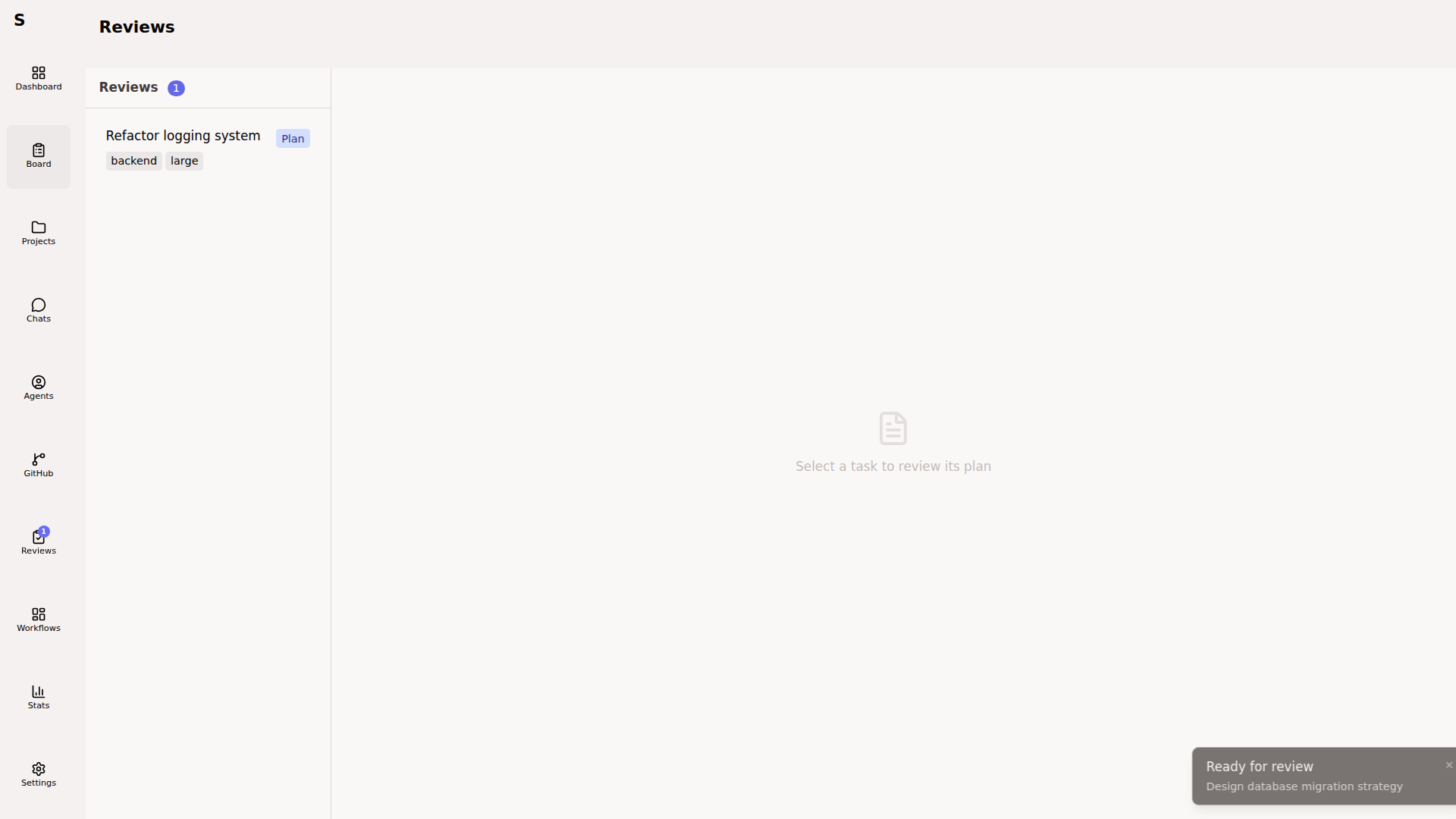
The Reviews page is the queue of Sybra tasks waiting for your decision on a plan — not a GitHub review inbox. An agent writes a plan; you approve, reject, or send it back with feedback.
What shows up here
Section titled “What shows up here”The page lists tasks in two statuses:
plan-review— a plan agent has written an implementation plan and is pausedtest-plan-review— a manual-testing workflow has proposed a test plan
Rows link straight to the task detail view, where the plan body and feedback textarea live.
Decide on a plan
Section titled “Decide on a plan”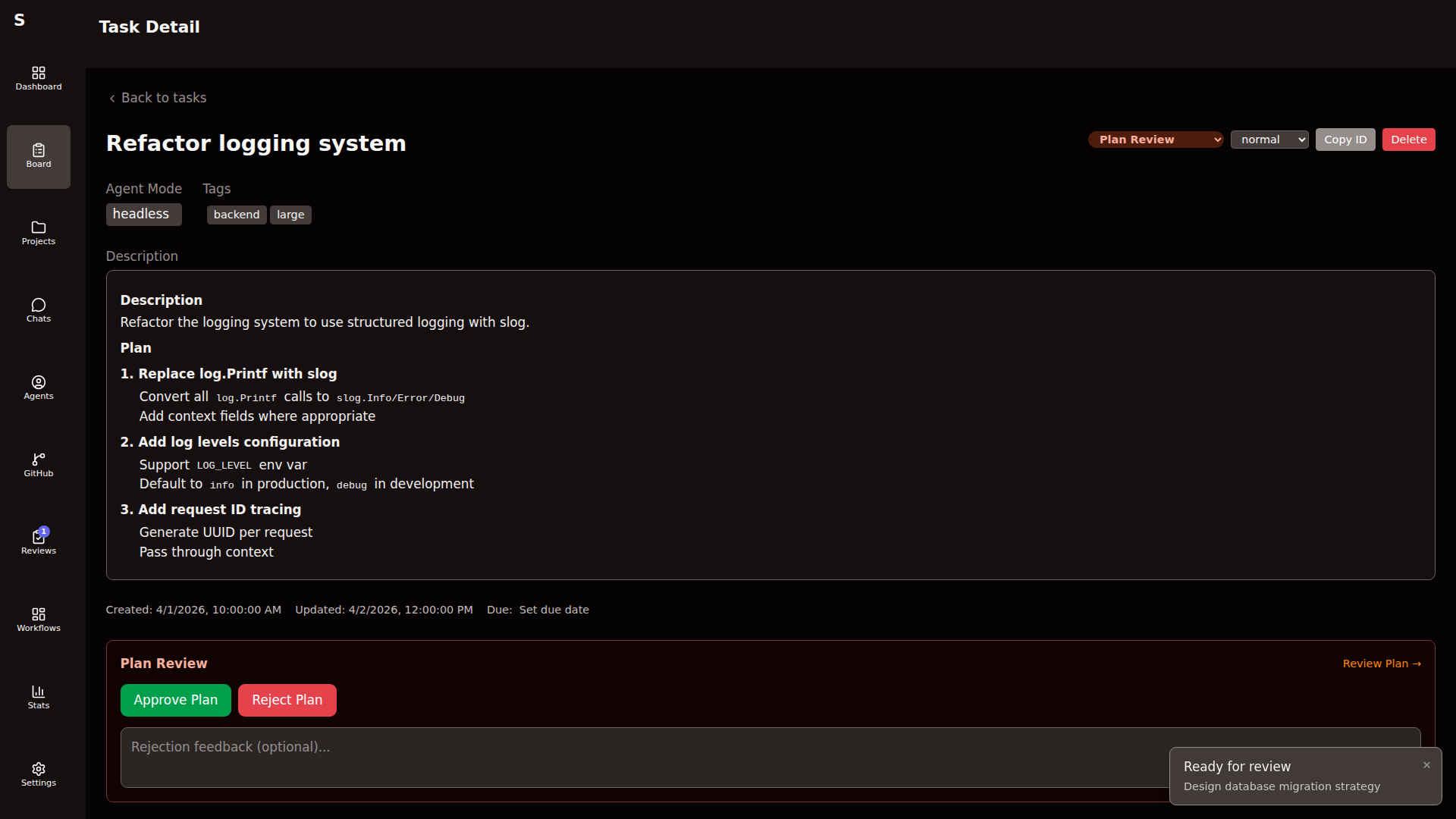
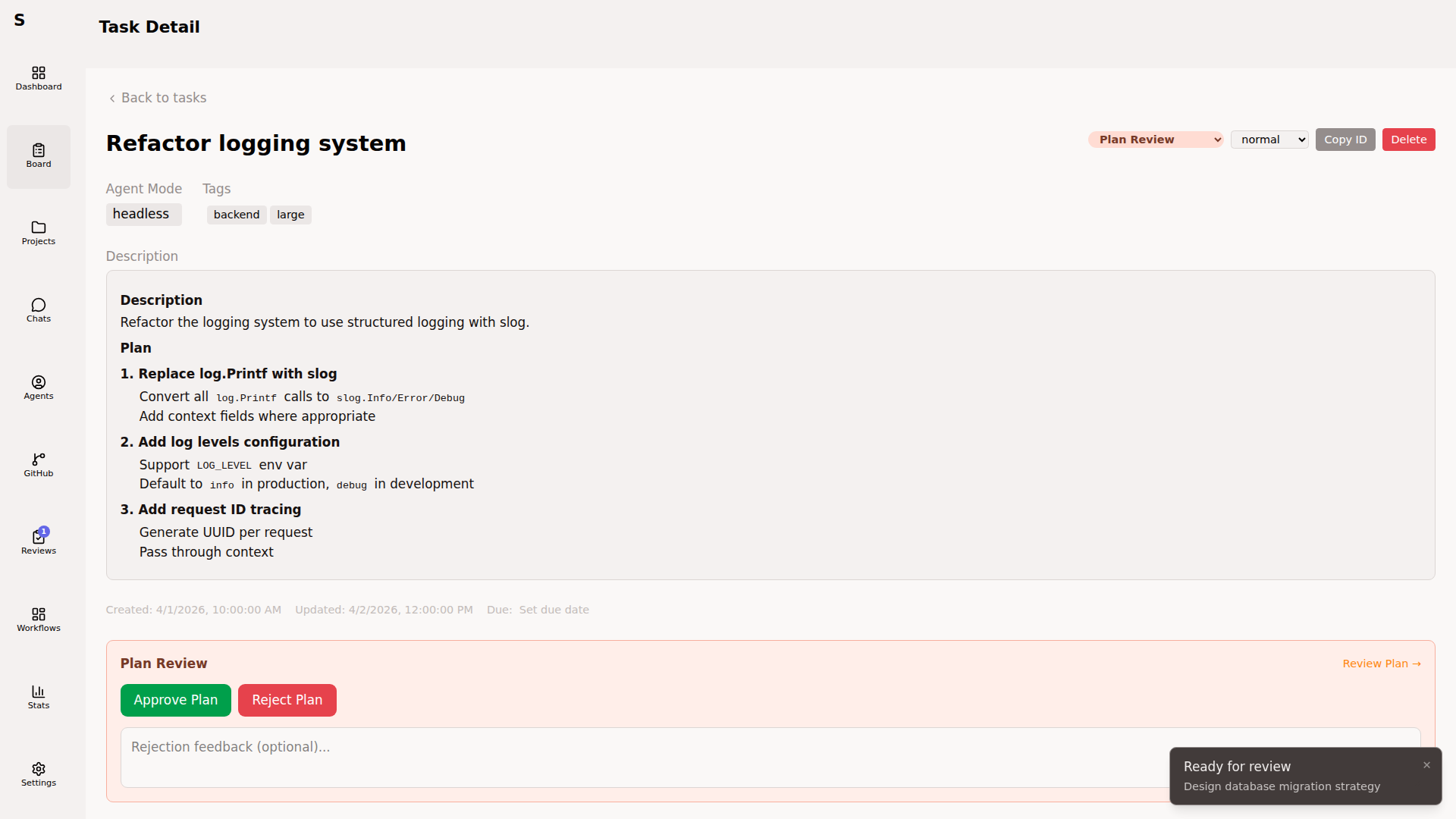
On the task detail page:
- A — approve. The paused agent resumes into the next step.
- R — reject. The agent stops; the task goes back to
planningwith your feedback attached. - C — focus the feedback textarea. Type a message, then ⌘Enter to send it back to the plan agent via session resume.
Feedback is forwarded as a new user message to the running Claude Code session — write it as an instruction, not a diff.
Why the queue exists
Section titled “Why the queue exists”Workflows that include a wait_human step with status: plan-review (for example, the default simple-task workflow on medium+ tasks) route through this page. Statuses are the surface; workflows decide when to pause.
See Build workflows → Human steps for the step config.
What this page is not
Section titled “What this page is not”- Not a GitHub “requested review” inbox. Sybra does not pull GitHub review requests into this queue today.
- Not a diff viewer. There is no inline-comment editor, no verdict picker, no submit-to-GitHub button.
- Not a fix-review launcher. Addressing PR review comments on your own PRs is driven from the PR detail view (when available), not this page.
If you want GitHub-side PR actions, use GitHub integration or the gh CLI directly.