
Projects and worktrees
Every task that writes code gets its own isolated git checkout. No shared working copies. No “oops, agent A’s half-written change leaked into agent B”.
Projects
Section titled “Projects”A project is a GitHub repository Sybra mirrors locally.
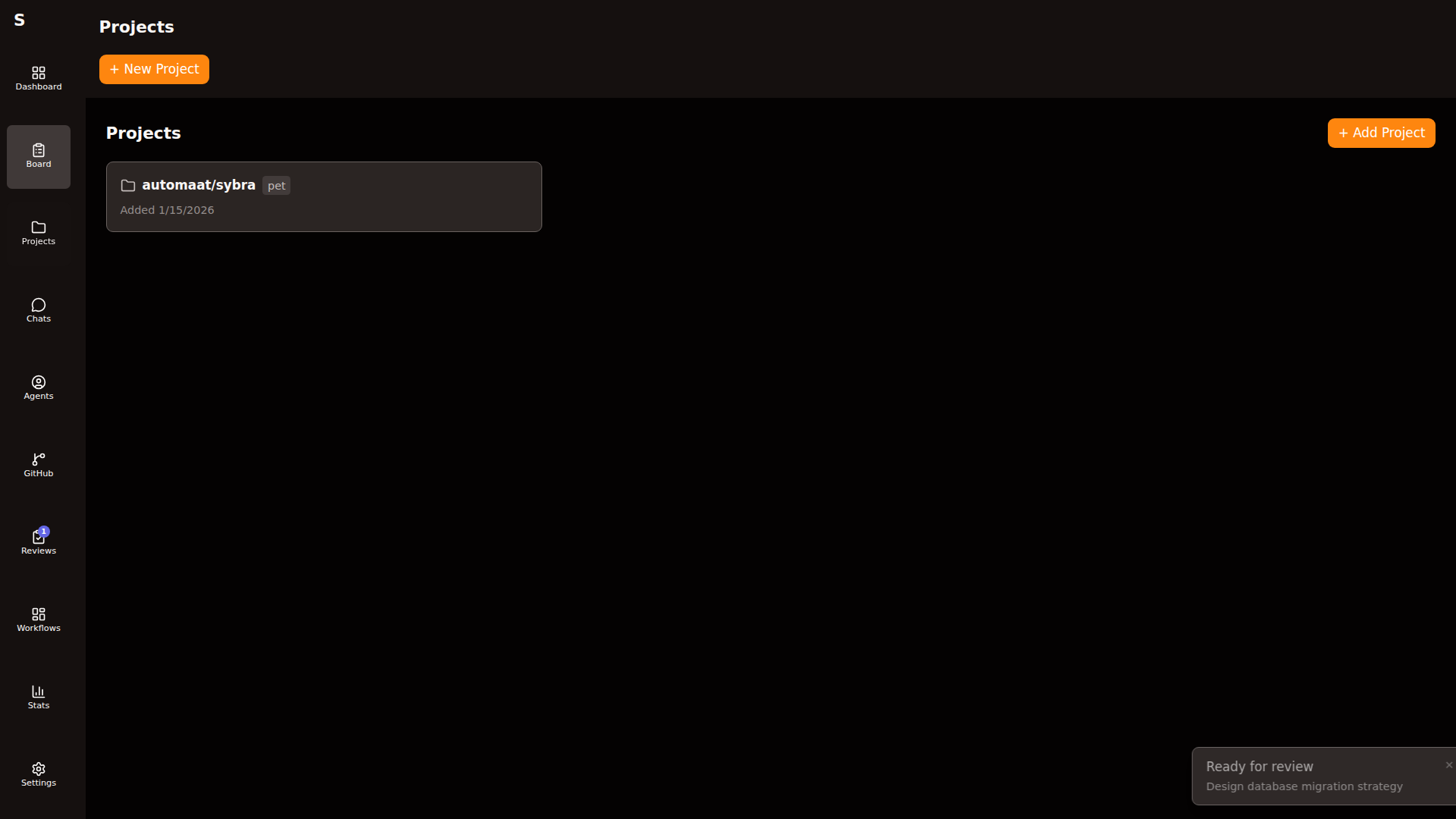
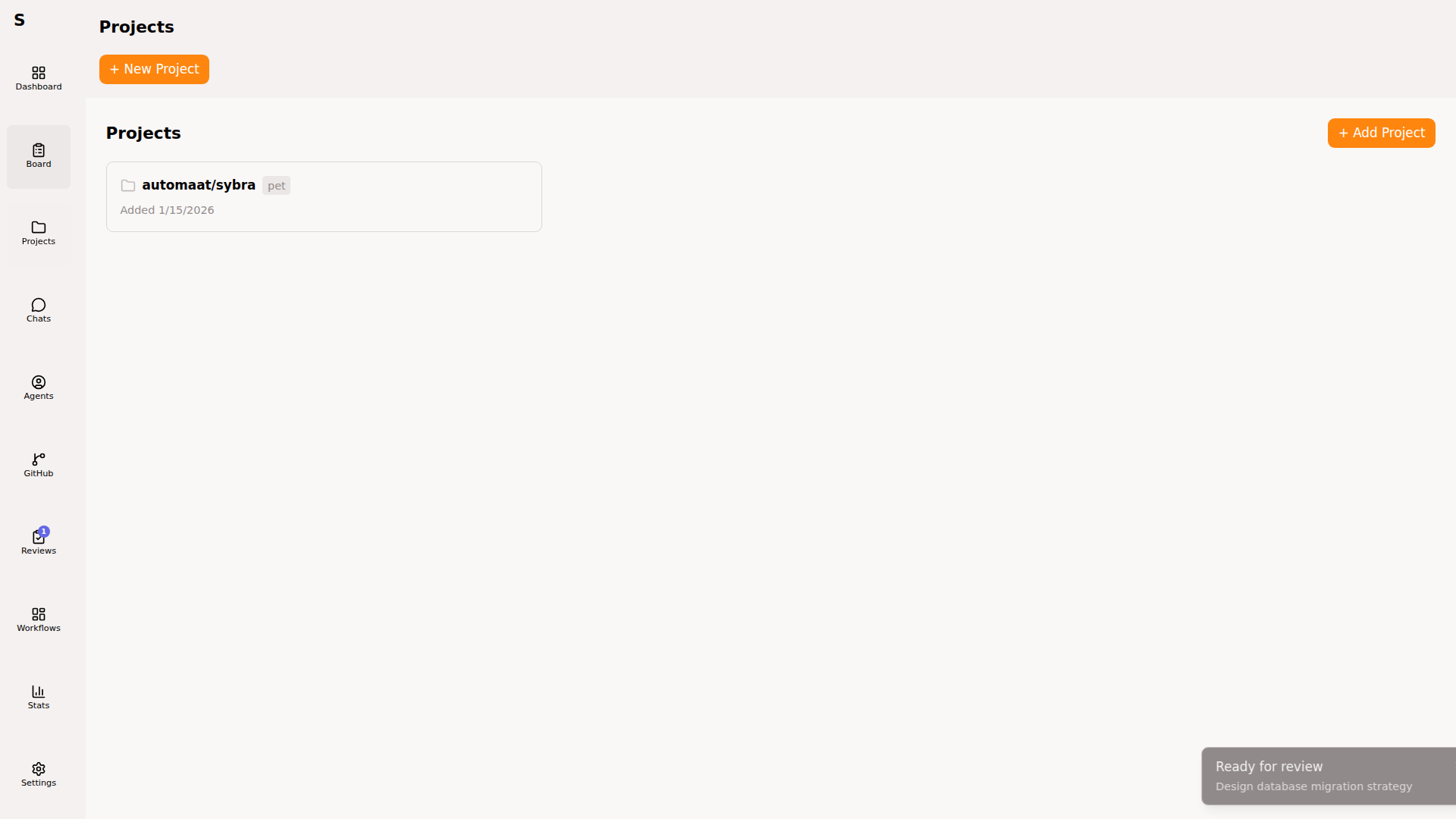
On creation:
- Sybra clones the repo as a bare mirror into
~/.sybra/clones/<owner>/<repo>.git. - Saves a YAML descriptor into
~/.sybra/projects/<owner>--<repo>.yaml. - Indexes the project on the sidebar.
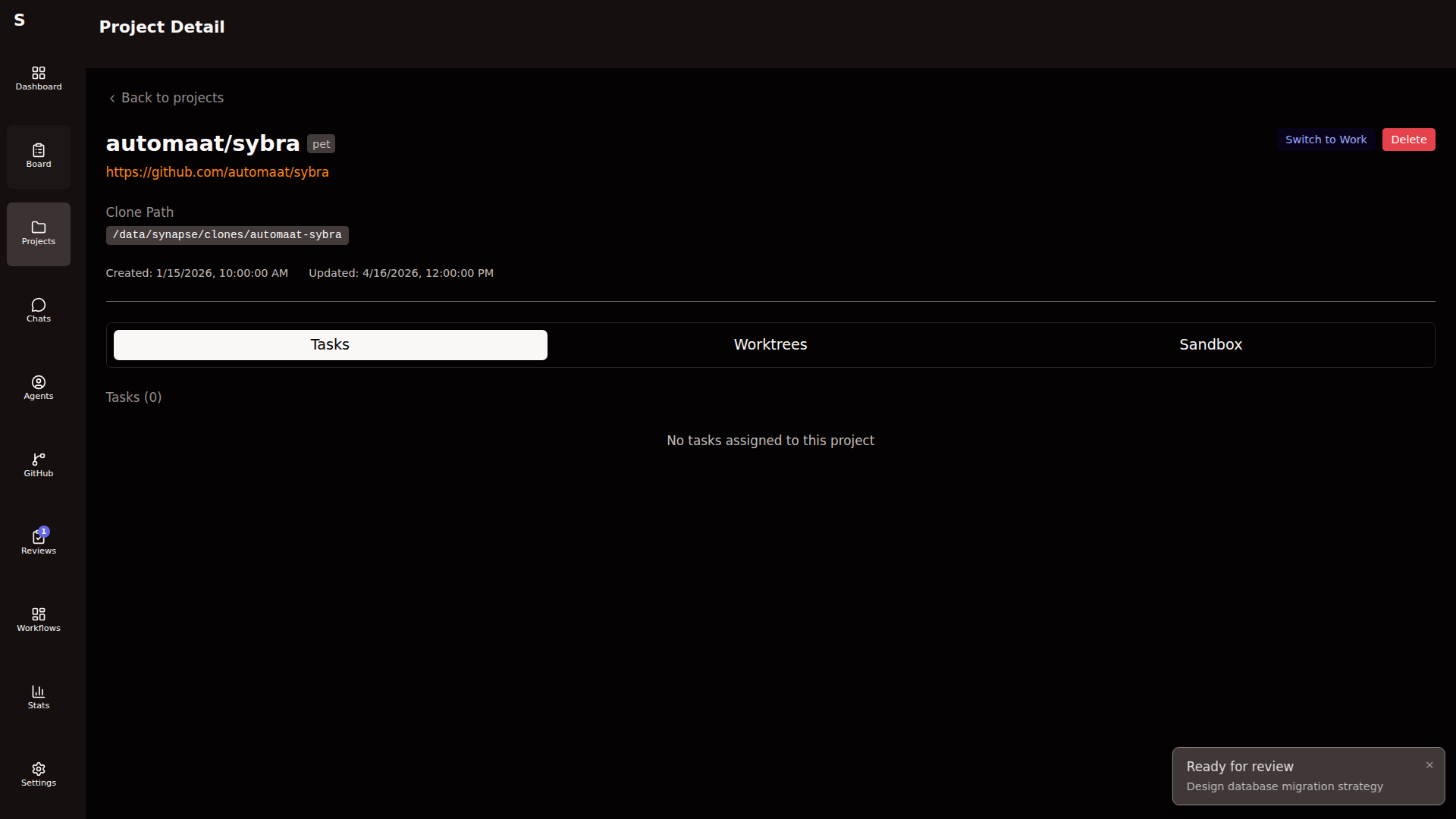
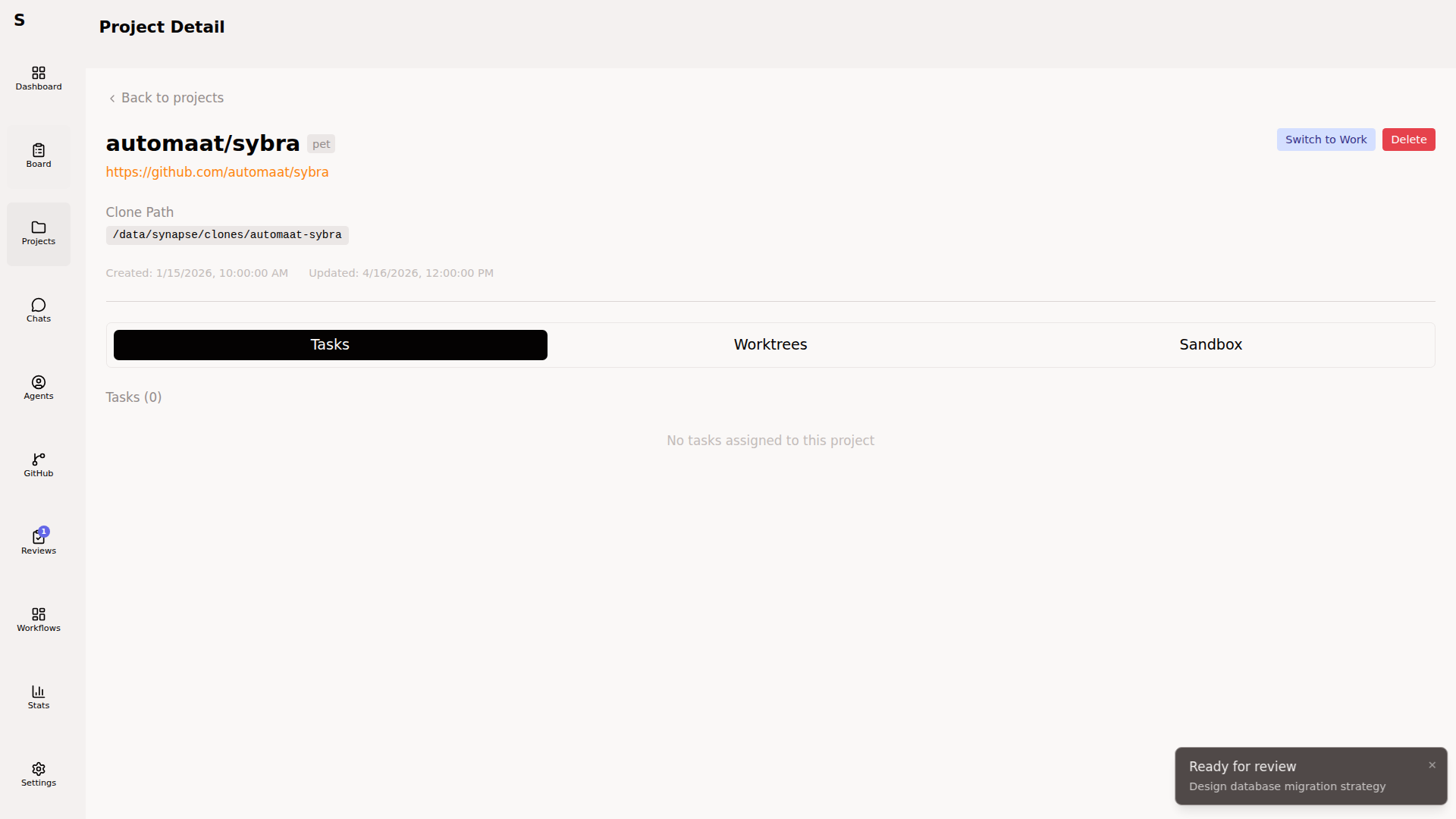
Project YAML:
id: Automaat/sybratype: pet # pet | work | ...clone_url: https://github.com/Automaat/sybrabare_path: ~/.sybra/clones/Automaat/sybra.gitworktrees_base: ~/.sybra/worktrees/Automaat--sybrasandbox_config: memory_mb: 4096 cpus: 2 features: [docker, node]setup_commands: - mise install - cd frontend && npm ciThe type field drives per-machine routing — a server marked project_types: [pet] will only pick up tasks tied to pet projects.
Worktrees
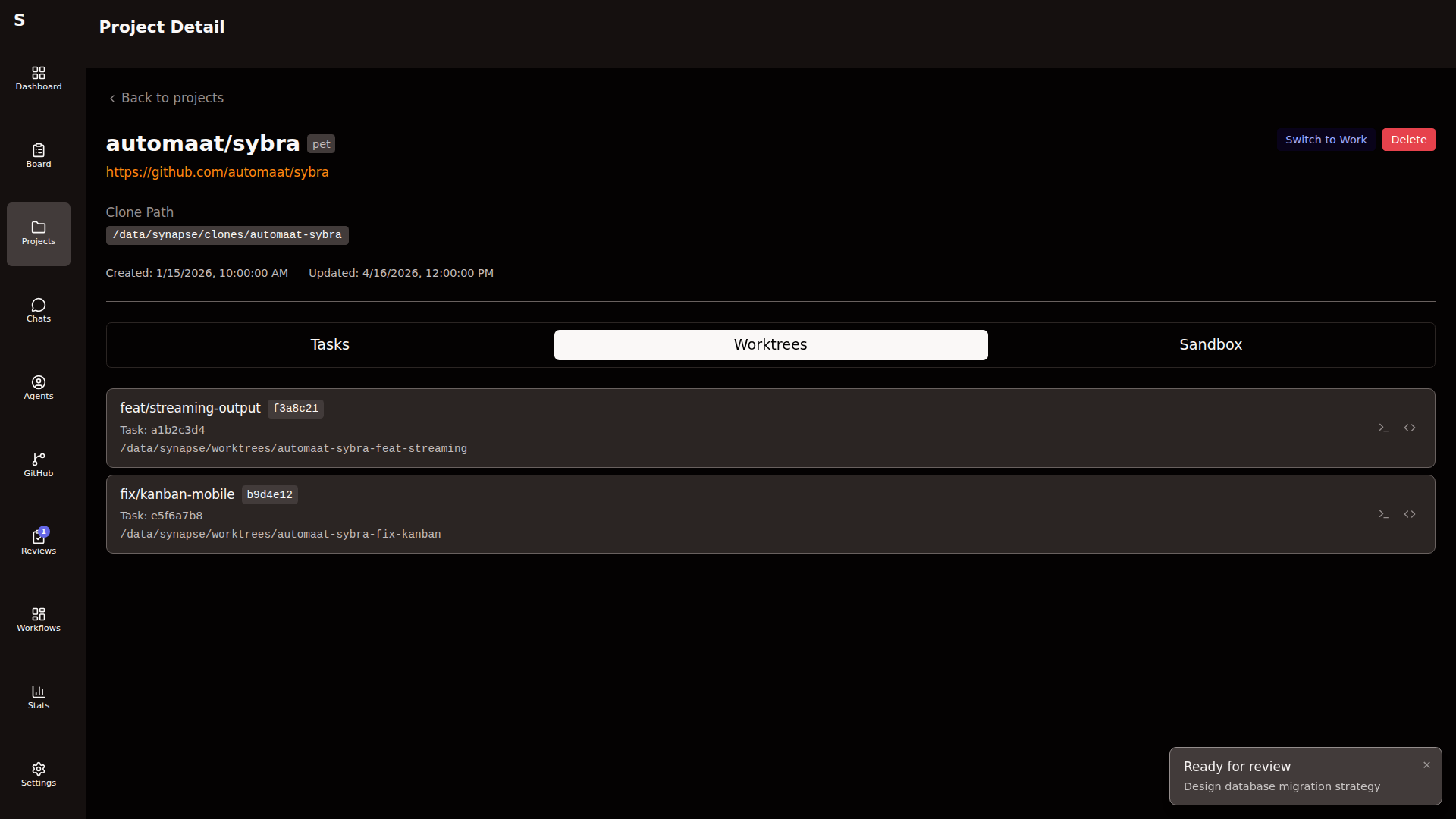
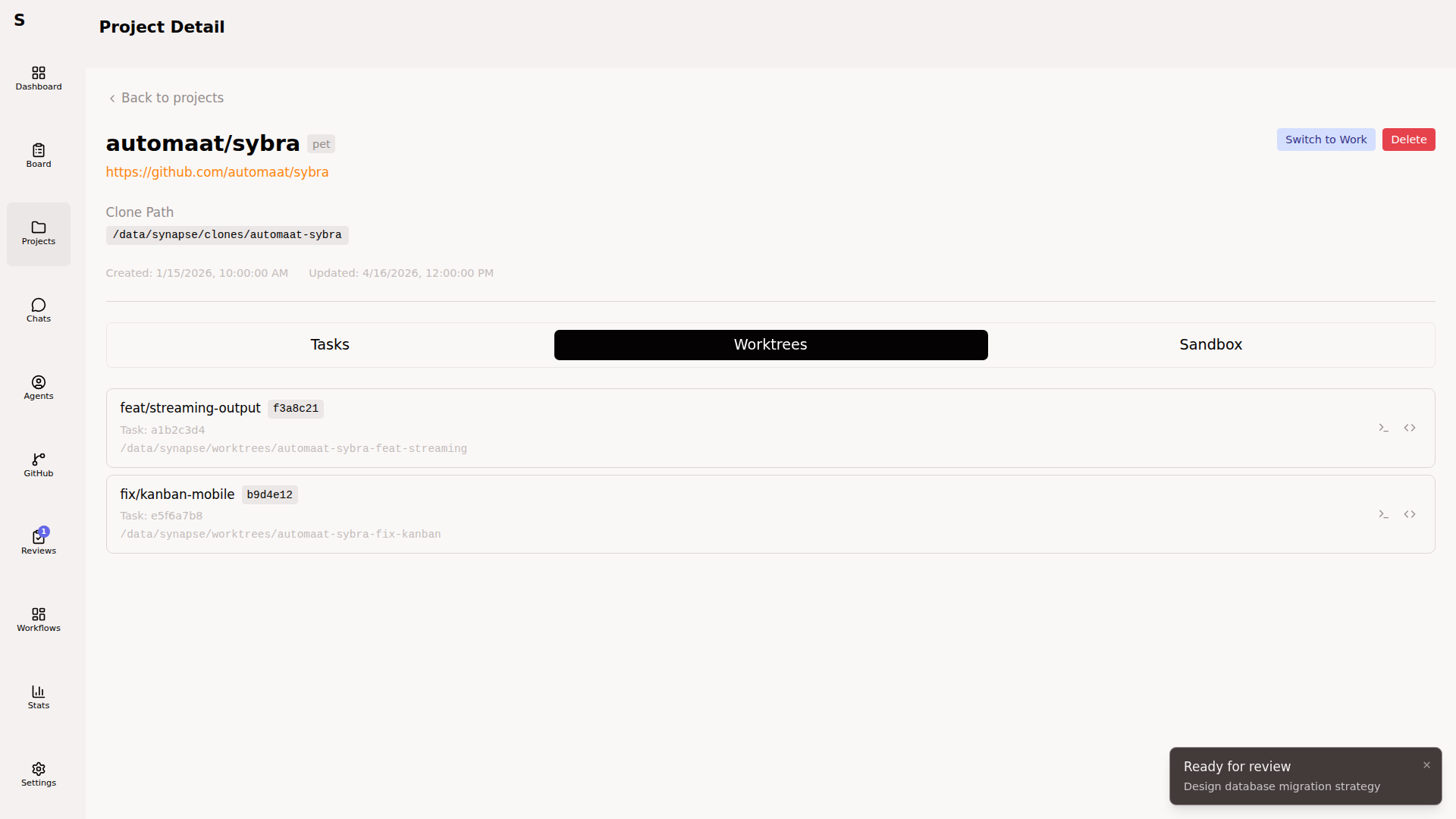
Section titled “Worktrees”When an agent starts on a task, Sybra creates a git worktree:
~/.sybra/worktrees/<owner>--<repo>/<task-id>/The worktree is rooted at a new branch derived from the task (feature/<task-id> by default, overridable via the task’s branch: frontmatter). Worktrees share the bare repo’s object store — they’re cheap to create and destroy.
On agent completion, Sybra:
- If the branch has commits → leaves the worktree in place for review
- If the branch is empty → removes the worktree
On app restart, Sybra reconciles orphaned worktrees against agent state and cleans up what doesn’t belong to any live task.
Why worktrees, not copies
Section titled “Why worktrees, not copies”- O(1) creation. No
git clone. - Shared object pool. One 2 GB repo becomes one bare clone + N tiny worktrees.
- Atomic branch semantics. Each worktree is a real branch. Push, PR, merge work exactly as if a human checked out.
- Concurrent agents. Two agents on the same repo never stomp each other’s working tree.
Sandboxes
Section titled “Sandboxes”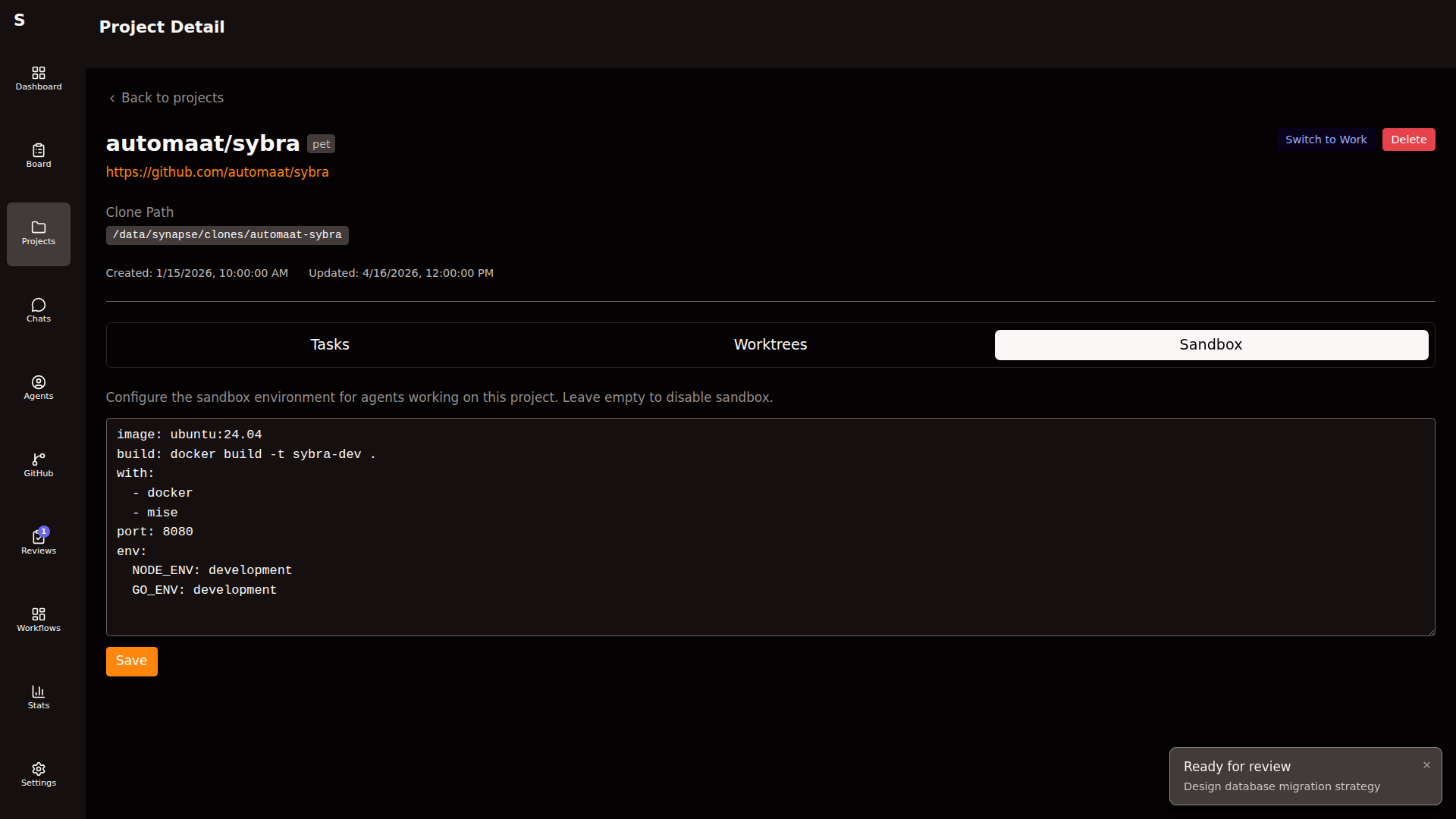
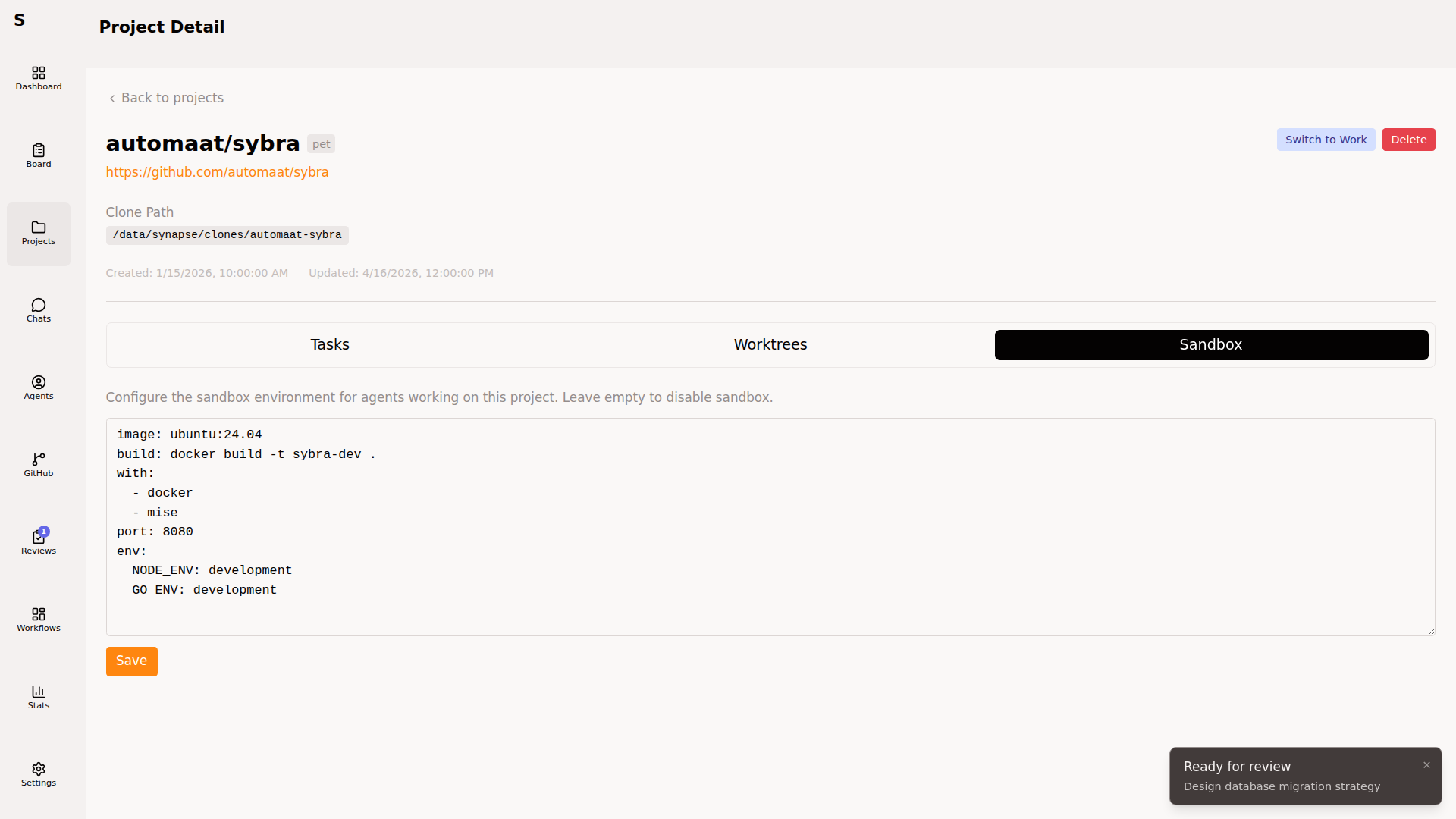
The sandbox tab configures per-project resource limits and feature flags used when an agent runs in containerized mode (for repos that need it). Not every project needs a sandbox — light codebases can run on the host.
The sandbox_config fields:
| Field | Effect |
|---|---|
memory_mb | Container memory cap |
cpus | CPU quota |
features | Pre-installed toolchains (docker, node, python, go) |
Setup commands
Section titled “Setup commands”setup_commands run after worktree creation, before the agent starts. Use for mise install, npm ci, go mod download — whatever puts the worktree into a buildable state.
Setup runs in the worktree directory. Output is captured to the agent log. Failed setup aborts the run and marks the task human-required.
Lifecycle summary
Section titled “Lifecycle summary”┌────────────────┐ create ┌─────────────┐│ GitHub repo │ ──────────────▶ │ Bare clone │└────────────────┘ └──────┬──────┘ │ agent start│ (per task) ▼ ┌───────────────┐ │ Git worktree │ │ + branch │ └──────┬────────┘ │ agent done │ ▼ ┌────────────────────────────────┐ │ Commits? leave // No? remove │ └────────────────────────────────┘Opening a worktree yourself
Section titled “Opening a worktree yourself”Every worktree row exposes two actions:
- Open in terminal — opens iTerm/Terminal at the worktree path
- Open in editor — opens your configured editor (
$SYBRA_EDITORor$EDITOR)
Useful when you want to inspect an in-progress agent’s work or pick up where it left off.
Things to avoid
Section titled “Things to avoid”- Don’t
git checkoutinside a worktree Sybra manages. Sybra assumes it owns the HEAD. - Don’t delete
~/.sybra/clones/or~/.sybra/worktrees/manually while agents are running. Use the Projects page delete action, which reconciles state first. - Don’t point two Sybra instances at the same
~/.sybra/worktrees/directory. Coordinate via per-machine routing instead.