
Manage projects
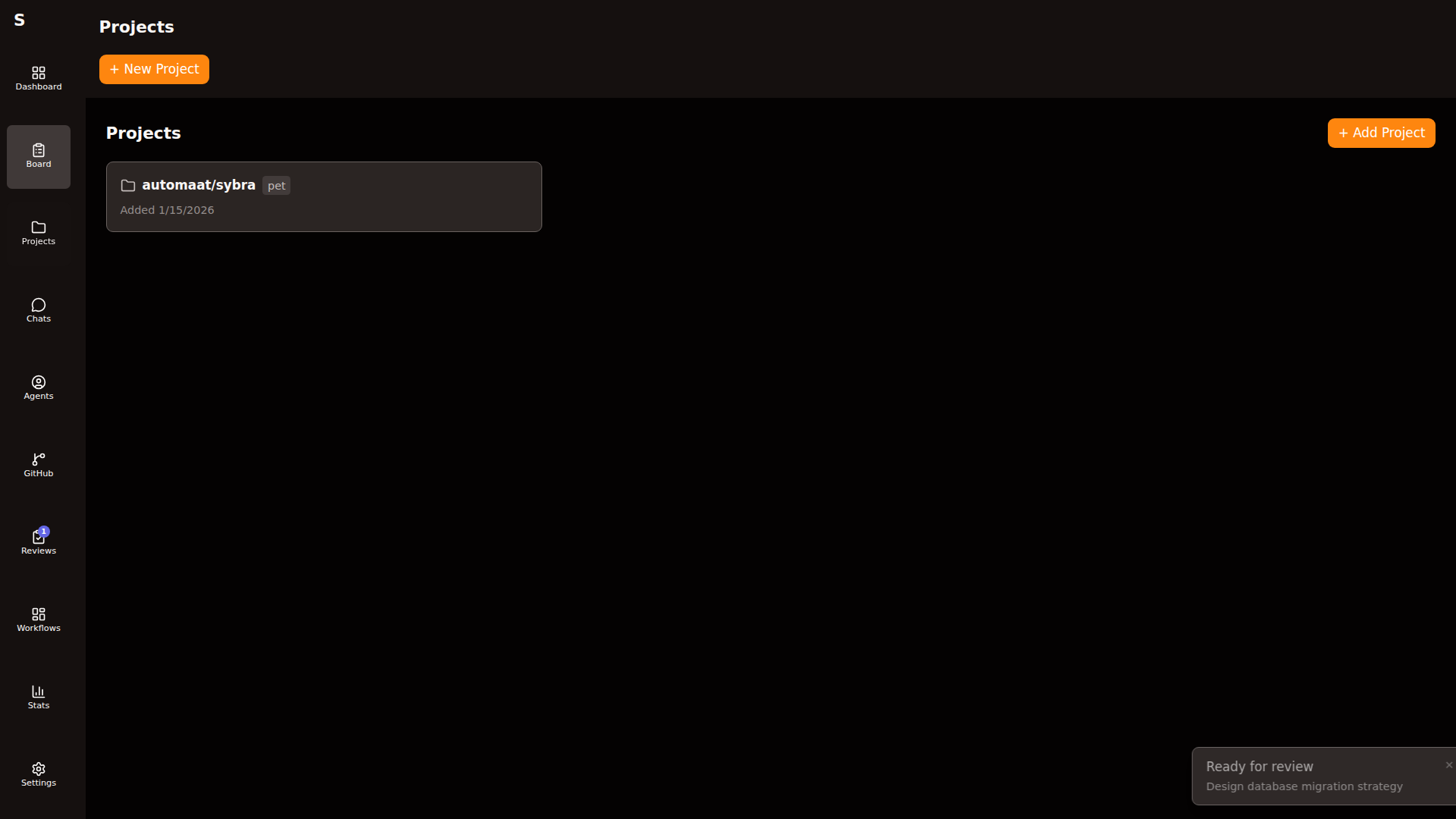
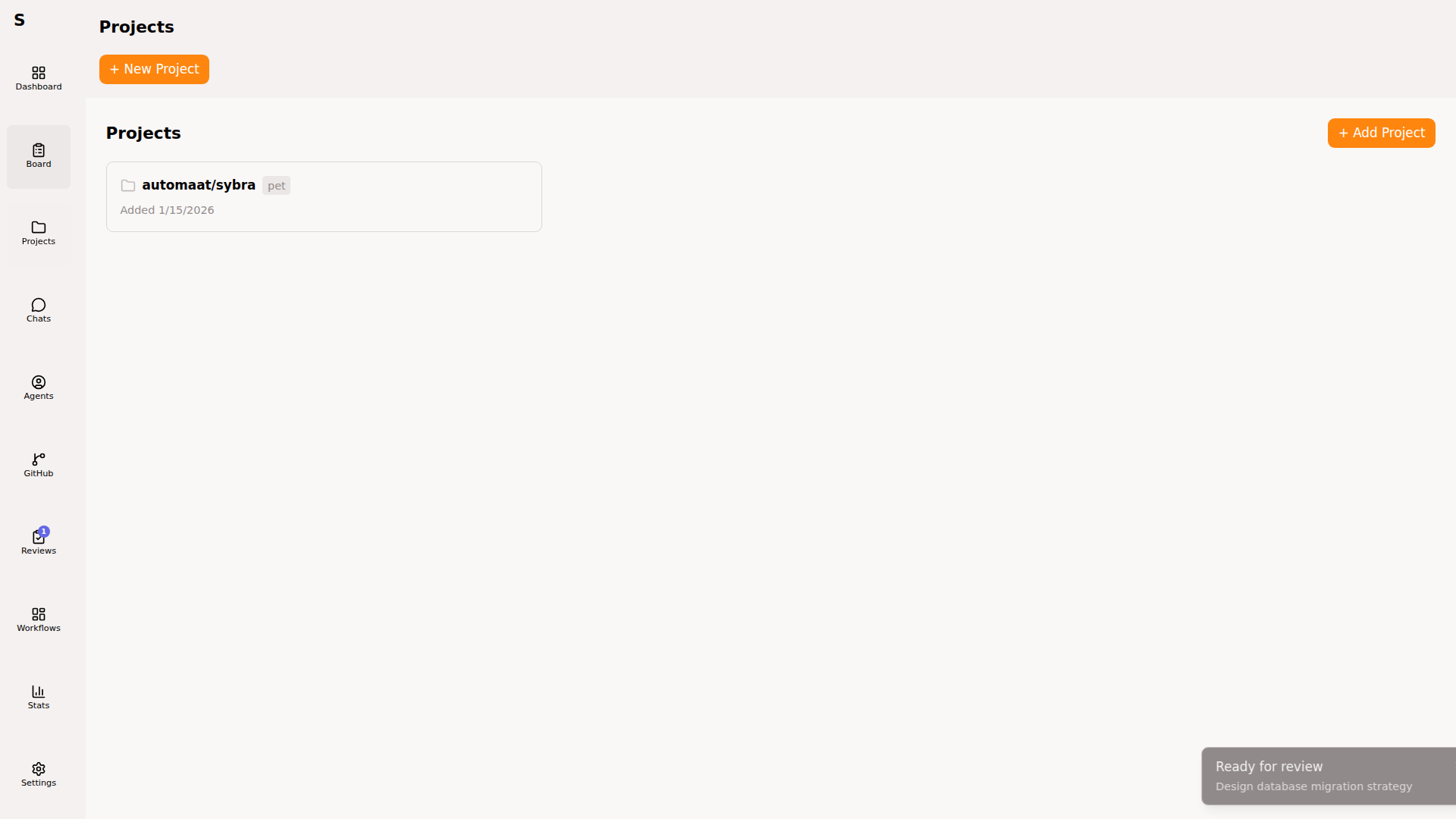
Projects are Sybra’s view of your GitHub repositories. Register them once; every task on the board can bind to one.
Register a project
Section titled “Register a project”From the Projects page → New project. Enter a GitHub URL:
https://github.com/Automaat/sybraPick a type: pet or work (no custom types). Setup commands and sandbox resources are edited on the project detail page after creation, not in the create dialog.
On save, Sybra:
- Clones the repo as a bare mirror:
~/.sybra/clones/<owner>/<repo>.git - Writes the YAML descriptor:
~/.sybra/projects/<owner>--<repo>.yaml - Registers the project in the sidebar
Inspect a project
Section titled “Inspect a project”Click any project for detail view.
Tasks tab
Section titled “Tasks tab”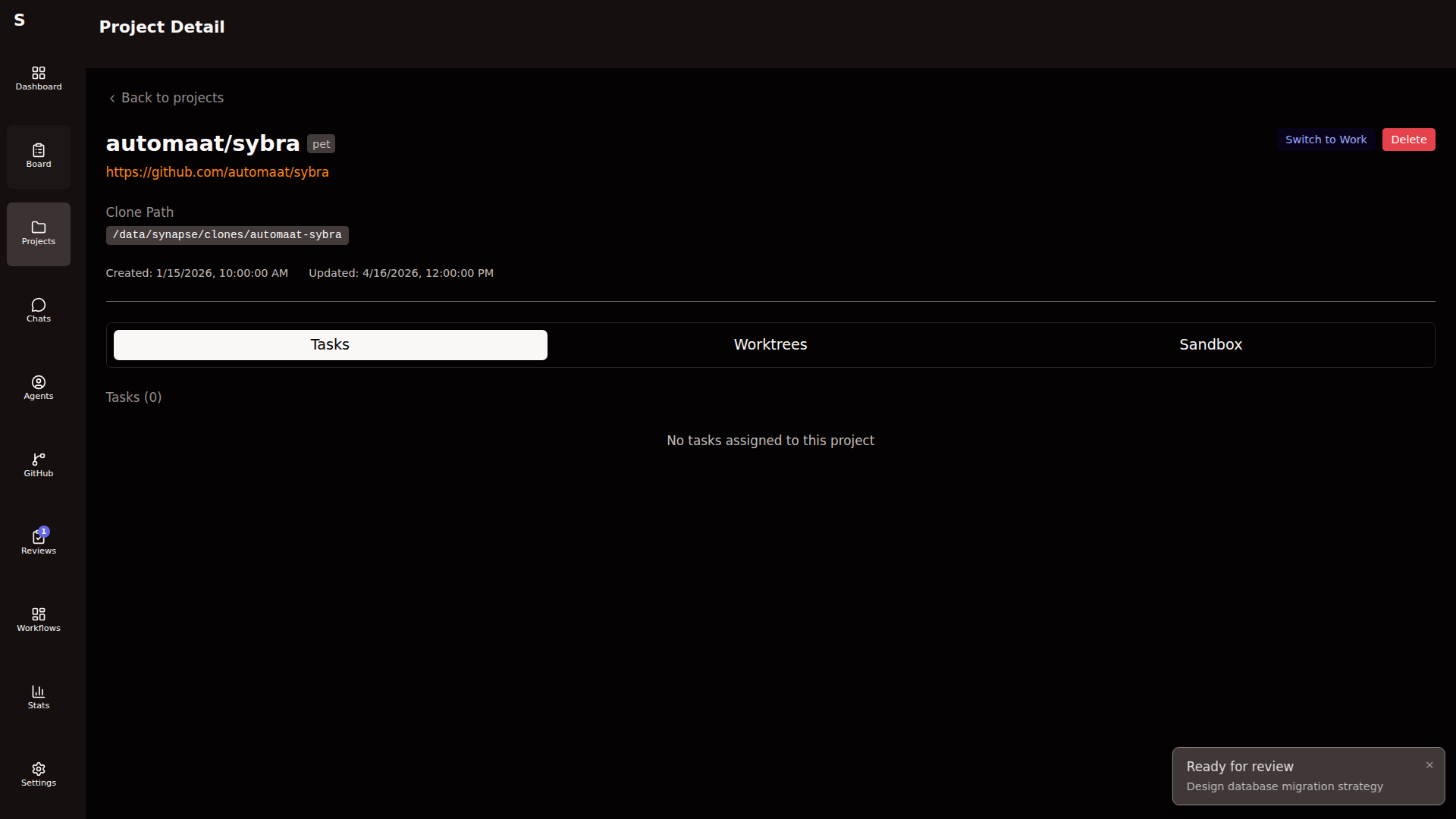
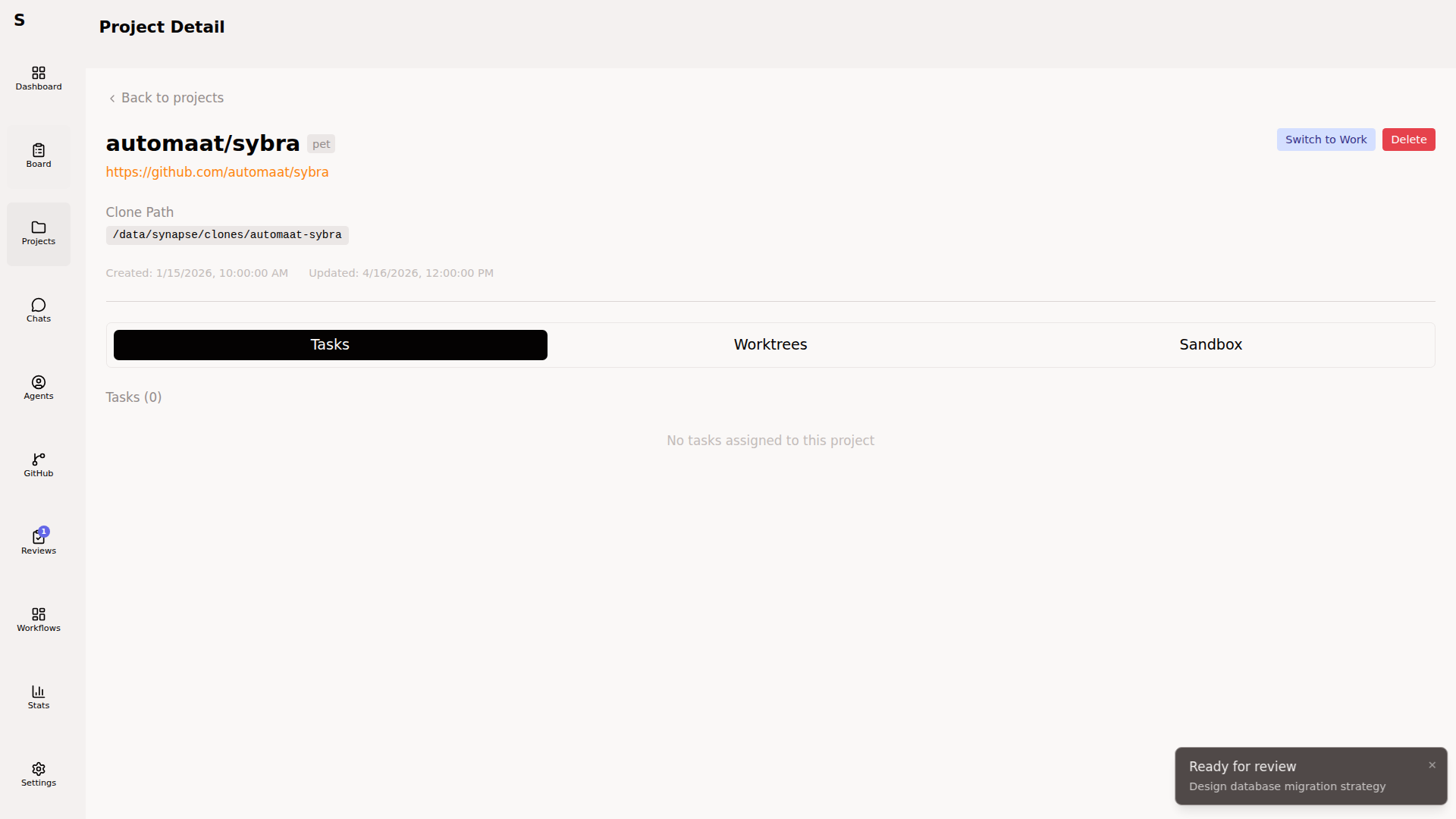
All tasks with project_id matching this project, grouped by status. Click through to any task.
Worktrees tab
Section titled “Worktrees tab”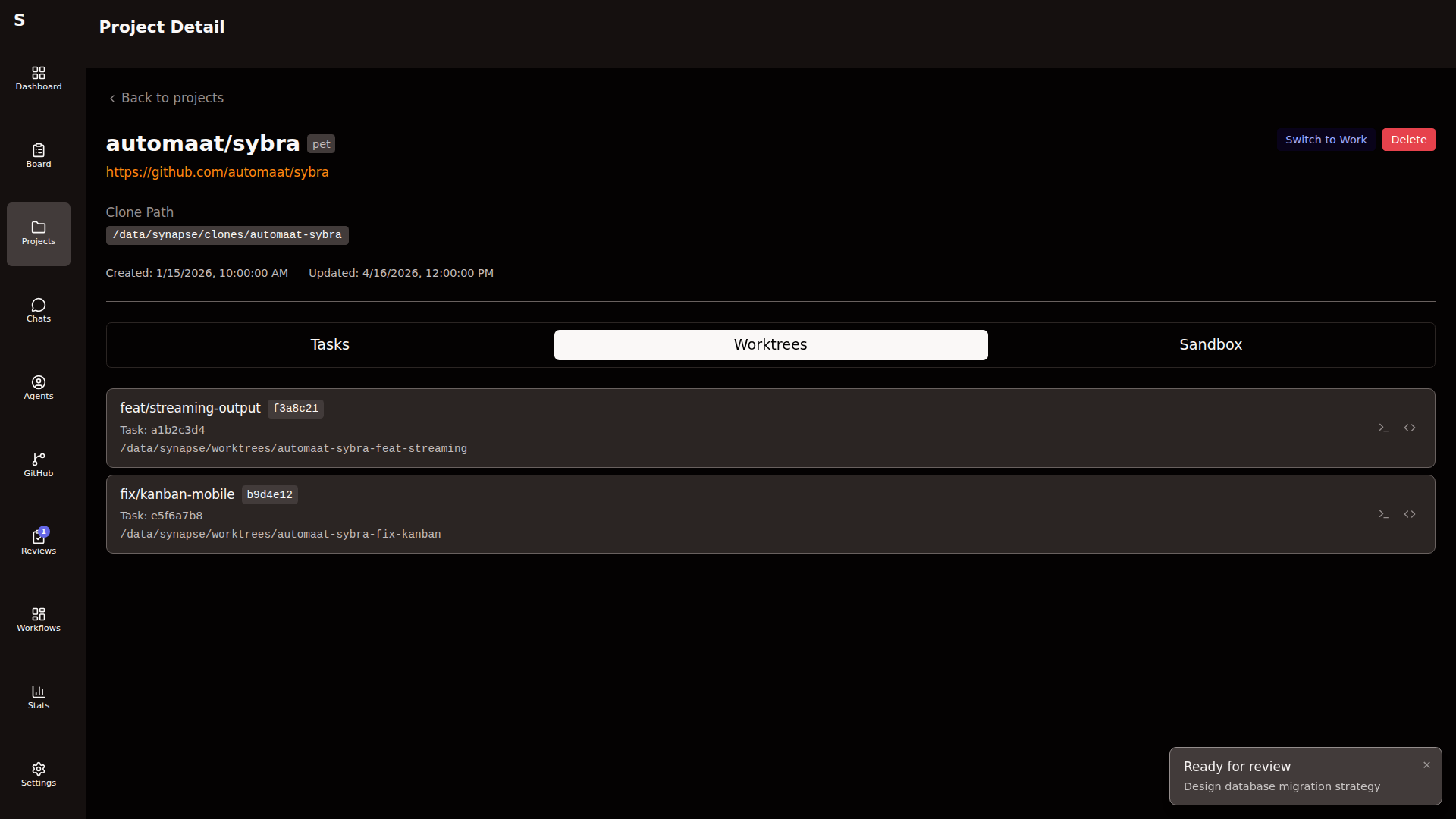
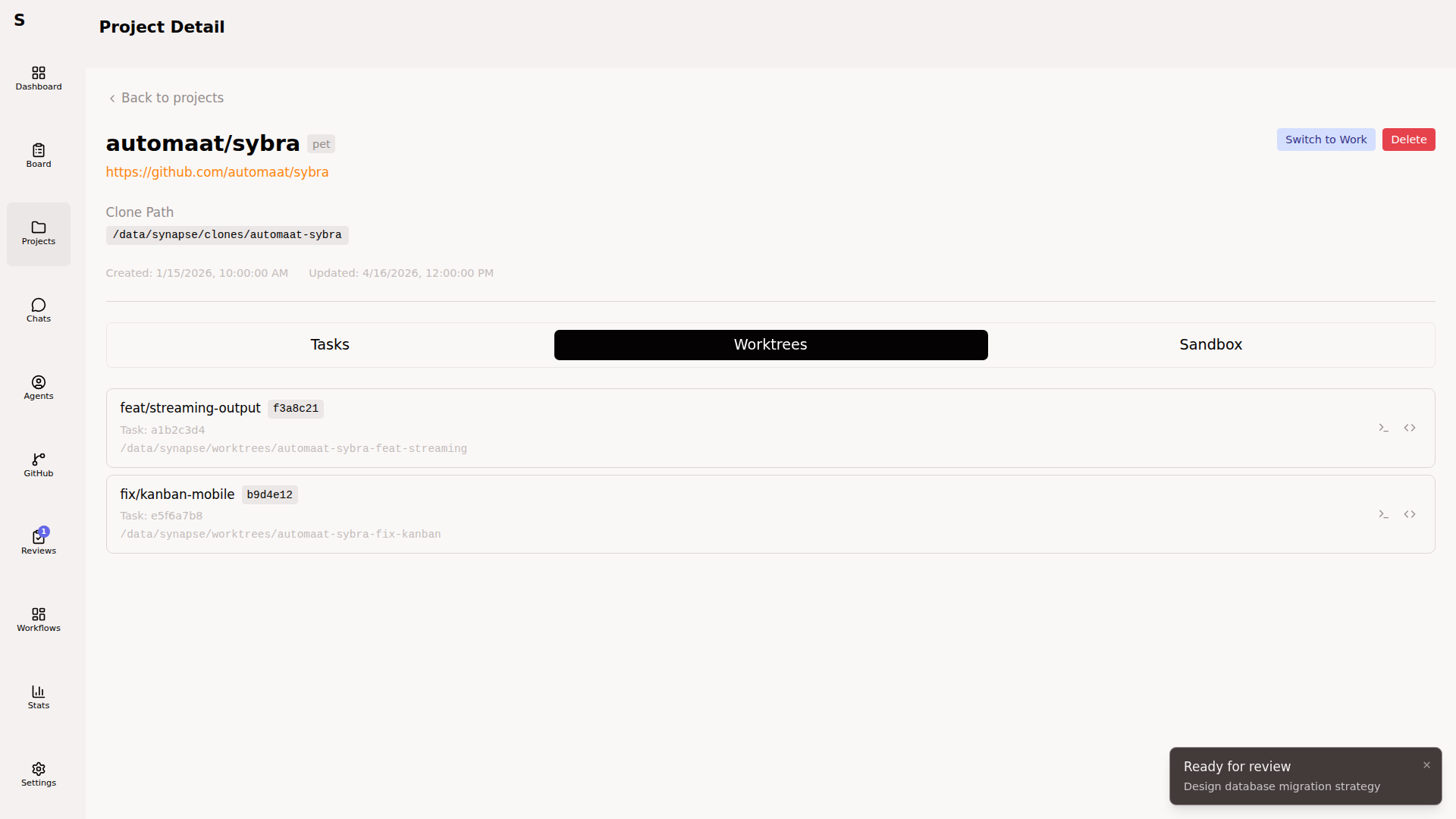
Every active worktree for this project. Each row shows:
- Task ID (click to open the task)
- Branch name
- Worktree path
- Open in terminal
- Open in editor
Worktrees are created on agent start and removed when an agent completes with no commits. You rarely need to touch this page — use it to dig into an agent’s work-in-progress or to recover from a crashed run.
Sandbox tab
Section titled “Sandbox tab”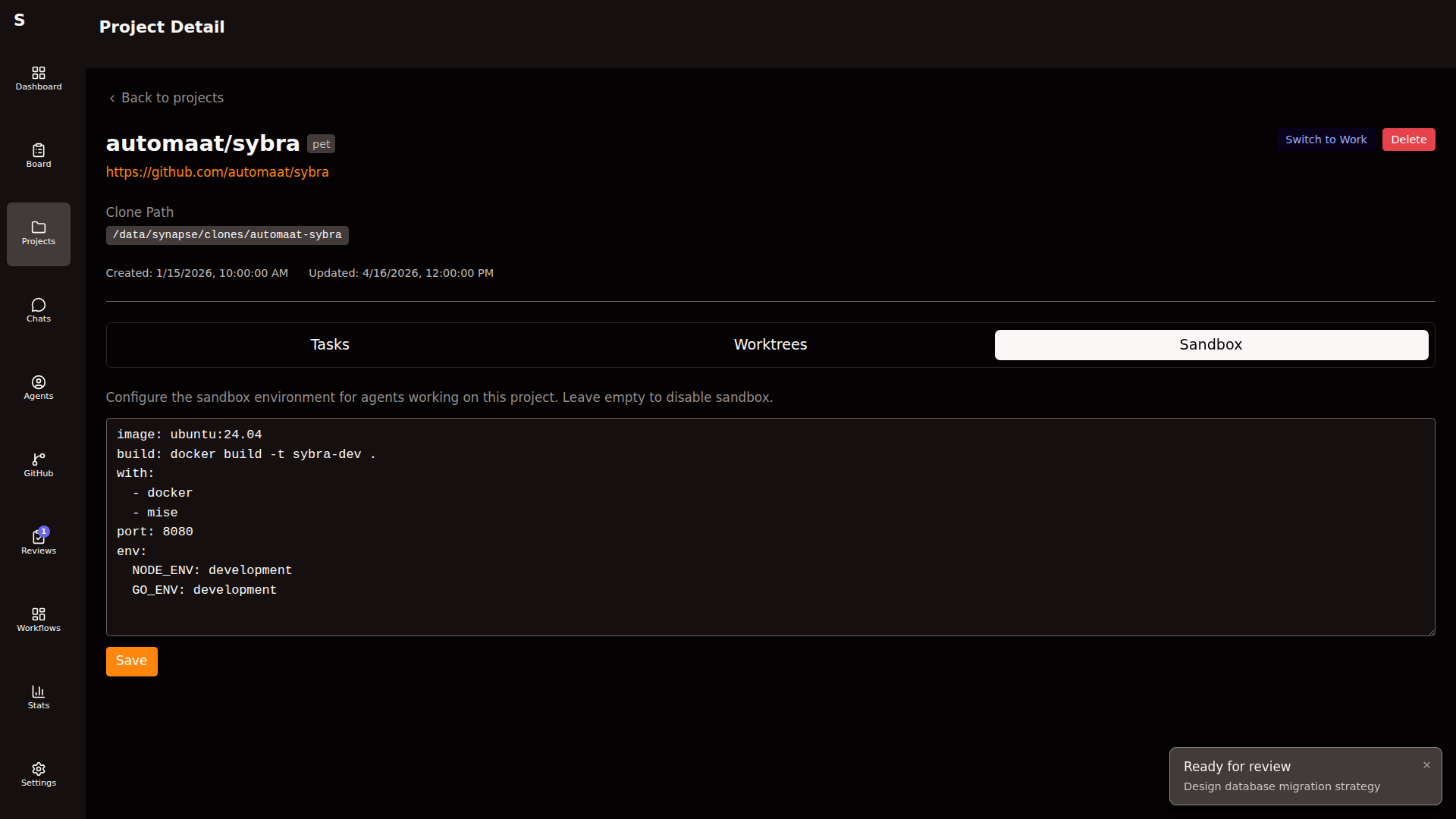
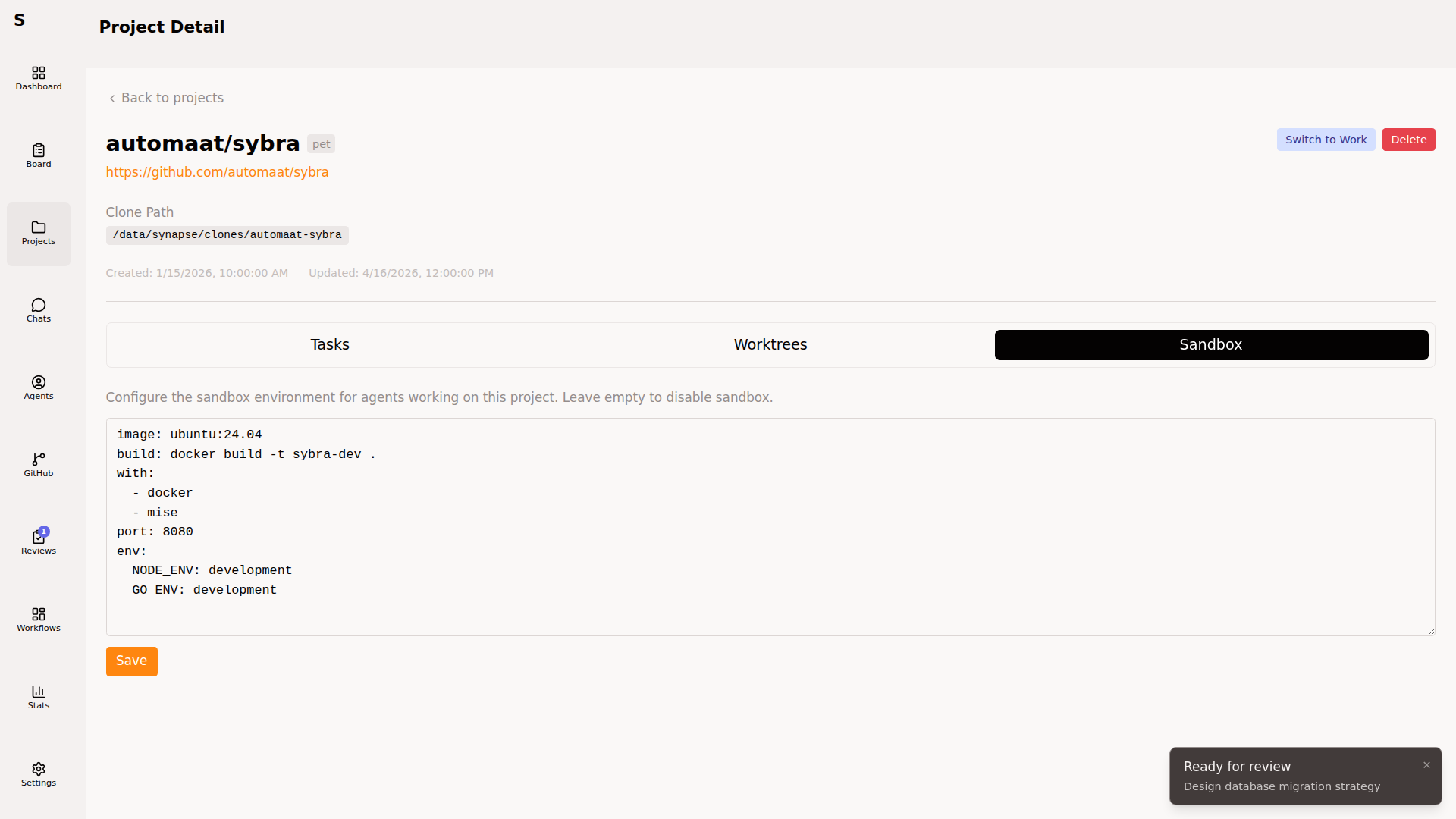
Per-project container limits and pre-installed features (used when agents run in sandboxed mode):
sandbox_config: memory_mb: 4096 cpus: 2 features: [docker, node, go]Features are shorthand for toolchains available in the sandbox image. Customize in ~/.sybra/projects/<owner>--<repo>.yaml.
Setup commands
Section titled “Setup commands”Run after worktree creation, before the agent starts:
setup_commands: - mise install - cd frontend && npm ci - go mod downloadOutput goes to the agent log. If any command fails (non-zero exit), Sybra aborts the run and marks the task human-required.
Keep these idempotent. They run every time an agent starts, including retries.
Per-machine routing
Section titled “Per-machine routing”The type field is the routing key. Machines declare what types they accept:
# ~/.sybra/config.yaml on the serverproject_types: [pet]
# ~/.sybra/config.yaml on the laptopproject_types: [work]
Empty project_types: [] means “all types”. See Orchestrator and automation → Per-machine routing.
Delete a project
Section titled “Delete a project”From the Projects page → Delete (confirm). Sybra removes the project descriptor YAML and the bare clone under ~/.sybra/clones/.
Running agents and on-disk worktrees are not cleaned up automatically. Stop agents from the Agents page and delete stray worktrees manually if you need a full reset.
Tasks tied to the deleted project keep their project_id field but lose the link. They’ll show up on the board without a project badge.
Rename a project
Section titled “Rename a project”GitHub repository renames break the id field. Fix in two steps:
-
In the project YAML, update
idandurlto the new values -
Update existing tasks that reference the old ID:
Terminal window sybra-cli list --json | \jq -r '.[] | select(.project_id == "Automaat/old") | .id' | \xargs -I{} sybra-cli update {} --project Automaat/new
Sybra does not auto-follow GitHub redirects. Manual fix is required.
All project actions are also available via the CLI:
sybra-cli project listsybra-cli project get <id>sybra-cli project create --url https://github.com/owner/repo --type petsybra-cli project delete owner/repoSee CLI reference.