
Run ad-hoc chats
Not every Claude Code session needs a task, a branch, or a PR. Chats are ephemeral sessions for quick questions, context exploration, and pair-programming.
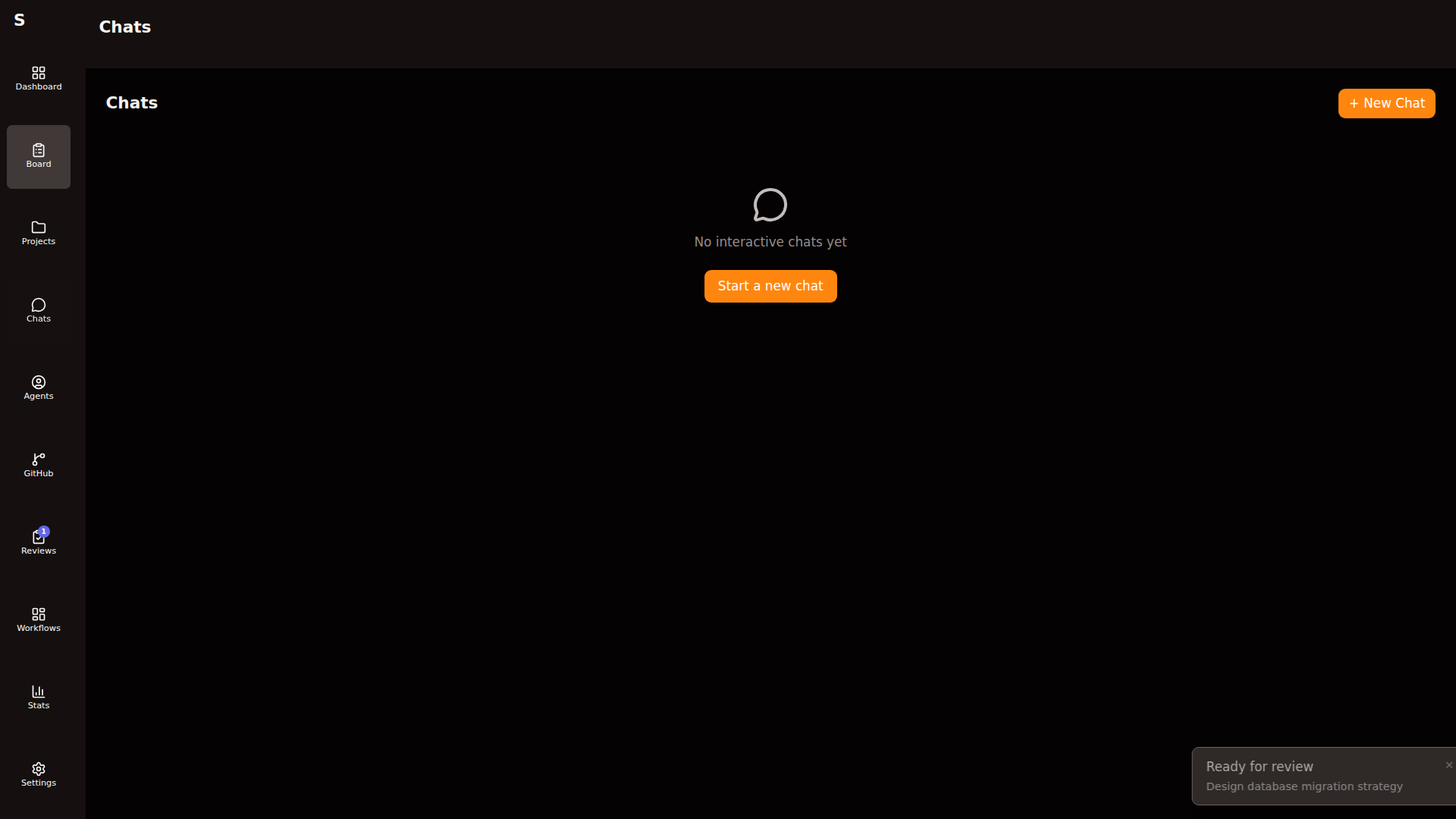
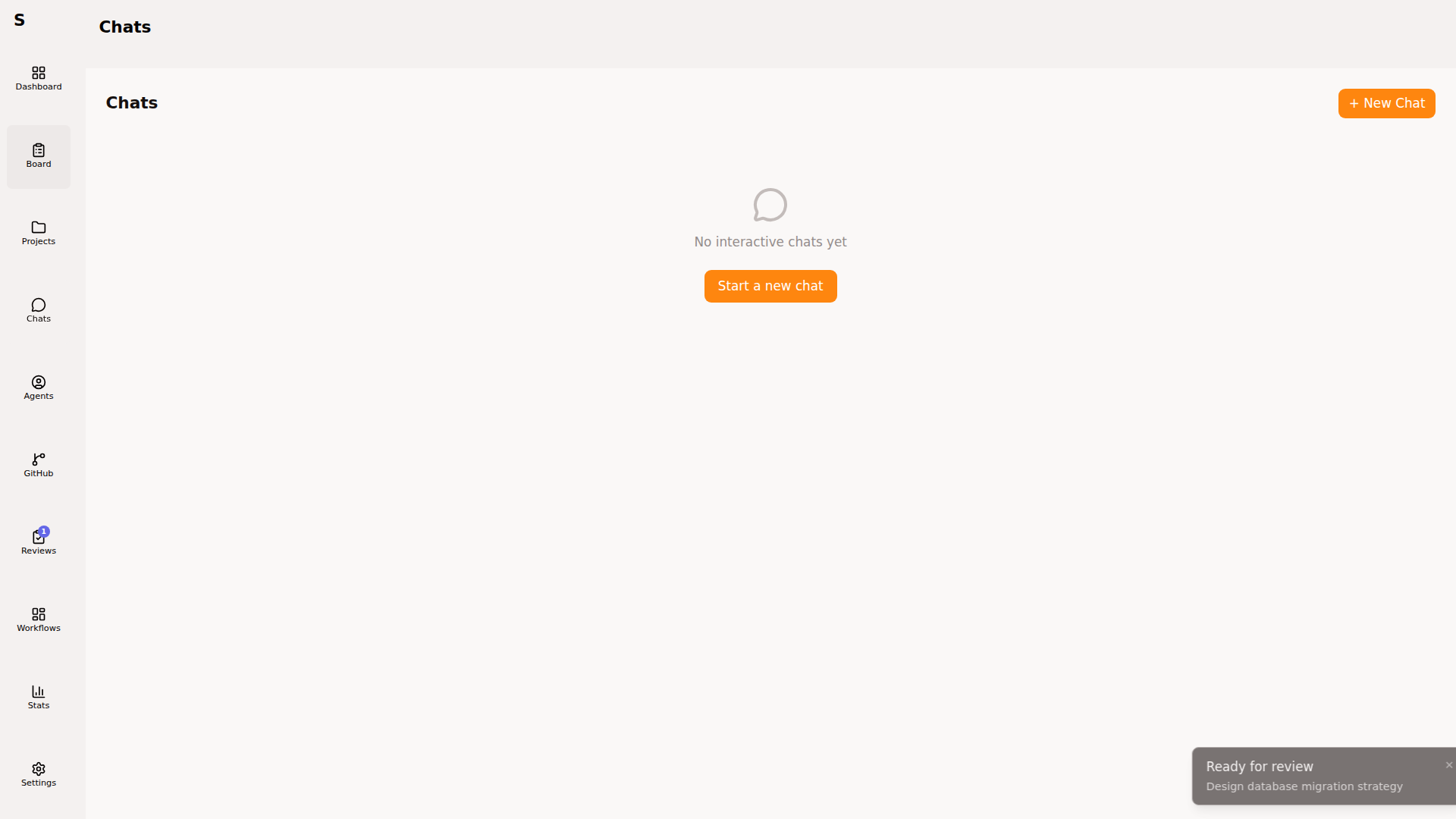
Start a chat
Section titled “Start a chat”Click New chat:
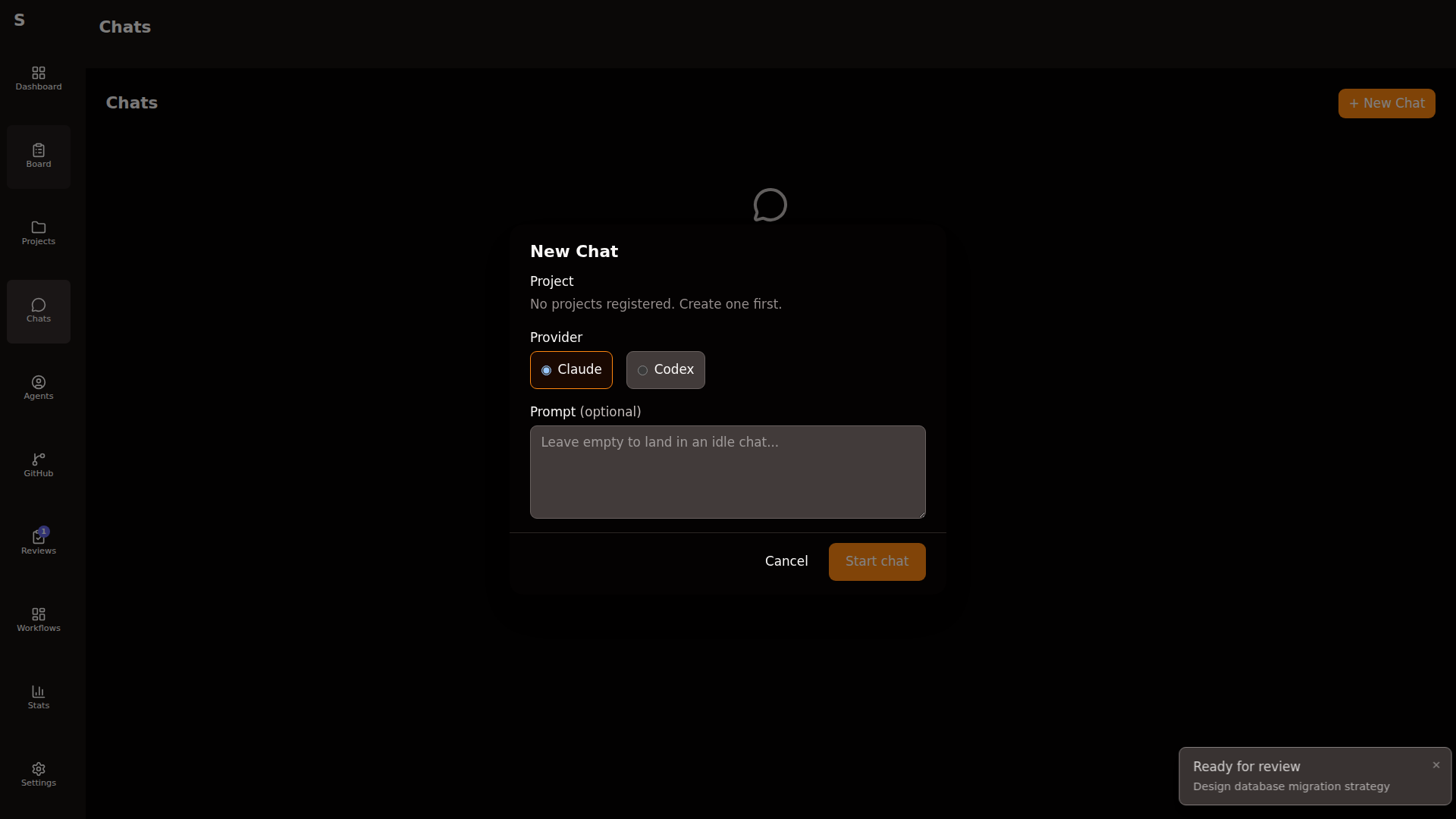
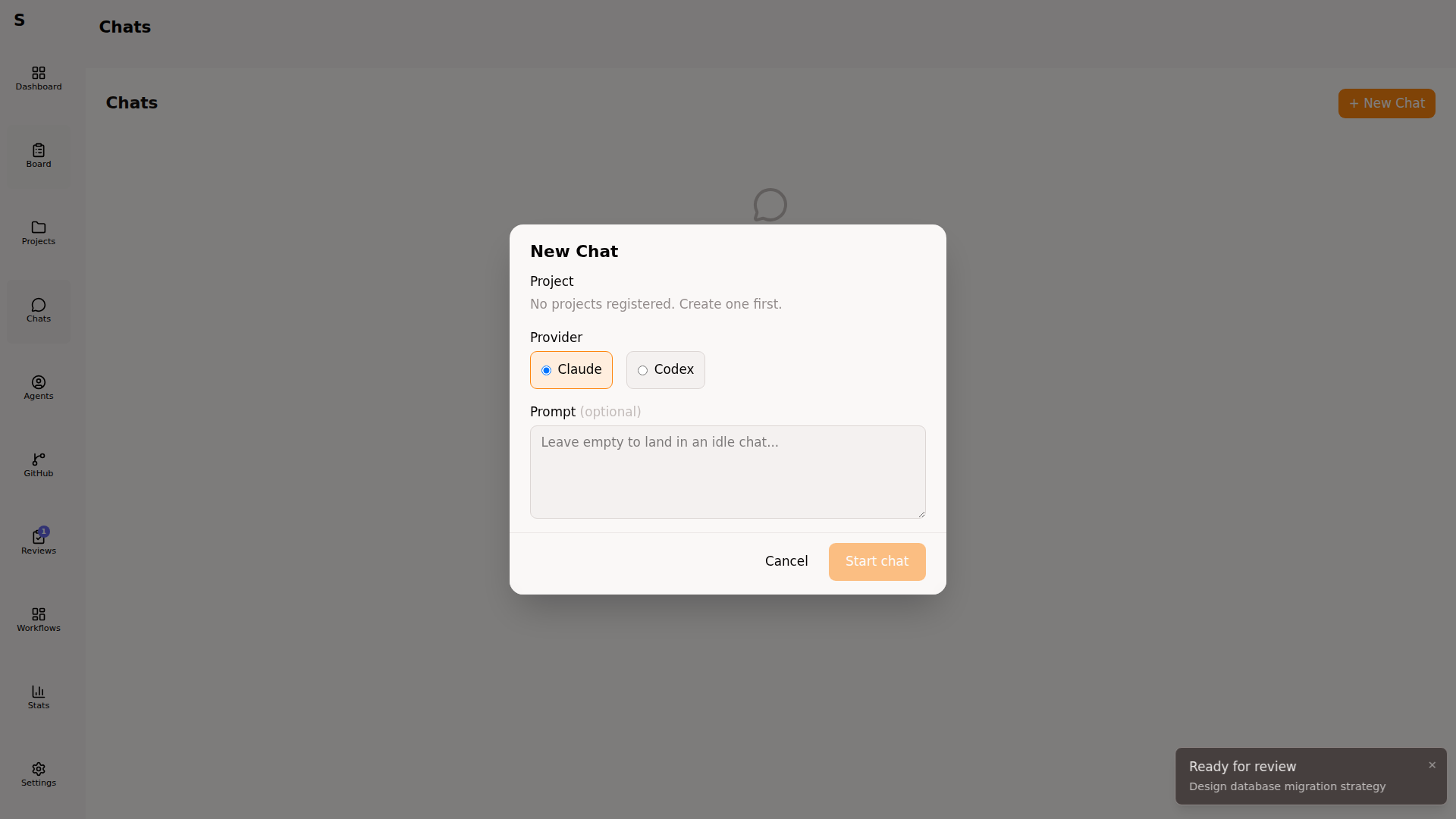
Fields:
- Project — scope the chat to one project’s worktree (optional)
- Allowed tools — same semantics as tasks
- Model — override the default model
Click Start. Sybra opens a new chat session and drops you into the conversation view.
Chat view
Section titled “Chat view”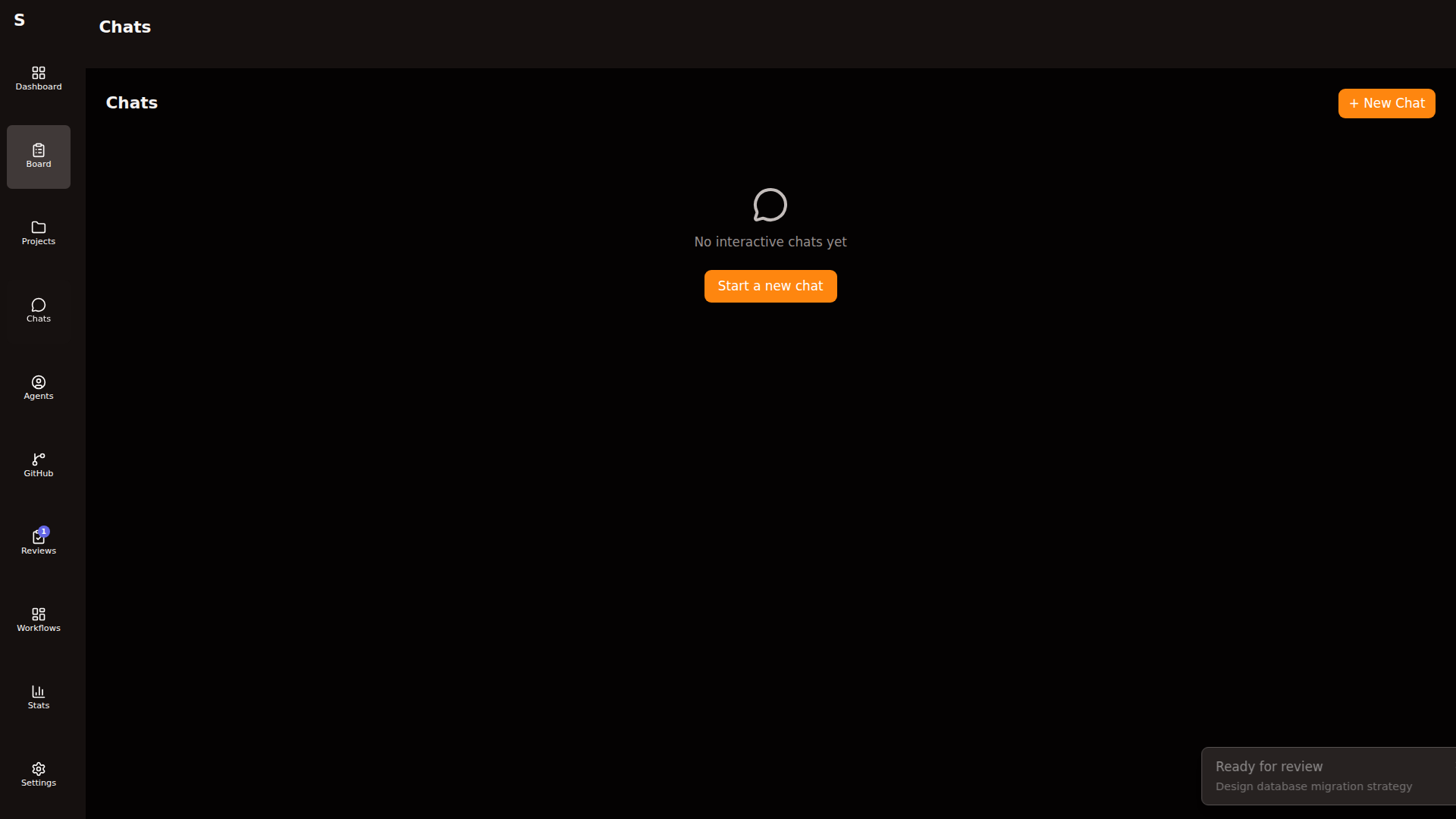
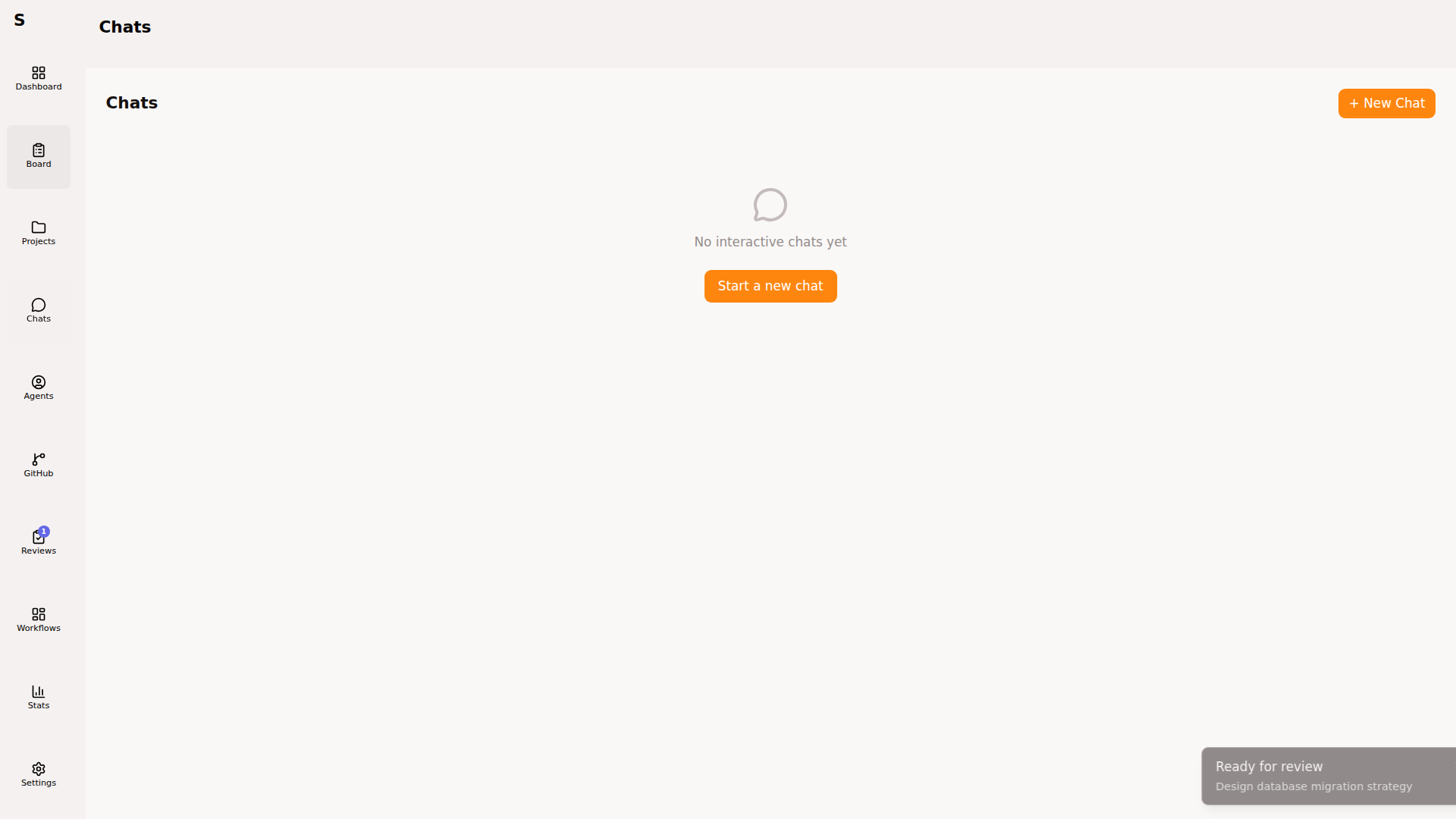
Same stream parser as regular agents. You see every tool call and its result. Type a message, press ⌘Enter.
Chats vs tasks
Section titled “Chats vs tasks”| Chat | Task | |
|---|---|---|
| Persistence | In-memory (discarded on restart unless saved) | Markdown file on disk |
| Branch | Optional (uses main by default) | Dedicated branch |
| PR | Never | Usually |
| Cost attribution | Per chat | Per task (with agent runs) |
| Orchestrator picks it up | No | Yes |
Use chats for:
- “Why is this test flaky?”
- “Explain this function”
- “Draft a migration without writing it”
- “Pair on a prototype that might not ship”
Use tasks for anything that ends in a PR or a real artifact.
Promote a chat to a task
Section titled “Promote a chat to a task”If a chat turns into real work, promote it:
- In the chat, click Convert to task
- Set title, tags, project
- Sybra creates a task with the chat transcript as the body, then stops the chat
The new task enters new and gets triaged normally.
Kill a chat
Section titled “Kill a chat”Click Stop on the chat detail view. The underlying Claude Code process is terminated. If you had allowed_tools: [] and the chat wrote files, those files are not rolled back — chats share whatever worktree you gave them.
Privacy
Section titled “Privacy”Chat transcripts live in memory only unless you convert to a task or manually save. Nothing is written to ~/.sybra/ by default.